Reolink Camera Upgrades: Will Your Existing NVR Work?
Match new cameras to your recorder before buying equipment.

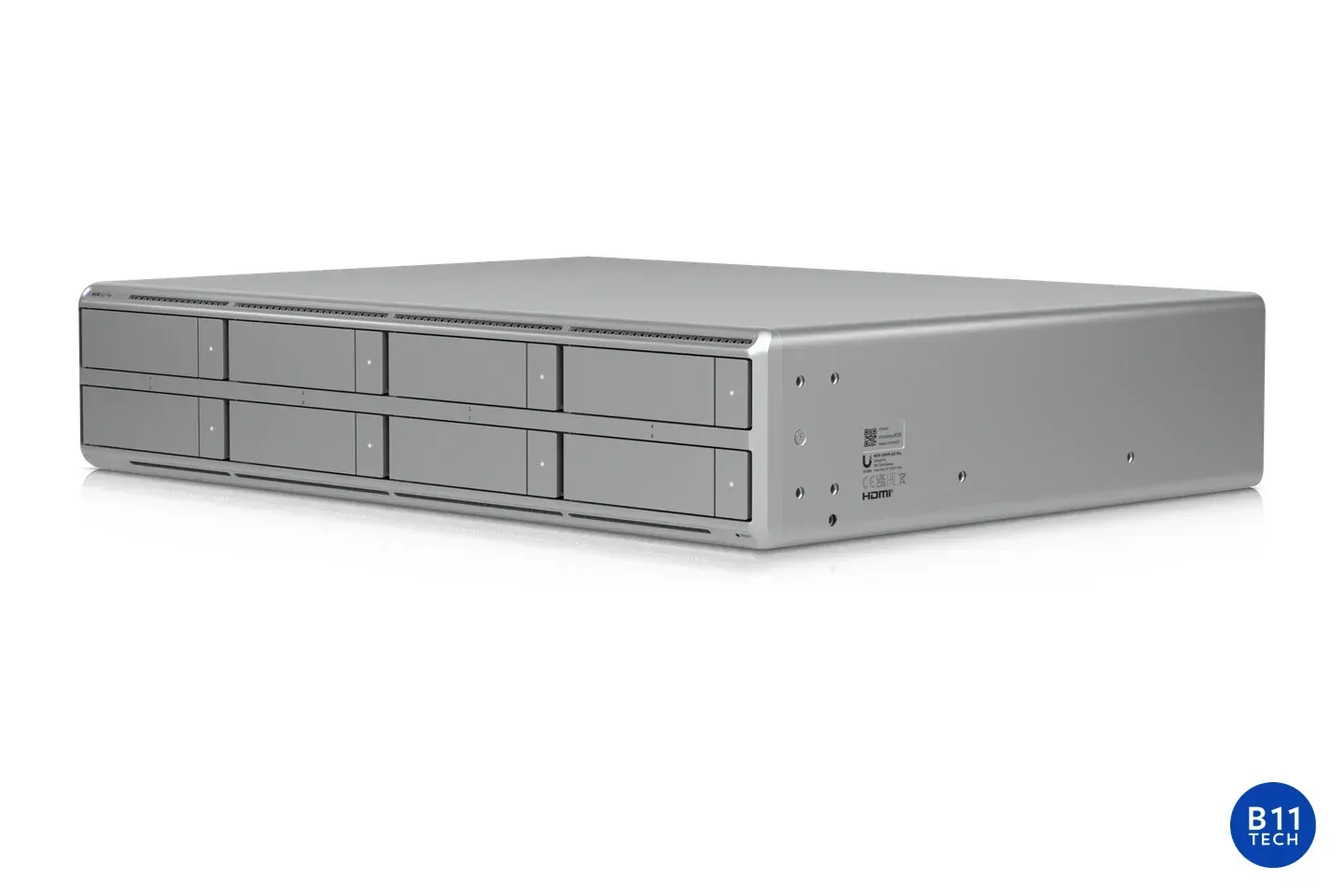
Keeping an existing recorder can make a Reolink camera upgrade more practical, but the brand name on the front is not enough to confirm compatibility. Before ordering a replacement camera for an Everett property or a home in Carnation, identify what the recorder can actually accept, display, and record.
Record the hardware revision, not just the model
Two recorders labeled RLN8-410 can have different capabilities. Reolink's hardware compatibility guide distinguishes revisions such as H3MB02, H3MB18, and N7MB01. For example, it lists the RLN8-410 H3MB02 for wired-powered cameras up to 5MP, with exclusions, and without smart person/vehicle detection support.
Collect the NVR model, hardware revision, installed firmware, and exact camera model. Some newer combinations support selected battery-powered cameras; that is not universal support for every battery camera or older recorder.
Separate connection from full-resolution operation
A camera appearing in the device list does not prove every viewing mode will work. Reolink's 12MP compatibility guidance treats the RLC-1212A and RLC-1224A differently from the RLC-1210A and RLC-1220A. For the first group, certain older NVR revisions may show a black screen in single-camera preview at the highest resolution, requiring a lower resolution setting.
Ask whether the proposed combination preserves the image settings and detection features you intend to use. Accepting reduced resolution should be an informed choice, not an installation-day surprise.
Count channels separately from sockets and lenses
Physical camera ports and recording channels are different resources. Reolink's Duo compatibility table lists the original Duo PoE and Duo WiFi as occupying two channels, while Duo 2 PoE and Duo 3 PoE occupy one. Do not apply a blanket two-channel rule to every dual-lens camera.
The manufacturer's capacity guidance also identifies power consumption, bandwidth, and storage as constraints. An unused Ethernet socket does not establish that the complete proposed camera mix is supported.
Make firmware changes deliberately
Firmware must match the exact hardware revision; Reolink warns that files for different revisions are not interchangeable. Preserve important recordings and document current settings before an approved change. Do not assume an update removes a documented hardware limit.
For acceptance, check single-camera and multi-camera views, recorded playback, expected detection events, timestamps, and a playable export. Test the intended configuration, not only a brief live image. Resolve conflicting compatibility information with Reolink before purchasing.
B11 Tech is a Reolink Certified Installer serving Greater Seattle. We can assess an existing recorder before recommending reuse or replacement. Review our home camera services and commercial camera installation, or request an upgrade assessment.