Ring Alarm Planning: Sensors, Modes, and Monitoring
Plan protection around your entrances, routines, and response needs.

A Ring Alarm plan should explain what happens when a door opens, someone walks through a room, or nobody answers an alert. Before counting devices, map entrances, normal routines, pets, and the people responsible for responding. A Seattle townhouse and a home near Monroe may need different layouts without needing different planning principles.
Give each sensor a specific job
A contact sensor detects separation between its sensor and magnet when a door or window opens. A motion detector uses passive infrared sensing to detect movement; it does not identify a person. Ring's sensor planning guide explains these different roles. A contact sensor is not a substitute for a glass-break sensor, which detects breaking glass. Choose coverage around the opening or room, not simply the number of devices in a kit.
Separate sensor range from camera Wi-Fi
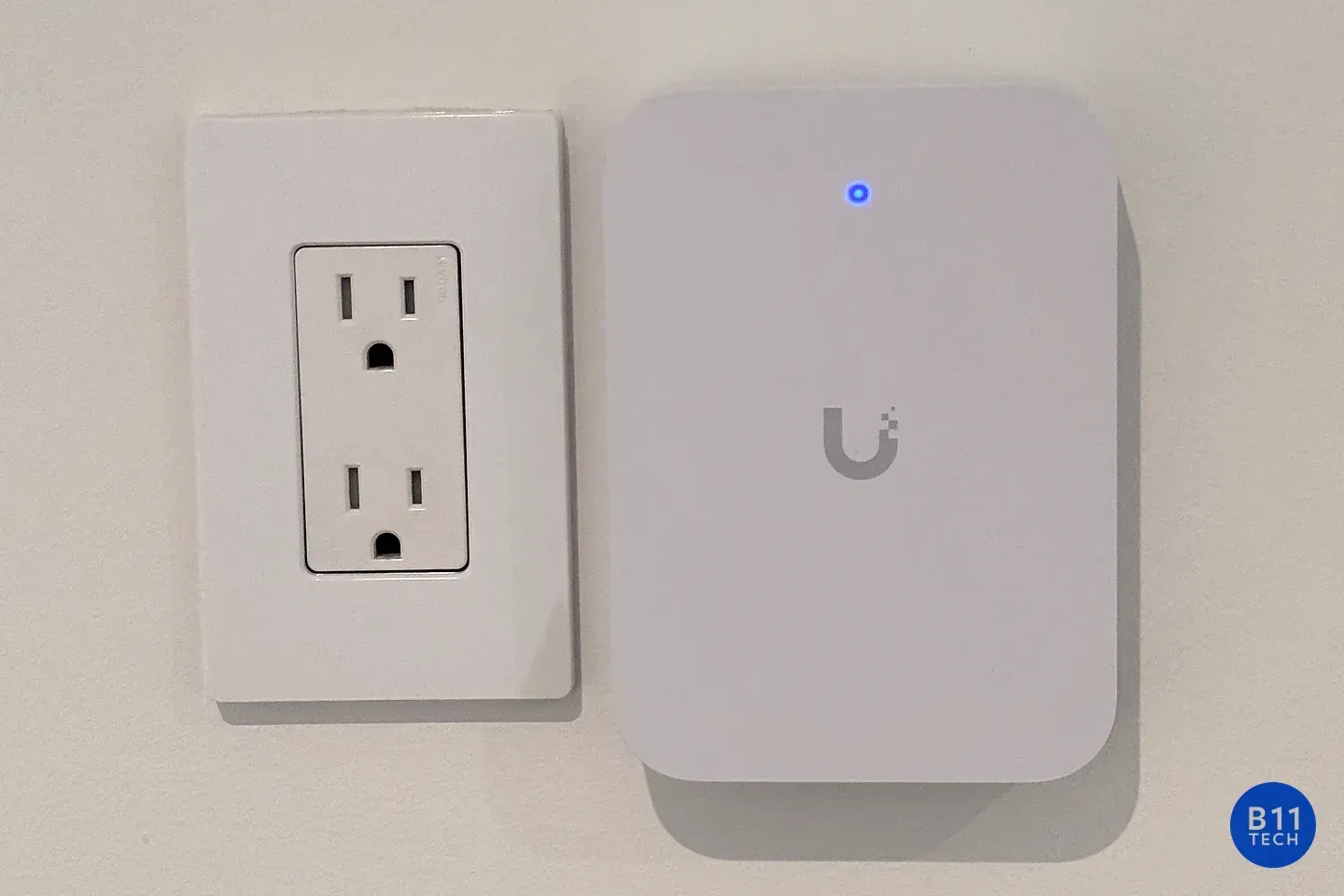
Ring Alarm sensors communicate with the Base Station over Z-Wave. The Alarm Range Extender extends that sensor network; it is not a Wi-Fi booster for cameras. Check communication at each proposed location before permanent mounting. Follow each device's environment restrictions rather than assuming an indoor sensor can protect a detached shed.
Make modes match daily routines
Decide which sensors should be active while people are home and which should activate when everyone leaves. Ring states that Motion Detectors default to Away mode. Entryway and Room placement settings also differ in entry-delay behavior. Review those choices with the actual route to the keypad.
Mounting height varies by detector generation. Avoid heat sources and windows in the detector's view, and test placement with pets present. Sensitivity adjustments are not a guarantee against false alarms.
Choose who responds, then verify activation
Self-monitoring leaves the emergency-response call with you. Professional monitoring requires a compatible Ring subscription and completed enrollment; buying or installing equipment does not activate it. Confirm the address, emergency contacts, verbal password, and current permit requirements. Digital arming and certain app features also require a compatible subscription.
Follow the provider's practice or testing procedure rather than triggering a live dispatch to test installation. Confirm monitoring status afterward. Commercial eligibility needs separate review: Ring excludes smoke and carbon monoxide monitoring at business or commercially zoned addresses.
Know B11's role
B11 Tech is a Ring Certified Installer. We plan, install, configure, and test approved equipment and can assist with monitoring activation. Monitoring and dispatch follow the selected provider agreement and response procedures; installation alone does not activate monitoring.
Explore home alarm installation or commercial alarm setup, then schedule a consultation to review coverage, daily use, and responsibilities.