Security Camera Privacy: Local, Hybrid, or Cloud?
Choose where your footage lives and who can access it.

Security camera privacy is not settled by choosing a recorder instead of a subscription. A useful comparison asks where footage resides, how it reaches your screen, and who can authorize access. For a home in Bothell or a business in Renton, those are separate decisions, not interchangeable product labels.
Local recording: on-site does not mean isolated
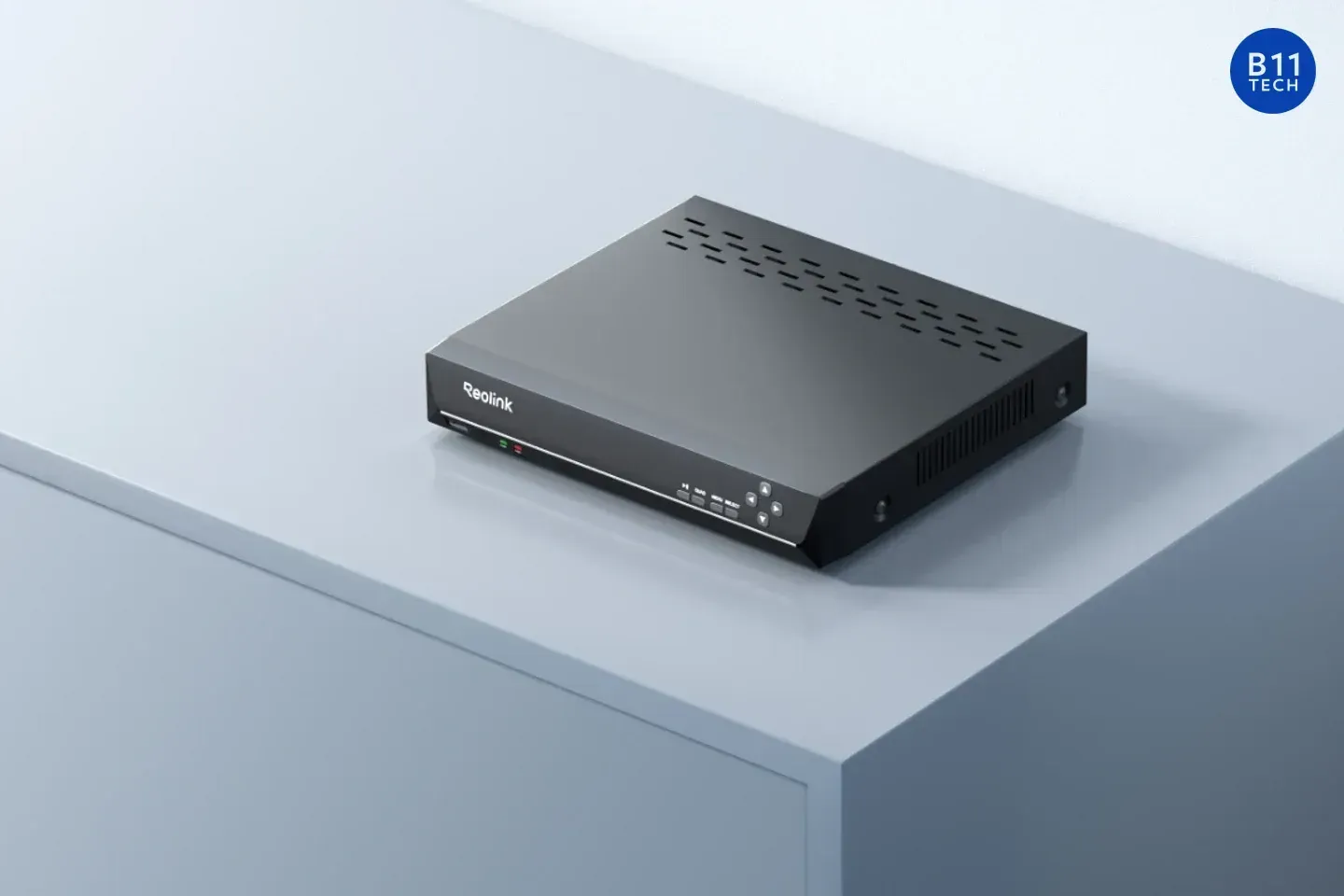
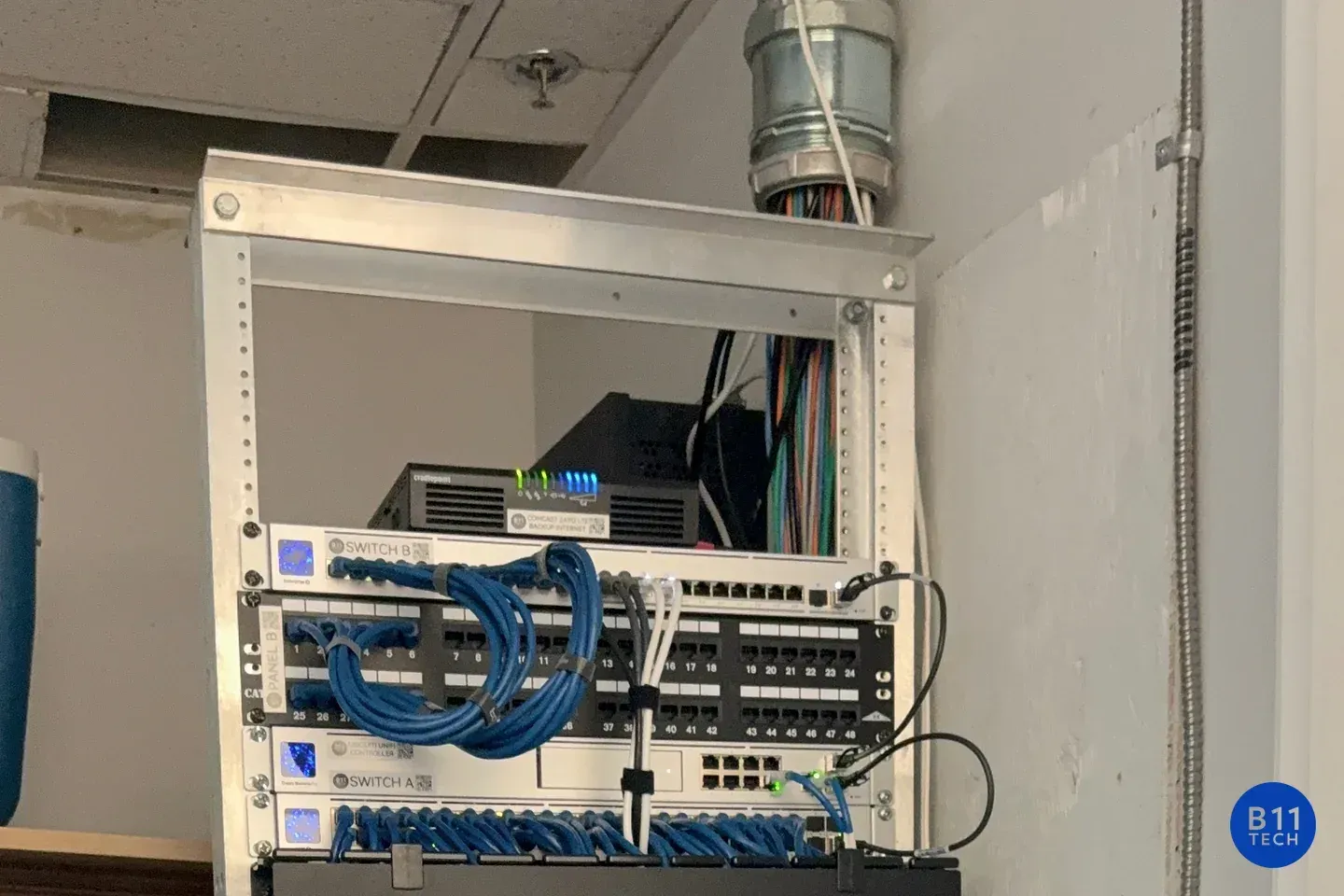
A local system stores footage on equipment at the property, such as a network video recorder. That describes the recording destination, not whether the system connects to online services. Ubiquiti, for example, documents local Protect recording and an encrypted remote-viewing connection, with no cloud video backup by default. Watching that recorder from your phone does not, by itself, create an off-site recording copy.
Physical security, user permissions, updates, and account recovery still need attention. Ask separately about account, device-status, and notification data; recording location does not answer every privacy question.
Hybrid: define what actually leaves the property
For planning purposes, distinguish local recording with remote access from local recording plus cloud copies. Both may be marketed as hybrid, but only the second explicitly adds another storage destination. Protect's archiving documentation lists destinations including Google Drive, OneDrive, and Dropbox.
Specify which footage will be copied, who owns the destination account, and who can share or delete it. An archive introduces another permission boundary. Do not assume deleting the recorder's copy also removes exports or independently stored archives.
Cloud: examine access, not just encryption claims
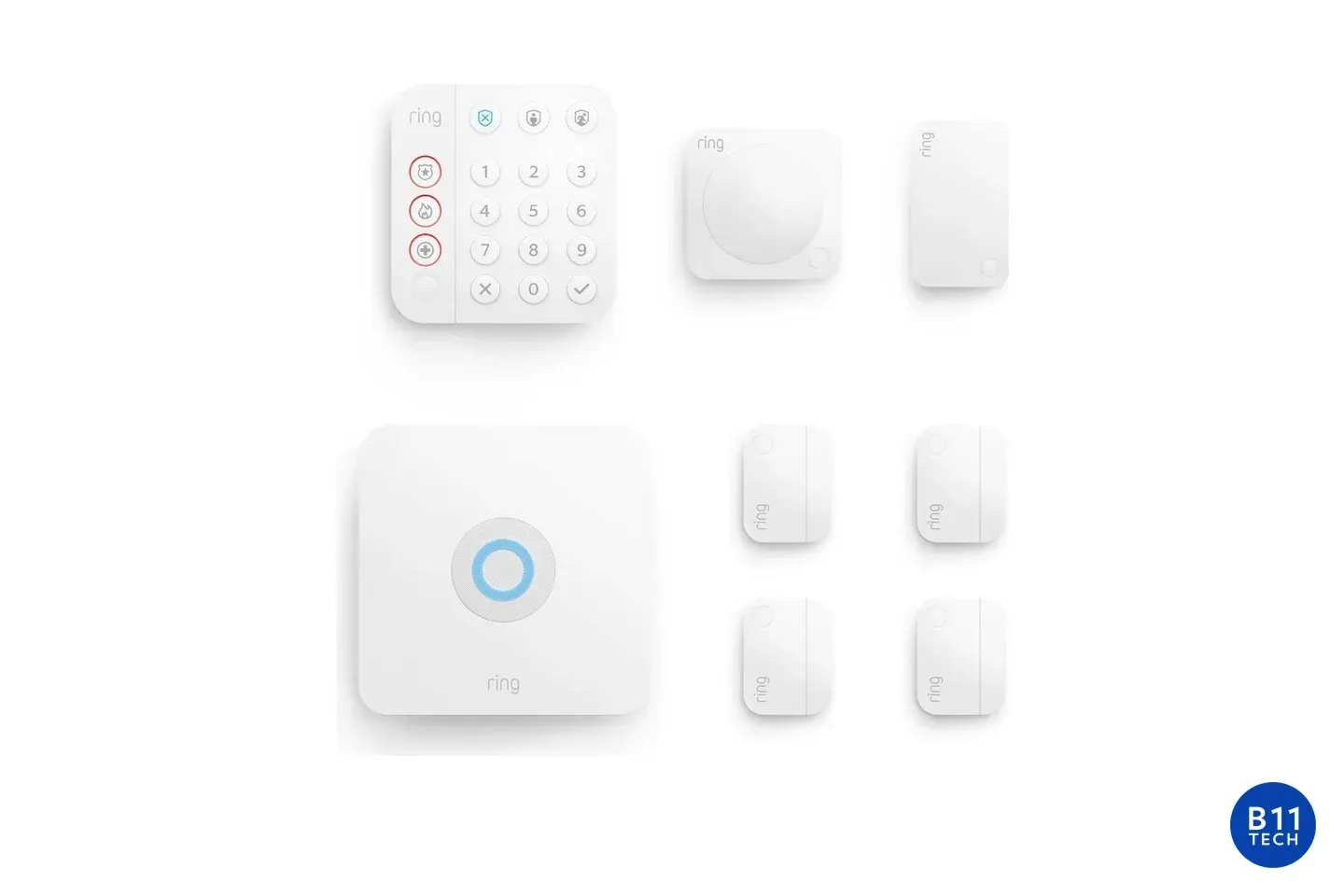
Cloud recording stores footage on the provider's infrastructure. Review subscription conditions, deletion controls, and sharing behavior. Ring's storage guidance warns that shared video links may remain available after the original event is deleted from the app.
Encryption in transit protects a connection; encryption at rest protects stored data. Neither phrase alone establishes who controls decryption. Ring offers optional end-to-end encryption for supported cameras, with viewing limited to enrolled mobile devices and feature tradeoffs, including unavailable Shared Users and ring.com viewing. Check the current compatibility list rather than assuming every camera behaves identically.
Agree on a privacy handoff
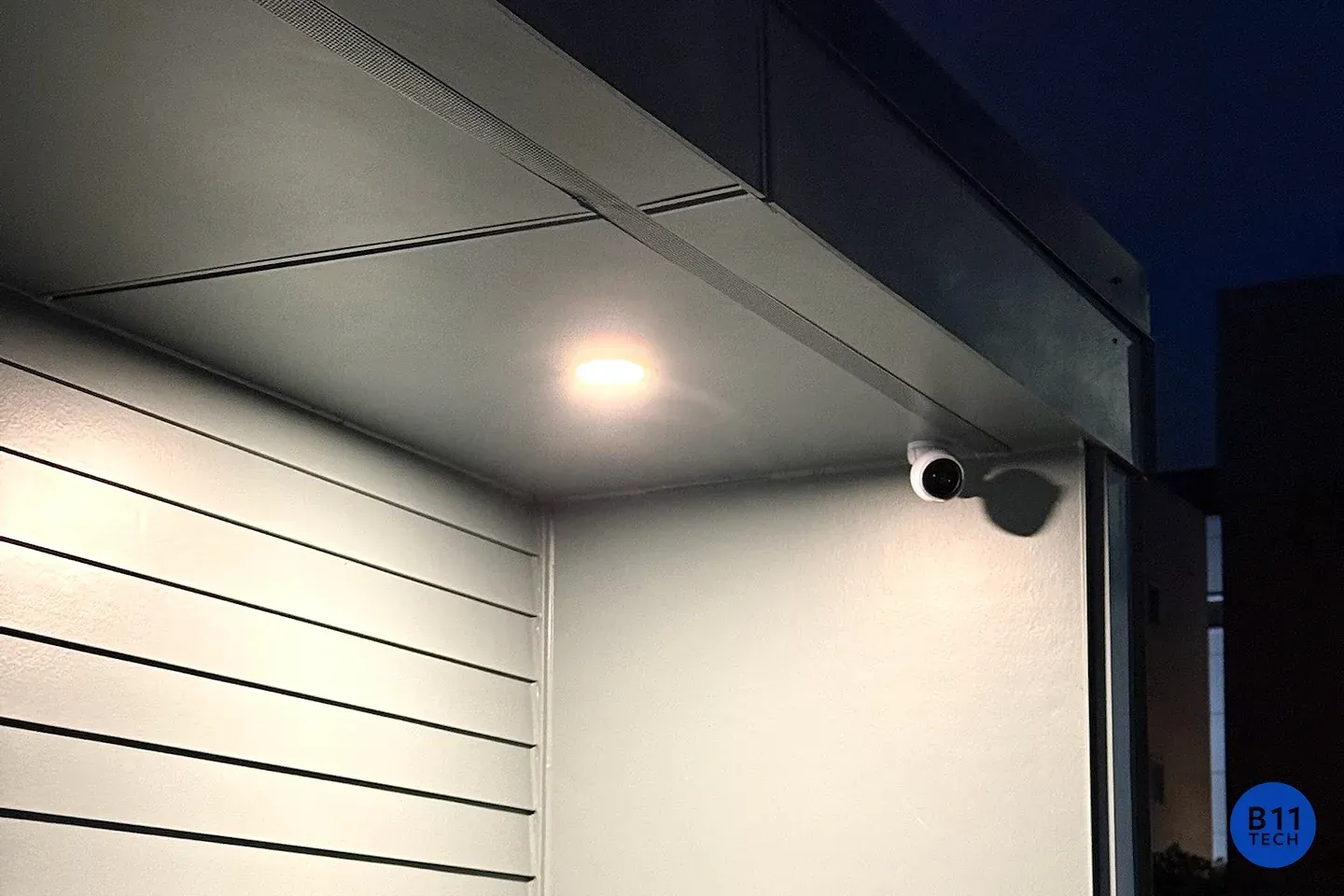
Before installation, decide who owns the accounts, who needs viewing versus administrative access, whether audio is necessary, and how exported clips will be handled. Review camera angles to avoid unnecessary coverage of neighboring private spaces. No storage architecture guarantees privacy; configuration and everyday handling matter.
With 15 years of experience since 2011, B11 Tech helps customers from Renton to Marysville compare these choices. Explore our residential camera installation and commercial camera services, or schedule a consultation to define your access and privacy priorities.