Before adding more Eero units, look at the connection between them.

By B11 Tech Solutions
When a room has unreliable Wi-Fi, another mesh unit can seem like the obvious answer. First consider how that unit will connect to the rest of the network. A weak wireless path between nodes can remain a limitation even when a phone shows a strong nearby signal.
Eero wired backhaul uses Ethernet between compatible units. It does not replace good placement or guarantee a particular speed. It changes one important part of the design: how traffic travels back toward the gateway.
Confirm what your Eero models support.
Eero supports Ethernet connections between compatible units, as explained in its wired-connection guide. Check exact models and available ports before planning a cable run. Do not assume every device in a mixed system has the same capabilities.
Write down the equipment, internet-service handoff, and locations where performance matters. A detached workspace, upstairs office, and media area may present different placement and cable-access constraints.
Keep the network topology clear.
Eero's topology examples place the gateway upstream of other Eero devices. In a typical arrangement, the modem or internet handoff connects to the gateway Eero, then a switch serves additional wired devices and Eero units downstream. The exact design depends on the existing router and service configuration.
Wall jacks do not tell you how cables are connected. Identify where they terminate, whether the links are usable, and whether existing equipment creates a second routing layer. Understand the current design before moving cables or changing router settings.
Plan around the property.
In a finished property in Kenmore, Lynnwood, or Mill Creek, access may matter more than straight-line distance. Review existing pathways, patch-panel locations, wall construction, power, and ventilation. Agree on visible finishes before work begins.
- Identify rooms and devices needing better service.
- Test existing links rather than assuming every jack is active.
- Choose locations for coverage, not simply convenient outlets.
- Label connections and record the finished layout.
Measure where you use it.
Compare the same device in the same locations, with similar network activity. Test a real video call or file transfer as well as a speed test. If the internet service itself is the limit, changing backhaul will not increase the purchased connection speed.
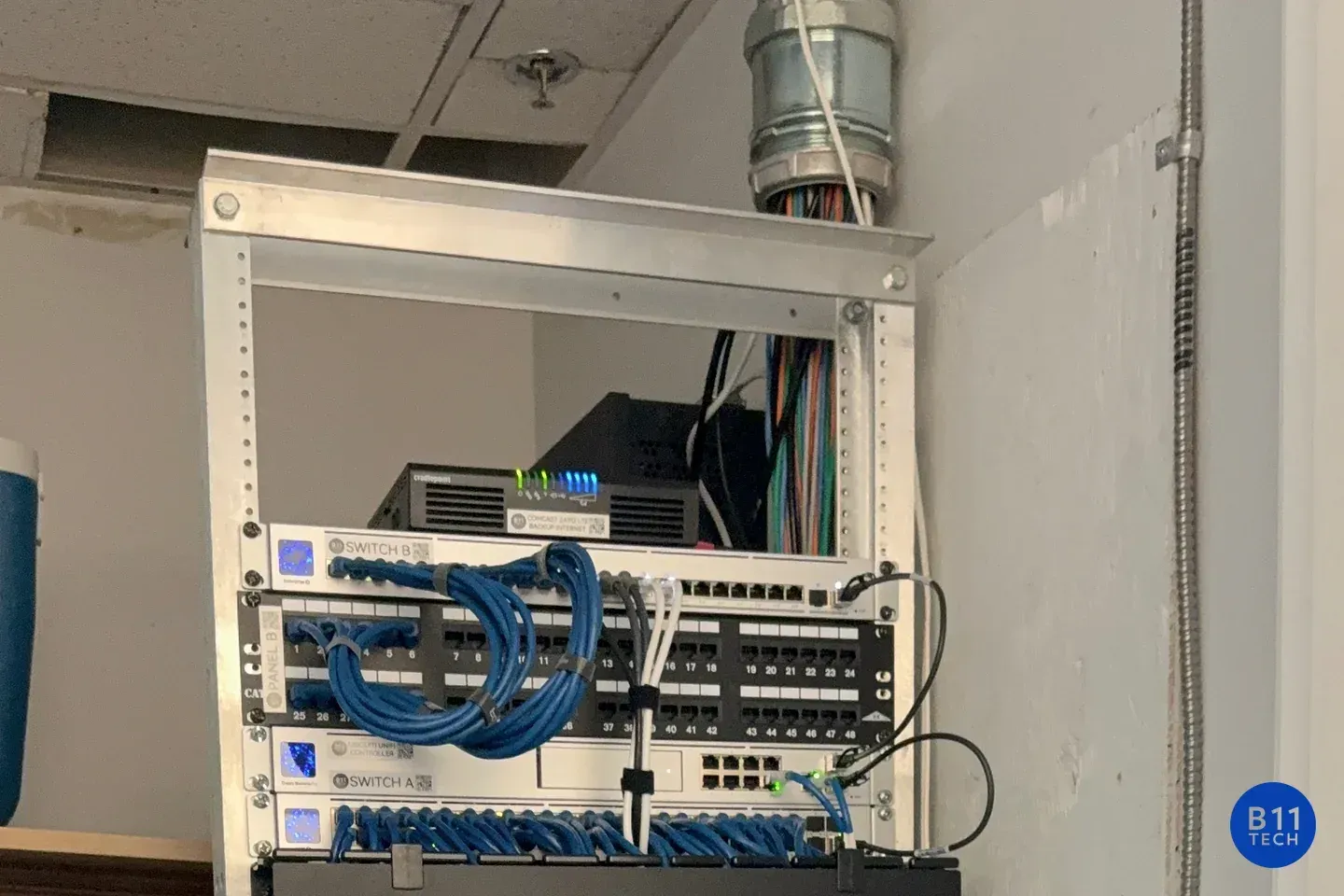
The photograph shows cabling infrastructure, not an Eero-branded installation. B11 Tech can evaluate Wi-Fi coverage and the practicality of adding Ethernet in a finished property. Tell us where the connection falls short before buying more equipment.