
Why Security Camera Images Look Blurry at Night

A camera can look sharp at lunchtime and provide disappointing detail after dark. Before replacing it with a higher-resolution model, examine the lighting, lens condition and mounting position. Useful nighttime footage depends on more than the number of pixels.

Describe the image problem precisely

Is the entire scene hazy, is one area washed out, or does a moving subject become difficult to recognize? Check a live view and a recording from the same period. Note when the problem starts and whether it coincides with darkness, moisture or a change in lighting.

Keep examples private and limit them to the area needed for diagnosis. Do not post identifiable visitors, neighboring windows or customer activity publicly to ask for troubleshooting help.

Nearby surfaces can interfere with infrared illumination

Ubiquiti's UniFi Protect night-mode guidance identifies reflections from nearby walls and ceilings as a cause of glare. It also discusses residue and moisture on lens covers. The specific mounting and cleaning guidance should be checked for the camera model rather than applied indiscriminately to every brand.

Technical reference: Ubiquiti

Inspect safely and use model-appropriate care

Look for accessible dirt, fingerprints, cobwebs or nearby reflective surfaces. Follow the manufacturer's instructions for cleaning and avoid abrasive materials or unapproved chemicals. Leave high-mounted cameras to an installer with appropriate access equipment.

If the image changes after cleaning, document the difference. If it does not, that is useful information too. Do not adjust several settings and move the camera at the same time, or it will be difficult to identify which change helped.

Test the job the camera is meant to do

Agree on the purpose of each view: observing an entrance, understanding activity or capturing useful detail at a particular location. During an authorized test, check the scene under the lighting normally present at night, including movement where relevant.

A brighter static image is not automatically a better result for every task. Discuss positioning, illumination and camera suitability together before deciding that a resolution upgrade is the answer.

Camera assessment in nearby communities

B11 Tech can assess camera installation and image-quality concerns in Everett, Marysville, Snohomish and the surrounding service area. Tell us the camera brand, model, intended view and when the image becomes difficult to use. We can help determine whether maintenance, repositioning or a planned upgrade is the next step.
Related services and guidance

Request a camera image-quality assessment

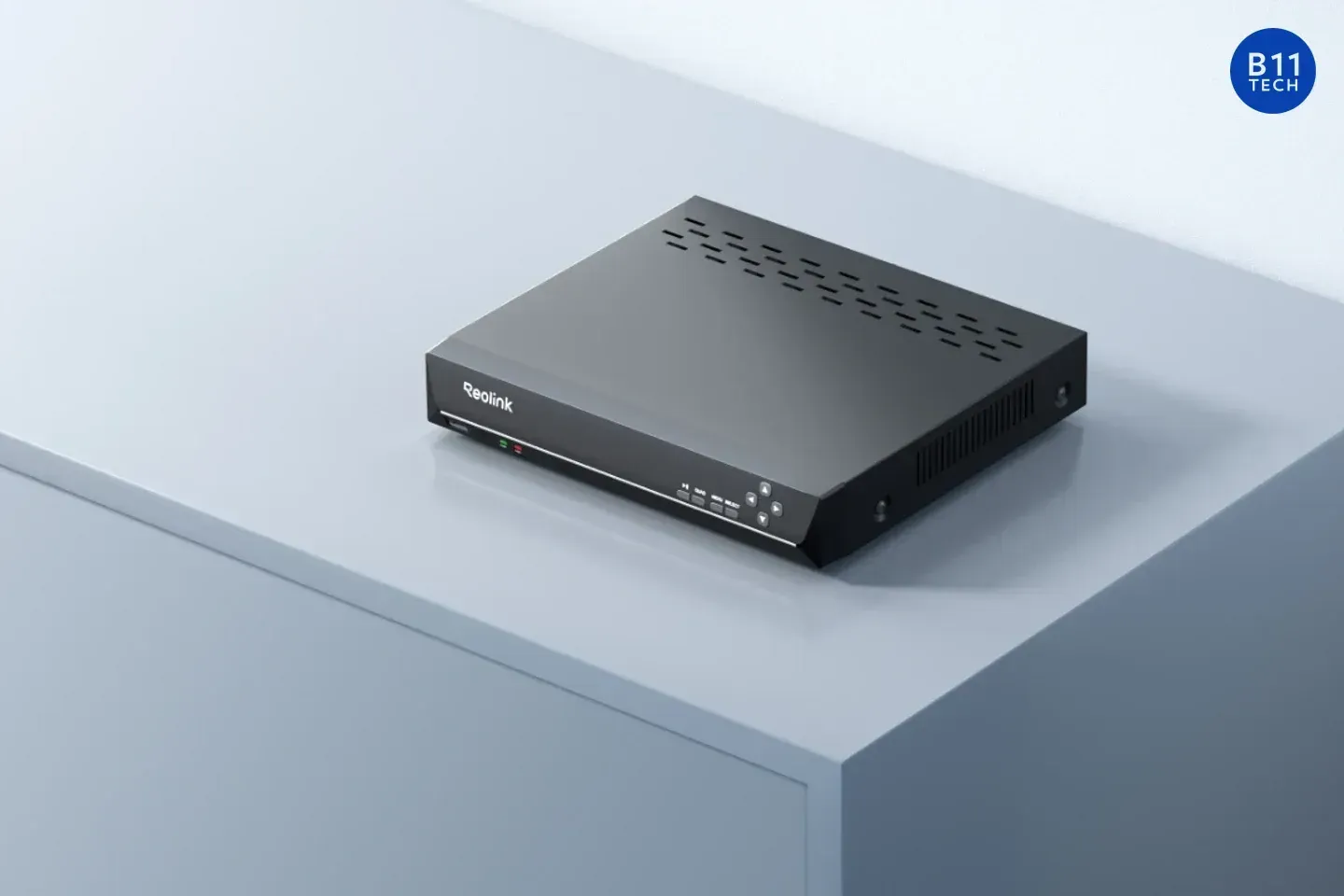
Reolink RLN8-410 recorder with a camera and monitor in a manufacturer product image, with a B11 Tech watermark.
October 30, 2026
Check Reolink NVR hardware revisions, firmware, resolution limits, and camera channels before upgrading an existing system with B11 Tech.
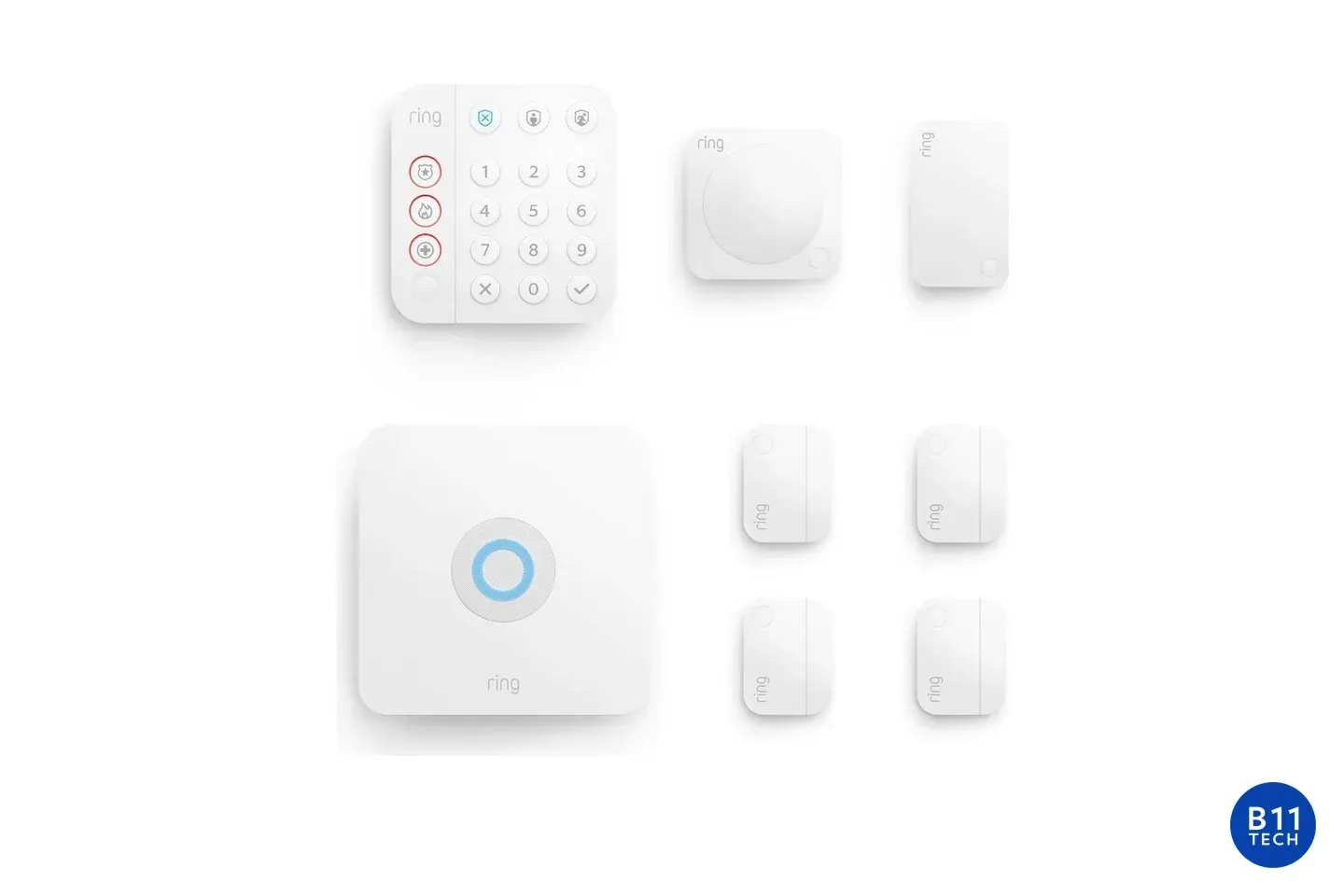
Ring Alarm eight-piece kit with a Base Station, keypad, sensors, and range extender, with a B11 Tech watermark.
October 30, 2026
Plan Ring Alarm sensors, Z-Wave coverage, daily modes, and optional professional monitoring. B11 Tech installs and configures; monitoring is separate.
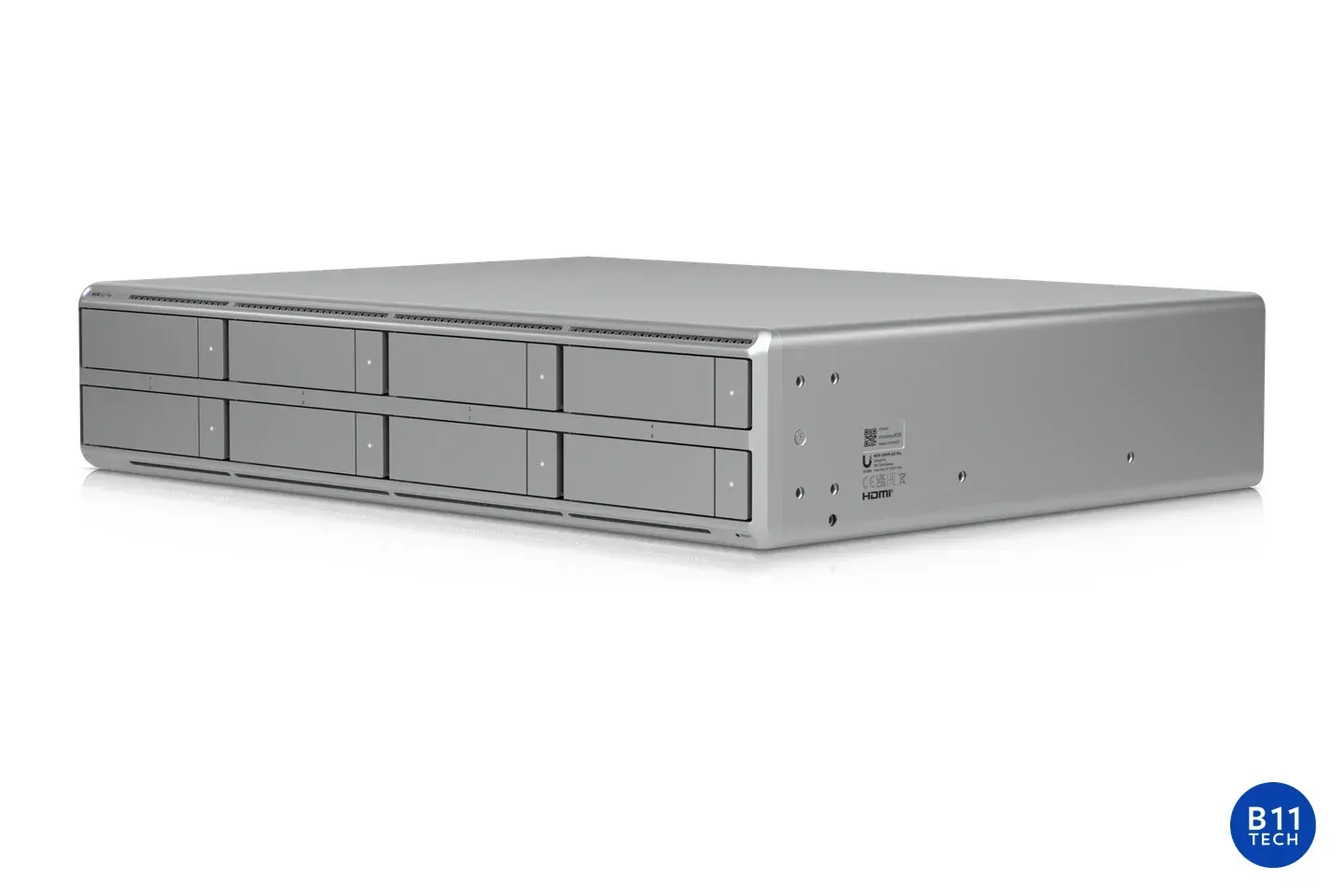
Ubiquiti UNVR G2 Pro recorder, shown for local security-camera storage planning, with a small B11 Tech watermark.
October 30, 2026
Compare local, hybrid, and cloud camera privacy, including remote access, encryption, sharing, and account control with B11 Tech in Greater Seattle.
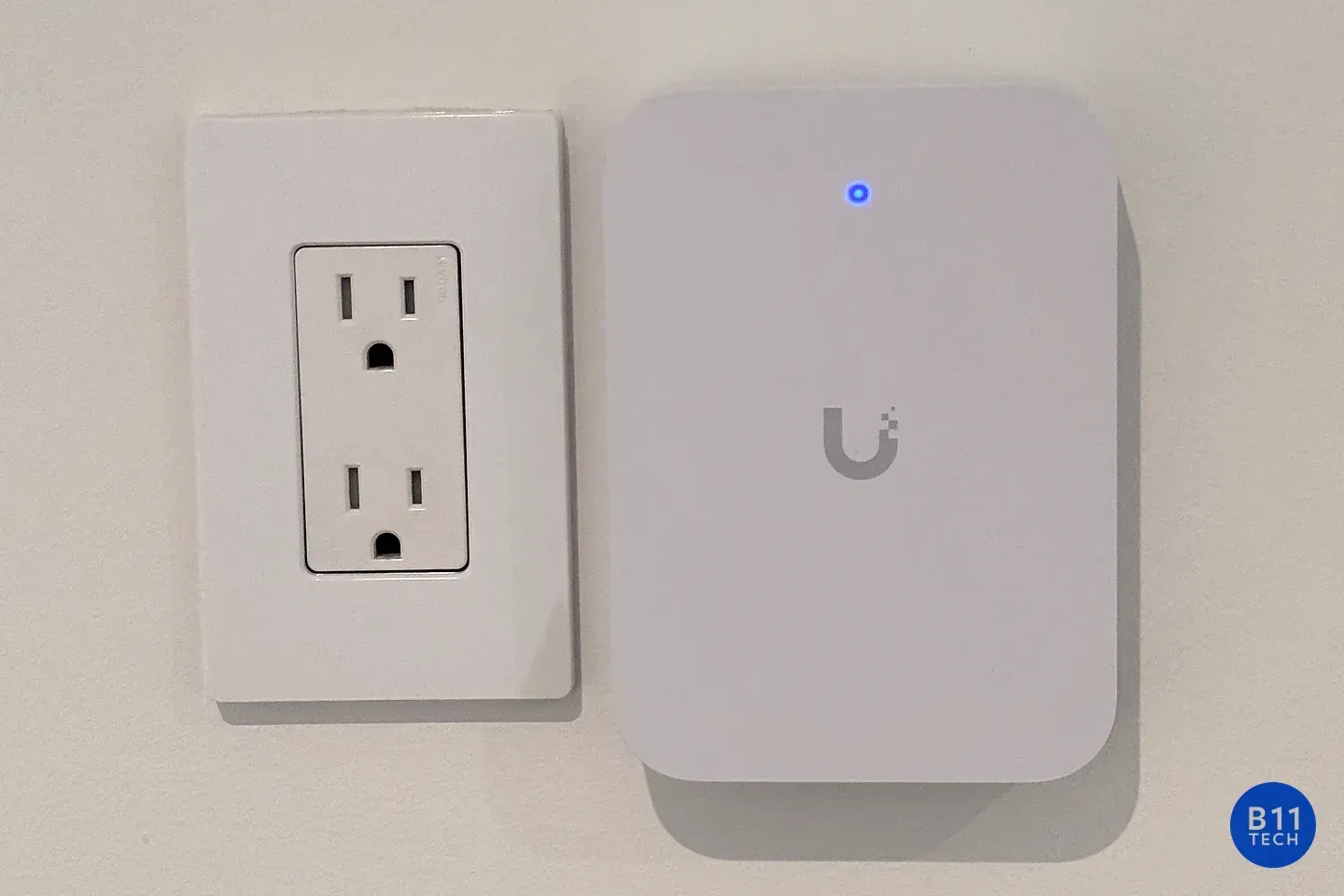
A wall-mounted UniFi access point with its status light illuminated, photographed at a B11 Tech installation
October 30, 2026
UniFi access point offline or stuck adopting? Learn what to check before a reset and when to request local network troubleshooting from B11 Tech.
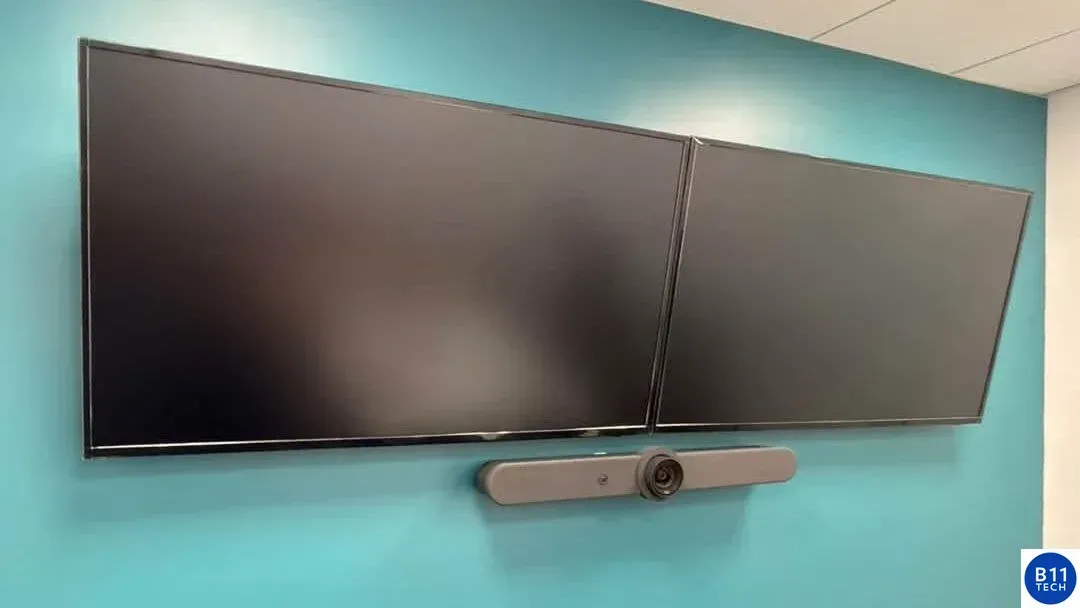
Real B11 Tech conference room installation with two wall-mounted displays and a video conferencing bar.
October 30, 2026
Plan conference-room cameras, microphones, screens and connections around the room, the meeting platform and the people joining remotely.
Ring Wired Doorbell Pro in satin nickel for a guide to doorbell power and chime compatibility.
October 30, 2026
Check your Ring model, power supply, existing chime, Wi-Fi and mounting position before installation. Plan a doorbell upgrade without guesswork.
Eero 7 mesh Wi-Fi routers pictured for Ethernet and wired-backhaul planning.
October 30, 2026
Learn when Ethernet backhaul can help an Eero mesh network and what to check before adding a switch, running cable or moving your gateway.
Ubiquiti network video recorder for planning security-camera storage and recording retention.
October 30, 2026
Plan security-camera recording storage, bitrate, overwrite settings and retrieval tests before choosing a Hikvision or Reolink recorder.
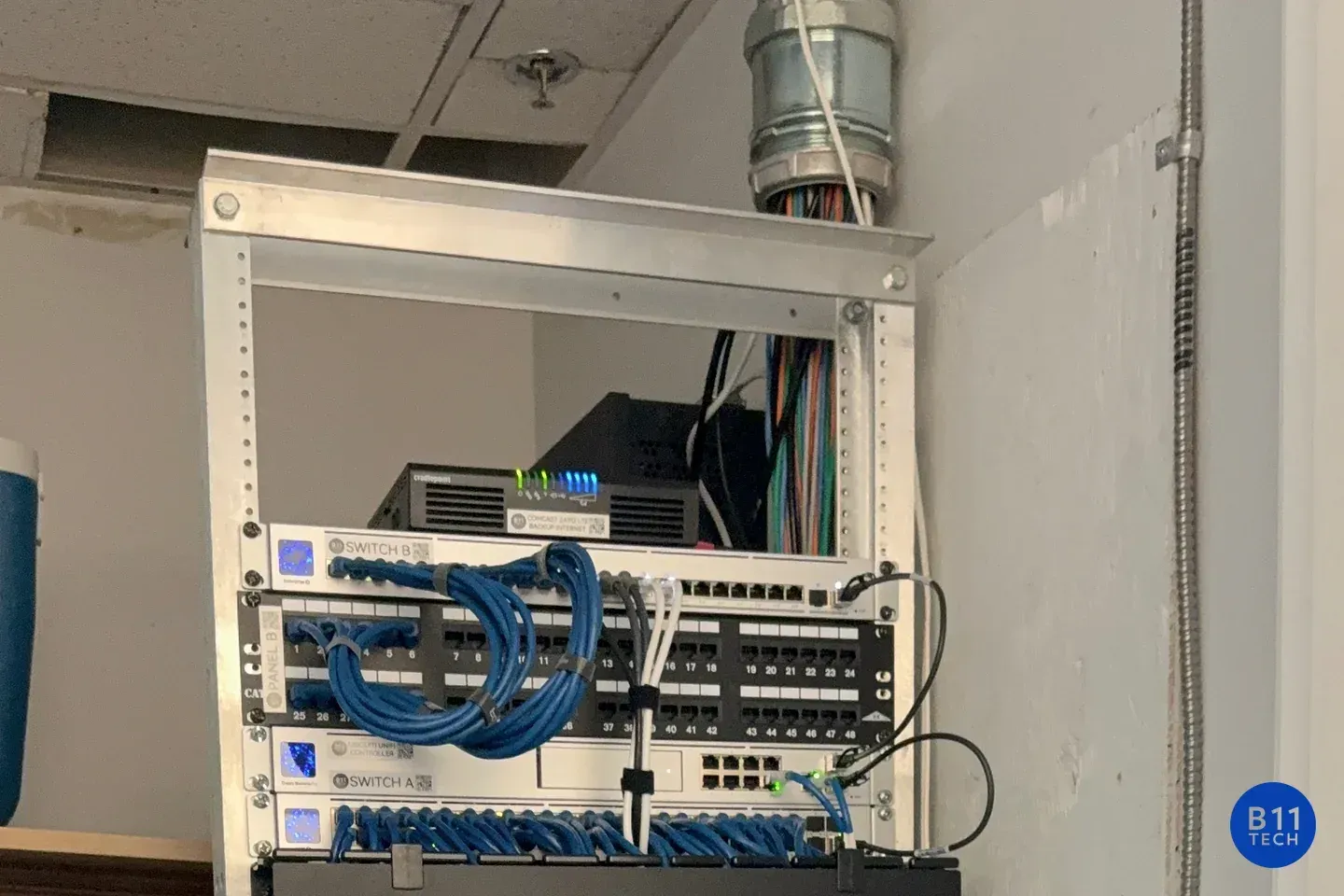
Network switching and patch panels in an installed equipment rack, photographed by B11 Tech.
October 30, 2026
Prepare for managed IT support with an account inventory, access review, backup priorities and a documented handoff. A practical onboarding checklist.
Ubiquiti UniFi Talk desk phone for planning a business phone-number migration.
October 30, 2026
Changing to VoIP? Prepare your numbers, carrier records, call routing and cutover tests before moving your existing phone service.