
UniFi AP Offline or Adoption Failed? What to Check Before Resetting

An access point disappearing from UniFi does not automatically mean it needs replacing. Before pressing Reset, identify whether the problem is power, network communication or management. A careful first check can protect a working configuration and shorten the repair.

Start with the exact symptom

Write down the message shown in UniFi, the affected model and when the issue started. Is one access point unavailable, or did several devices disappear together? Can people still connect through it? A management warning and a complete loss of connectivity are different symptoms; treating them as the same problem can create unnecessary downtime.

Also note recent changes: a new router, a moved cable, a switch replacement, an internet outage or a change of IT provider. These details make a support visit much more productive than a screenshot that simply says Offline.

Check power and the physical connection

Inspect accessible cables and indicator lights without disconnecting equipment you cannot identify. Confirm that the switch port or injector supplies the PoE mode required by the exact access point. If multiple devices on one switch are affected, record that pattern before rebooting everything.

Do not swap in an arbitrary power injector or work on electrical wiring. For high-mounted access points, leave physical inspection to someone with suitable access equipment.

Adoption requires a reachable management system

Ubiquiti describes adoption as connecting a device to the application that manages it. Its official instructions distinguish same-network adoption from more complex routed or remote arrangements. An authorized technician should check the management application, device connectivity and relevant network rules rather than opening broad firewall access.

If the device belongs to a previous controller or installer account, establish authorized access and review backups first. A reset is not an ownership-transfer procedure and can erase the settings needed to restore service.

Technical reference: Ubiquiti

What to send when requesting help

  • The device model and the exact status message.
  • Whether other access points, cameras or wired devices are affected.
  • The approximate start time and any recent equipment changes.
  • Who administers the UniFi console, without sending passwords in a contact form.

UniFi troubleshooting in Greater Seattle

B11 Tech can assess existing UniFi networks in Seattle, Shoreline, Bothell and nearby service areas. The next step is to identify what is already installed and what has stopped working, then agree on a repair or upgrade plan. Review our residential and commercial Wi-Fi services, or request help with your current system.
Related services and guidance

Get help with your UniFi network

Reolink RLN8-410 recorder with a camera and monitor in a manufacturer product image, with a B11 Tech watermark.
October 30, 2026
Check Reolink NVR hardware revisions, firmware, resolution limits, and camera channels before upgrading an existing system with B11 Tech.
Ring Alarm eight-piece kit with a Base Station, keypad, sensors, and range extender, with a B11 Tech watermark.
October 30, 2026
Plan Ring Alarm sensors, Z-Wave coverage, daily modes, and optional professional monitoring. B11 Tech installs and configures; monitoring is separate.
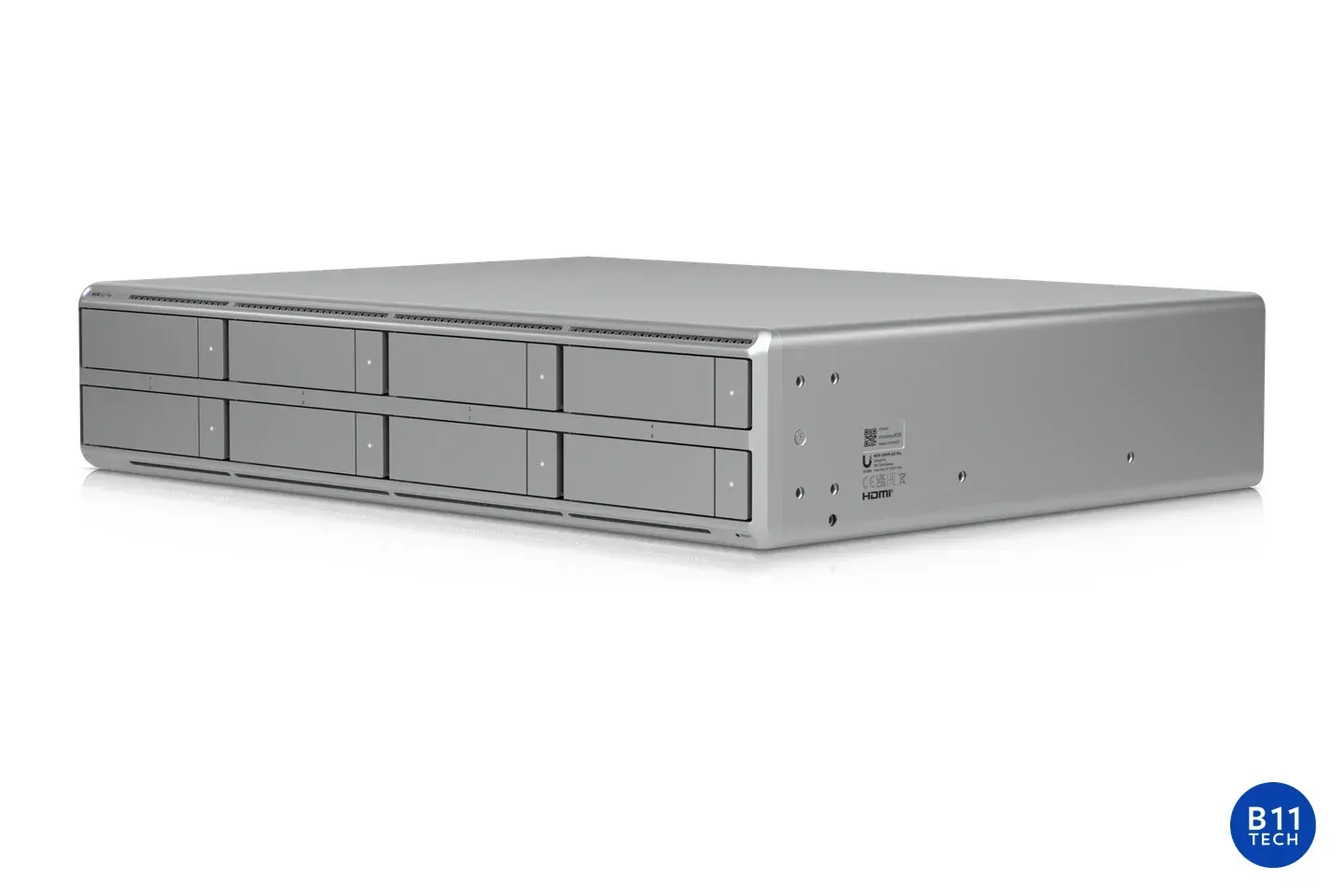
Ubiquiti UNVR G2 Pro recorder, shown for local security-camera storage planning, with a small B11 Tech watermark.
October 30, 2026
Compare local, hybrid, and cloud camera privacy, including remote access, encryption, sharing, and account control with B11 Tech in Greater Seattle.
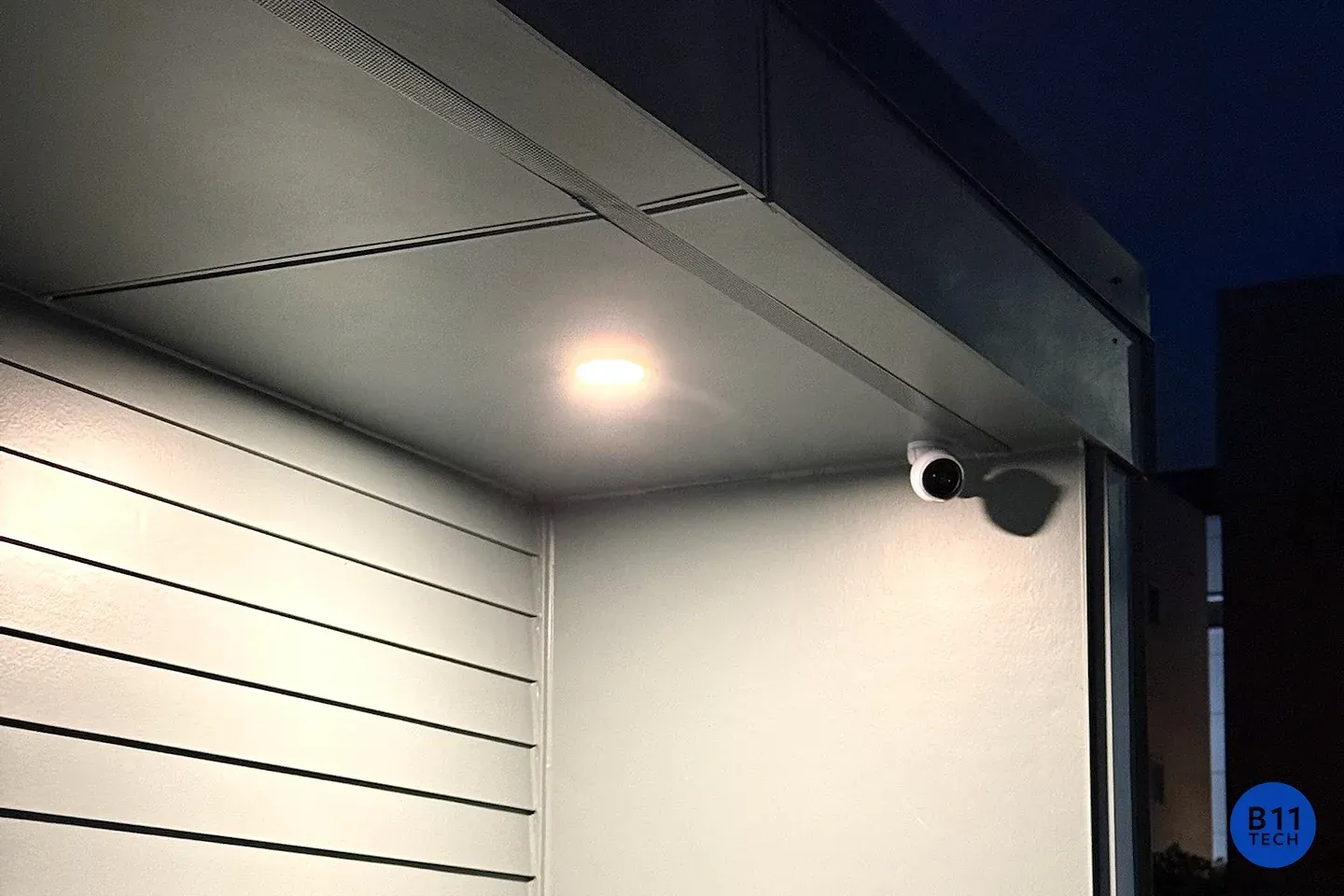
An exterior security camera beside an illuminated entry, photographed by B11 Tech.
October 30, 2026
Security footage looks blurry at night? Learn how infrared reflections, lighting, placement and lens condition affect usable camera detail.
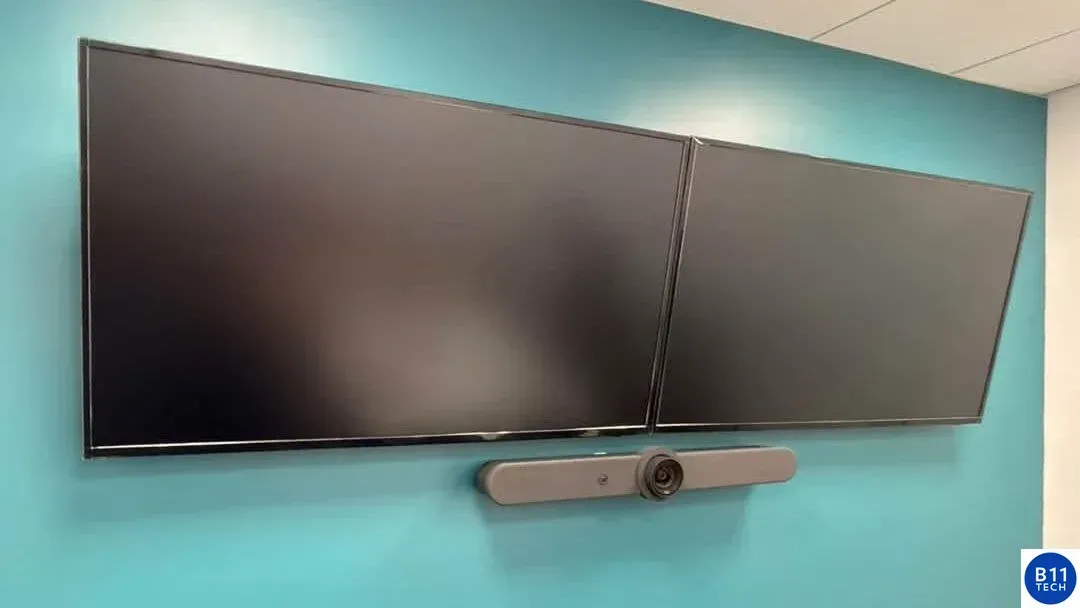
Real B11 Tech conference room installation with two wall-mounted displays and a video conferencing bar.
October 30, 2026
Plan conference-room cameras, microphones, screens and connections around the room, the meeting platform and the people joining remotely.
Ring Wired Doorbell Pro in satin nickel for a guide to doorbell power and chime compatibility.
October 30, 2026
Check your Ring model, power supply, existing chime, Wi-Fi and mounting position before installation. Plan a doorbell upgrade without guesswork.
Eero 7 mesh Wi-Fi routers pictured for Ethernet and wired-backhaul planning.
October 30, 2026
Learn when Ethernet backhaul can help an Eero mesh network and what to check before adding a switch, running cable or moving your gateway.
Ubiquiti network video recorder for planning security-camera storage and recording retention.
October 30, 2026
Plan security-camera recording storage, bitrate, overwrite settings and retrieval tests before choosing a Hikvision or Reolink recorder.
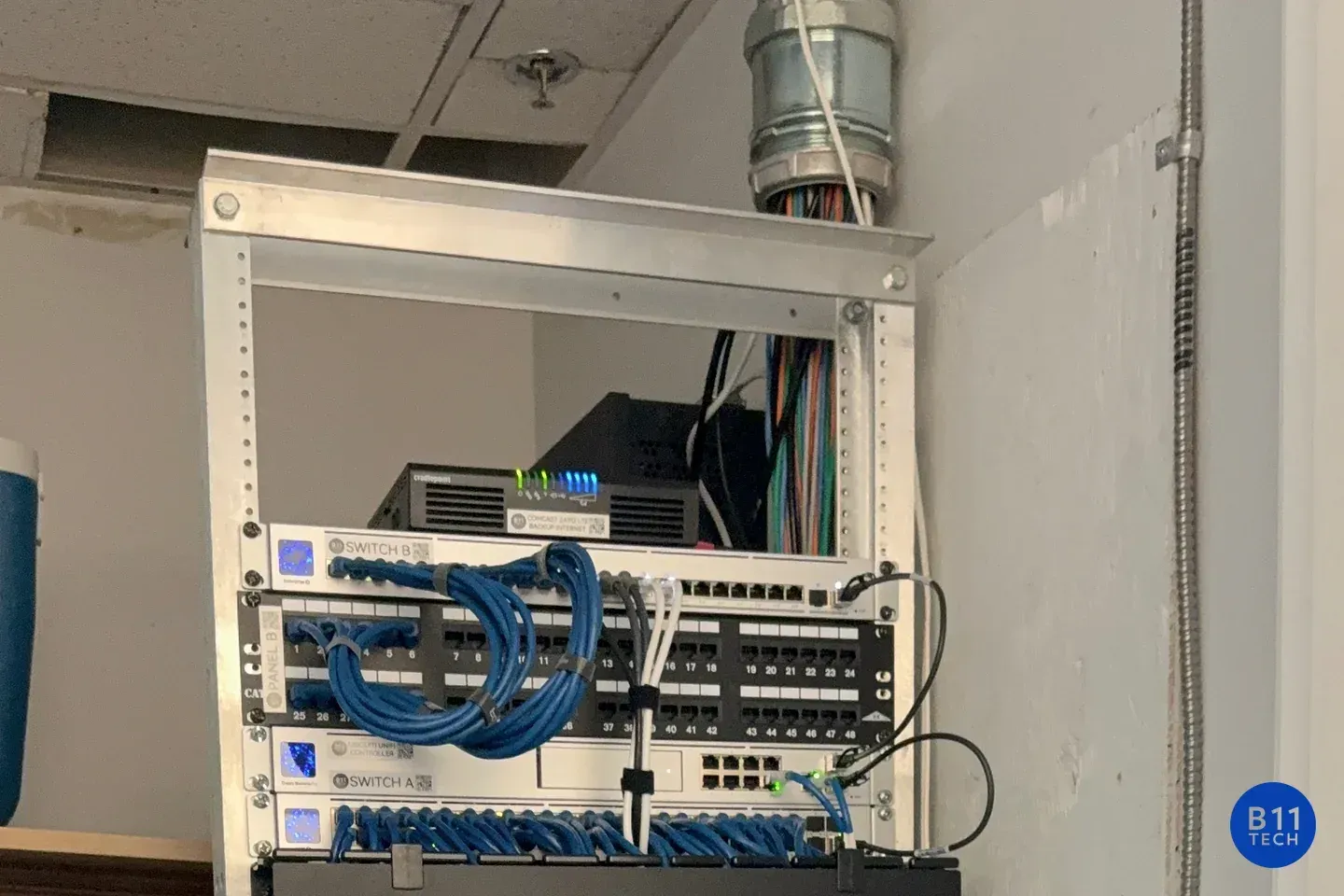
Network switching and patch panels in an installed equipment rack, photographed by B11 Tech.
October 30, 2026
Prepare for managed IT support with an account inventory, access review, backup priorities and a documented handoff. A practical onboarding checklist.
Ubiquiti UniFi Talk desk phone for planning a business phone-number migration.
October 30, 2026
Changing to VoIP? Prepare your numbers, carrier records, call routing and cutover tests before moving your existing phone service.