Camera storage: how much recording history do you need?

By B11 Tech Solutions
A camera can show a sharp live picture and still leave you without the recording you need. Storage planning starts with a practical question: how far back would you need to look, and how quickly could you find and export an event?
Camera count, recording mode, image settings, and the recorder's supported storage all influence the answer. The same drive size does not provide the same recording history in every installation.
Define the recording requirement.
List the areas being recorded, who will review footage, and the desired history. Distinguish continuous from event-triggered recording. Event recording can use less storage, but results depend on activity and detection settings; a busy entrance differs from a quiet storage room.
Choose retention based on operational and privacy requirements. This article does not establish a legal retention period. Limit access to appropriate people and plan how an important clip will be preserved outside the recorder's normal overwrite cycle.
Estimate bitrate, not just megapixels.
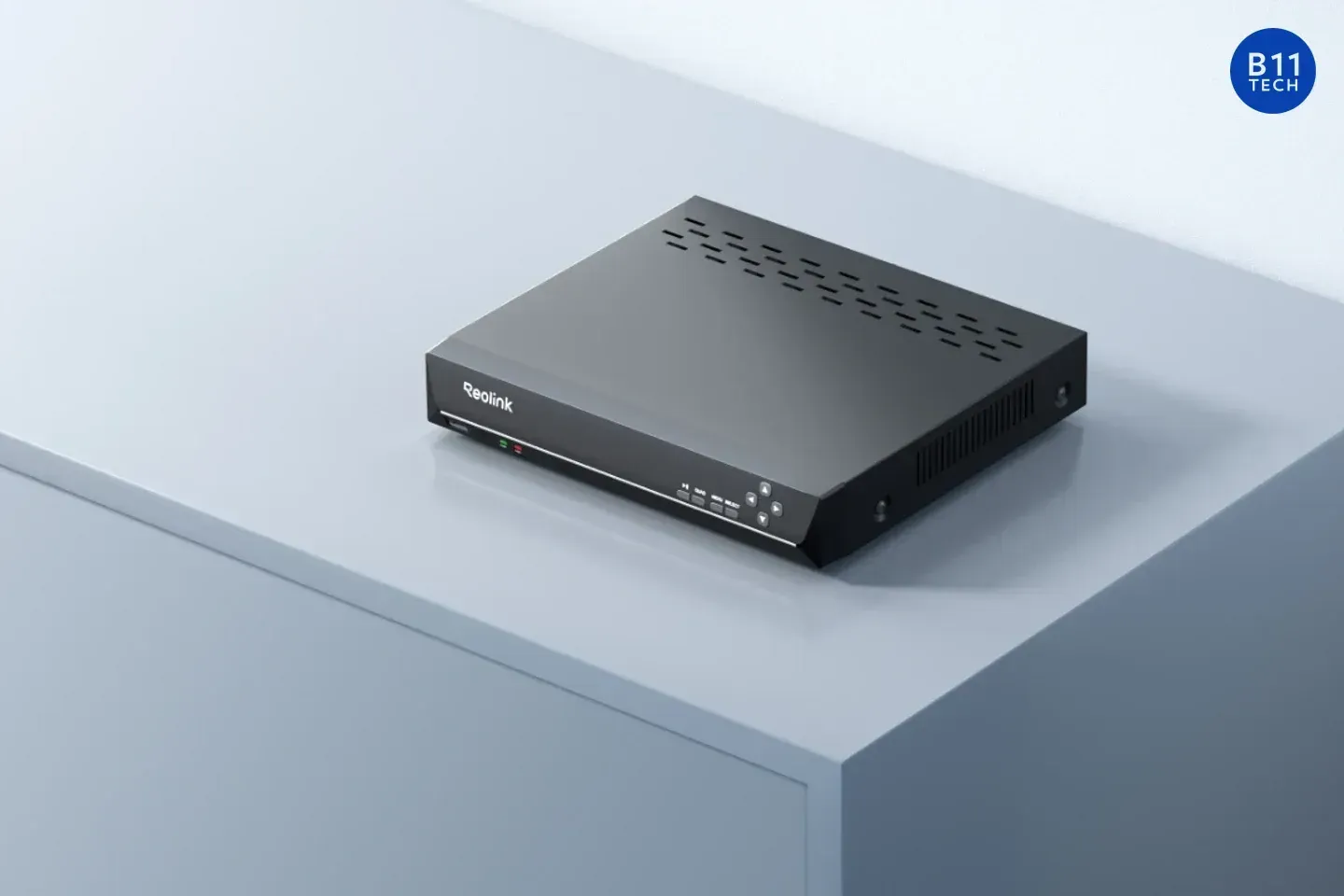
Reolink's recording-duration guidance identifies bitrate and recording conditions as key inputs and notes that streams and dual-lens cameras affect the total. Hikvision also directs users to storage-calculation tools when planning capacity. See Hikvision's bitrate guidance.
For illustration only, four cameras recording continuously at 4 megabits per second each produce 16 megabits per second combined. That is approximately 172.8 GB per day, or 2.42 TB over 14 days using decimal units. This simplified estimate excludes additional streams, audio, overhead, reserved space, and operating margin. It is not a capacity guarantee or retention recommendation.
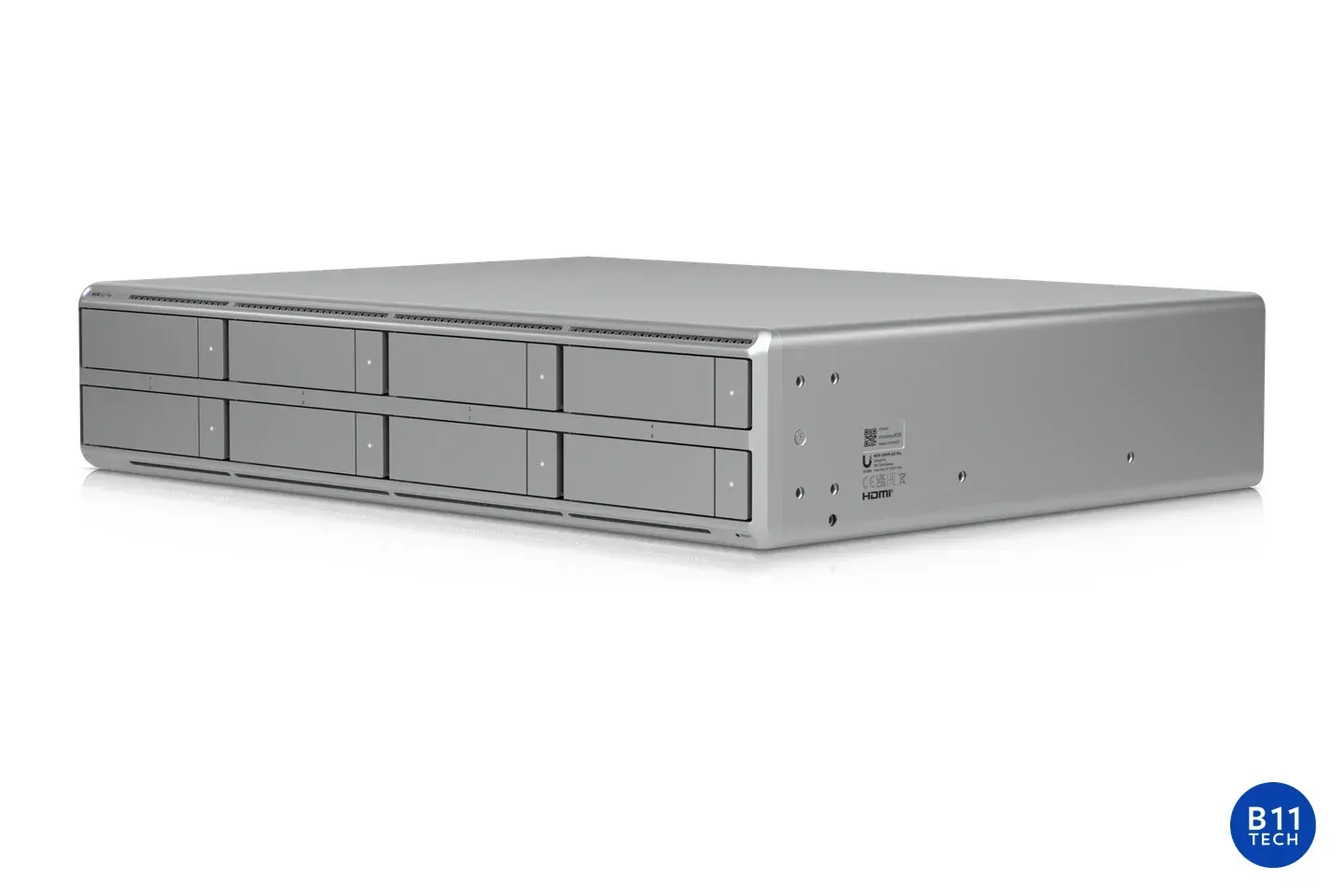
Check the recorder before ordering a drive.
- Confirm the exact model, supported drive type, and capacity limits.
- Check how many channels and streams will be recorded.
- Review recording schedules and overwrite behavior.
- Allow for planned camera additions and changes in activity.
- Document who receives storage or recording-failure alerts, if supported.
A full recorder may overwrite older footage or stop recording, depending on its settings. Verify behavior on the installed model rather than assuming every system handles a full drive identically.
Verify retrieval after installation.
Review a sample from each camera, confirm timestamps, search an event, and export a playable clip. Check the actual oldest available footage after the system has been operating. This validates the design against real activity.
B11 Tech plans commercial camera systems and residential installations, including projects in Everett, Mill Creek, and Snohomish. Read our 4K versus 2K guide, or ask us to review your recording requirements.