Adding Ethernet for Better Wi-Fi in a Finished Property
By B11 Tech Solutions
Reliable Wi-Fi often starts with a cable. Ethernet connections to carefully placed access points can help distribute wireless coverage where it is needed, rather than asking one router to reach through every wall and floor. In a finished property, the challenge is planning a practical cable route and a clean installation.
Diagnose the connection before adding equipment
First separate internet-service problems from wireless coverage problems. Compare a wired connection with performance in the rooms where issues occur. Review the router, network layout, connected devices, and access point locations. Replacing the internet plan is not always the answer to a weak signal upstairs or at the far end of a building.
Describe the symptoms as specifically as possible: dropped video calls, inconsistent camera connections, slow transfers, or a device that only works near the router. Those details help guide testing and prevent unnecessary purchases.
Plan access point locations around the space
A location should provide useful coverage and have a feasible cable route. We consider floor layout, construction materials, available mounting locations, and the areas with the most demanding devices. Ceiling installation may be appropriate in some spaces, while another mounting option may fit the property better.
More access points are not automatically better. Overlapping coverage and poorly coordinated settings can create a different set of problems. The goal is a manageable network with useful coverage, not the largest possible equipment count.
Review cable routes before work begins
Attics, crawlspaces, existing pathways, utility areas, and interior closets can affect the available options. Finished walls may require carefully planned openings or an alternative route. We discuss visible surfaces, patching responsibilities, equipment locations, and any access needed for the approved scope.
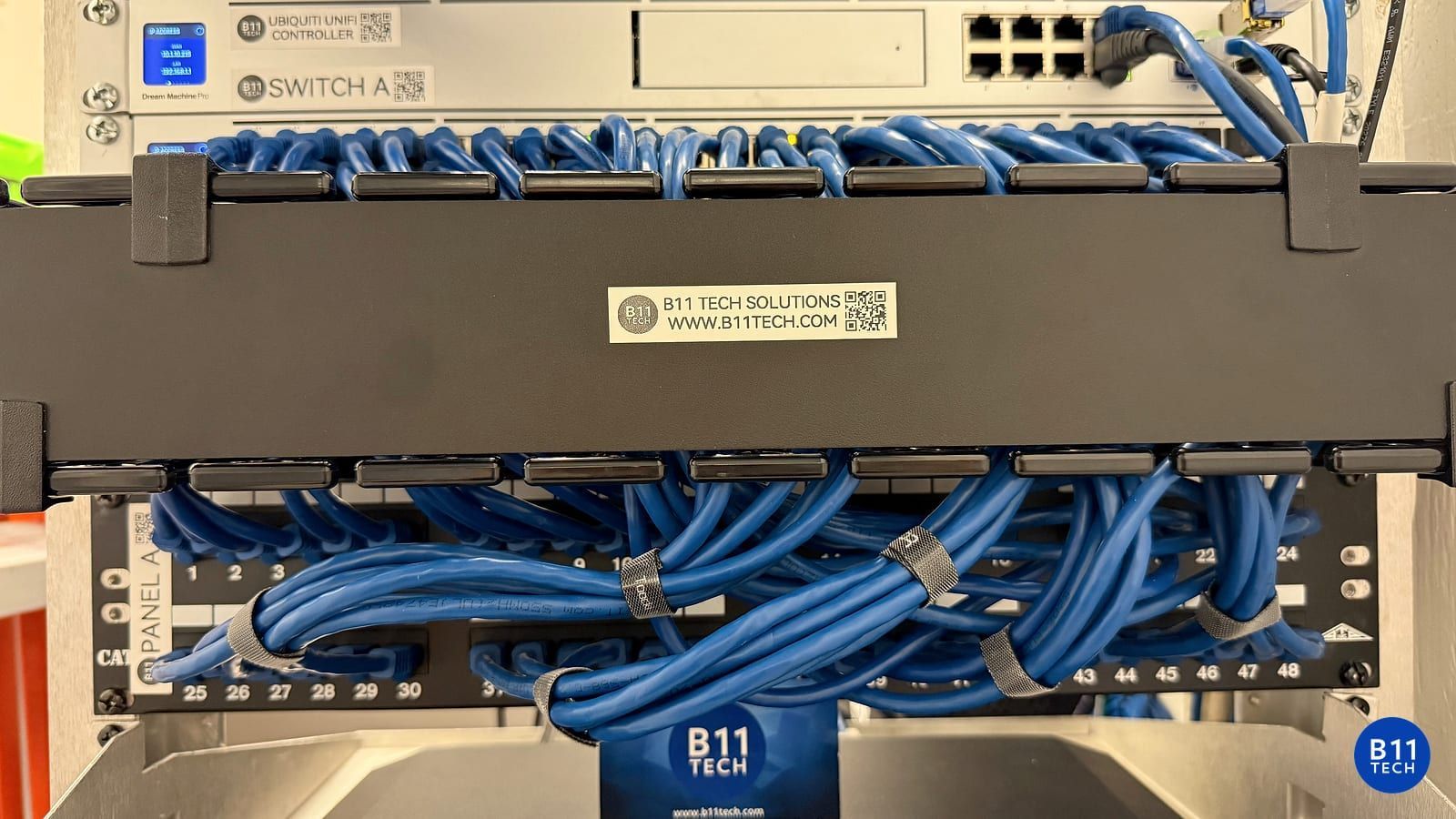
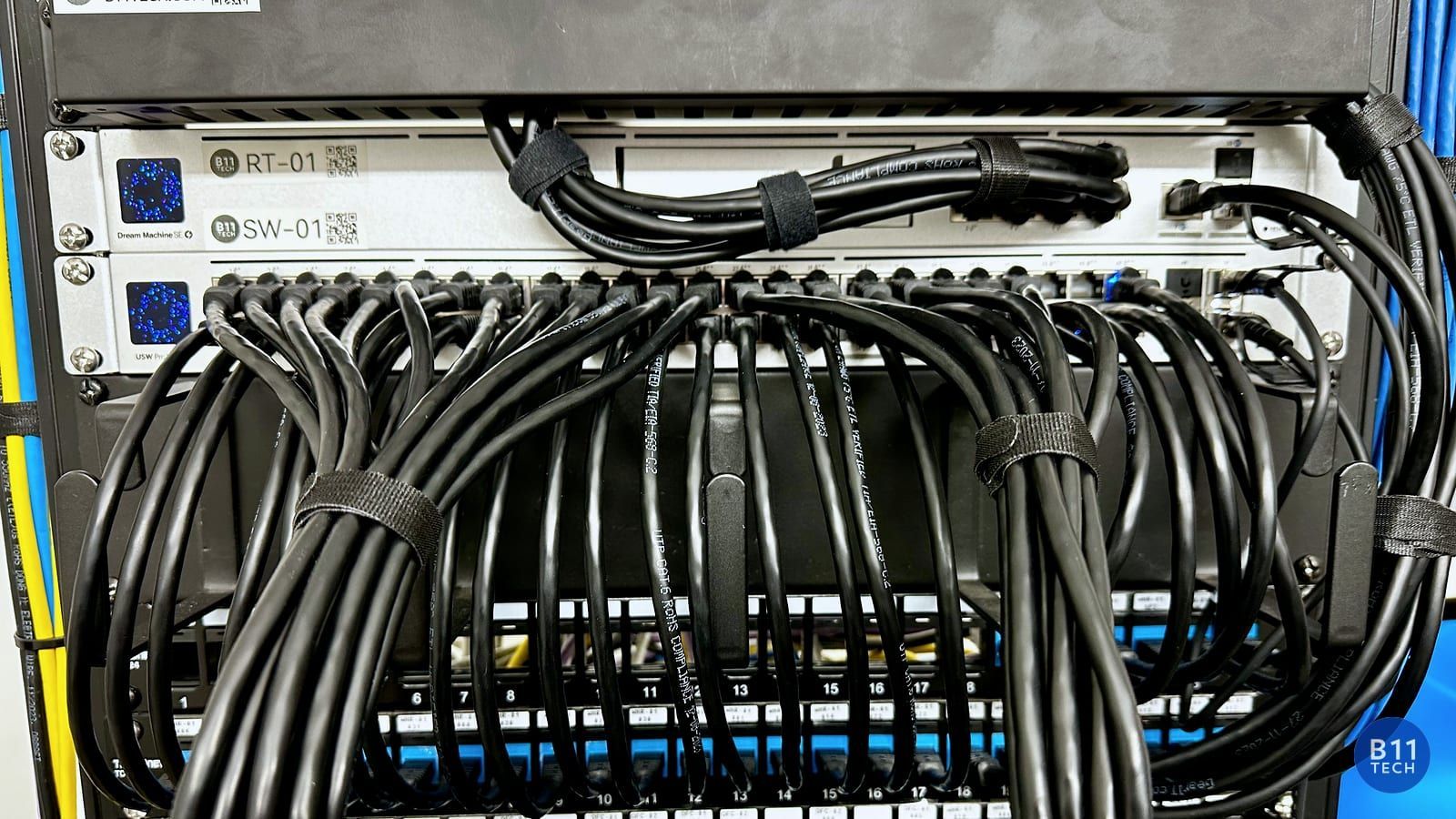
Labeling and documentation matter too. A cable that works today but cannot be identified later makes troubleshooting harder. We plan termination locations and explain which connection serves each access point or device.
Match cabling, switching, and power
Access points may need PoE and an appropriate Ethernet uplink. For example, Ubiquiti's U7 Pro specifications list a 2.5 GbE interface and PoE+ power. That does not mean every installation needs the same switch or that an advertised wireless rate becomes your internet speed. The whole connection path and client capabilities matter. See the official U7 Pro specifications.
We check the actual equipment requirements and available power budget before selecting a switch. If an existing cable or device is being reused, it should be tested rather than assumed to support the planned upgrade.
Verify coverage after installation
Test the areas that motivated the project, including the home office, meeting area, streaming devices, and connected cameras where relevant. Confirm that access points are online, cables are labeled, and authorized administrators have the documentation they need. A speed test beside a newly installed access point is not a complete coverage check.
Local cabling and Wi-Fi installation
B11 Tech provides network cabling and Wi-Fi design across Seattle, Shoreline, Lake Forest Park, Kenmore, Bothell, Brier, Lynnwood, Mill Creek, Woodinville, and nearby communities. Our BICSI-certified and UniFi-certified expertise supports planning, installation, and practical troubleshooting.
See residential Wi-Fi installation, commercial network services, or our network cabling guide. Schedule a free consultation to discuss the property and cable routes.