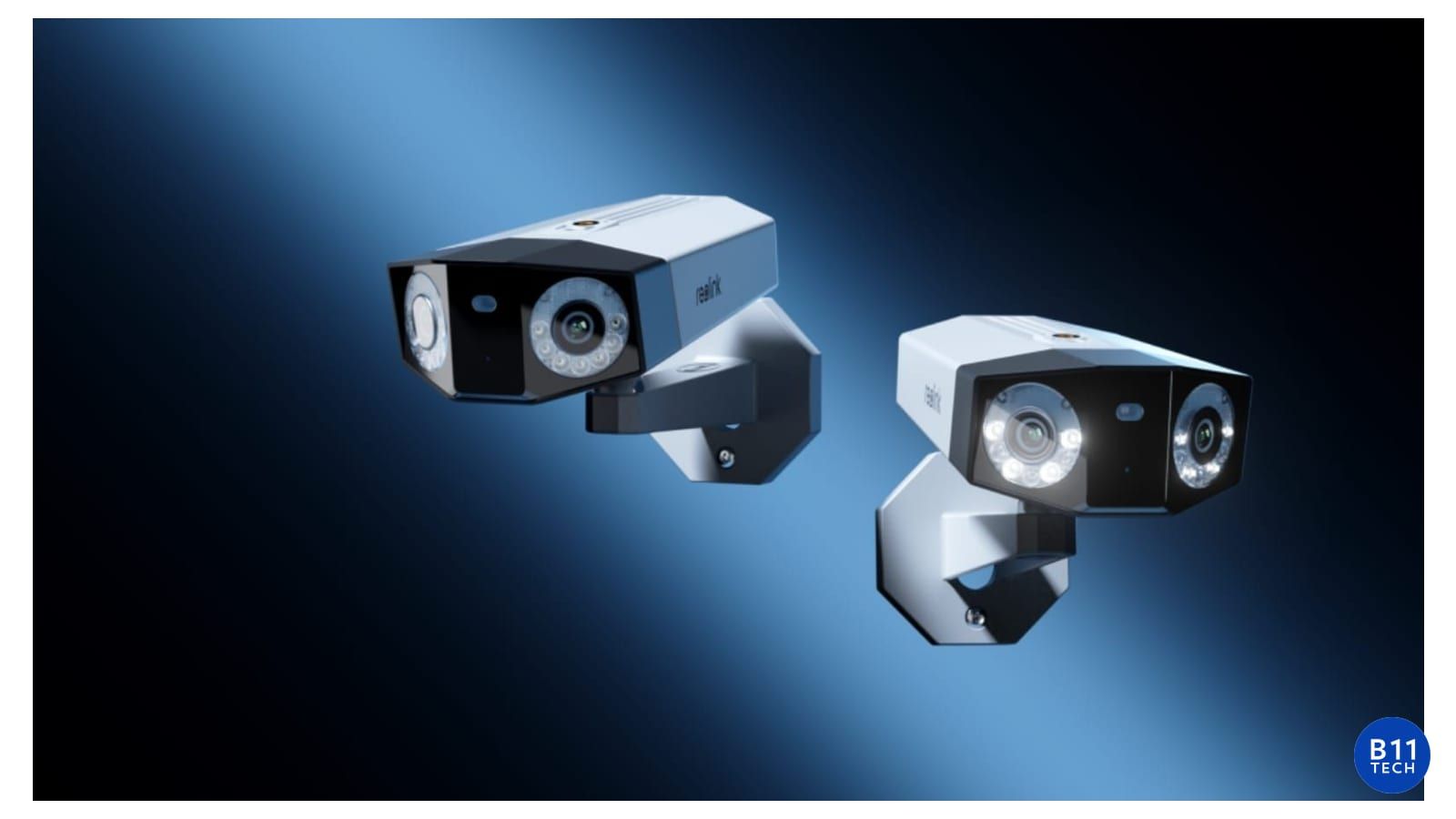
4K vs. 2K Security Cameras: Choose Usable Detail, Not Just Pixels
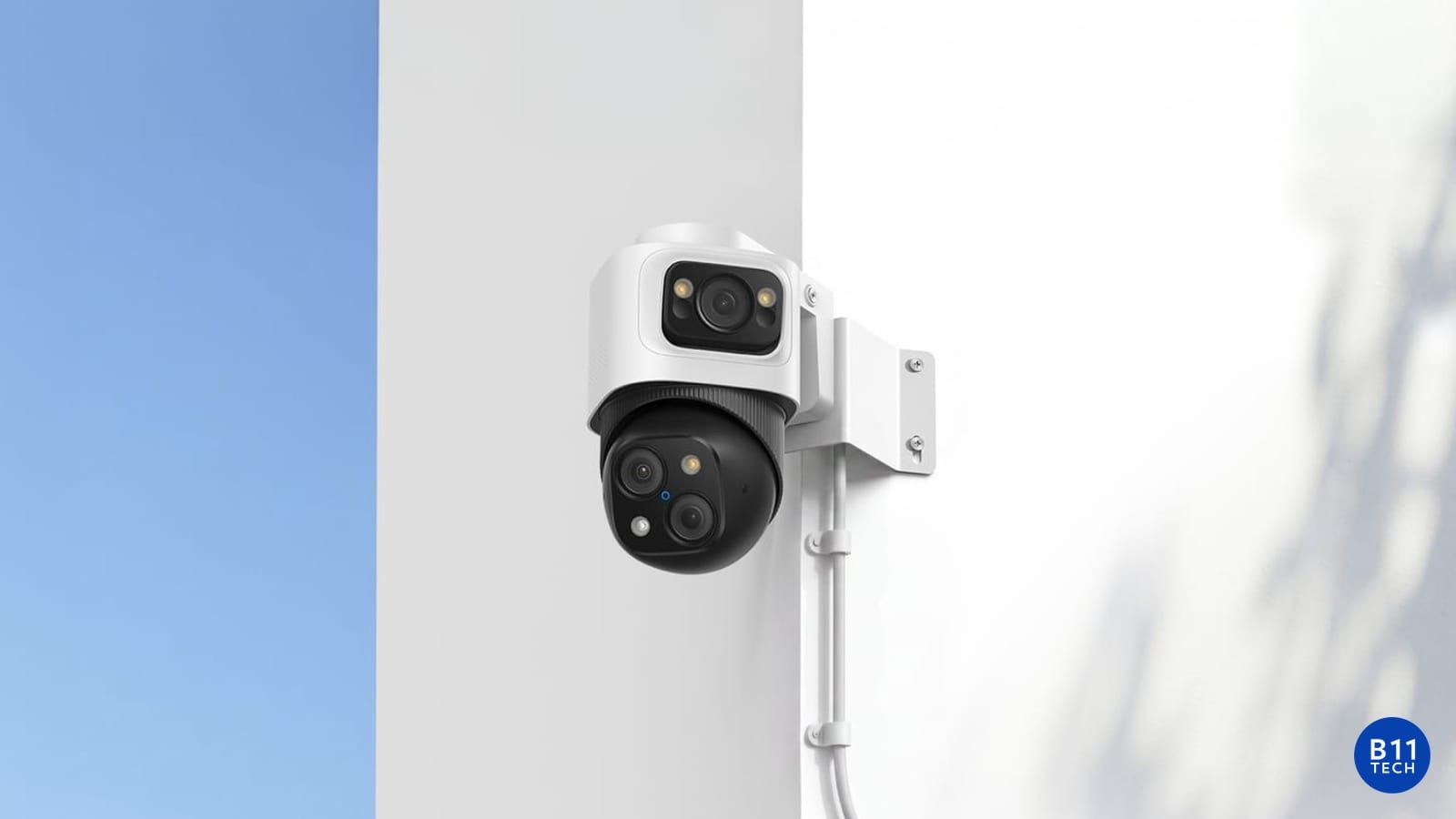
A 4K security camera can record more image detail than a lower-resolution camera, but resolution alone does not determine whether a recording will answer your question. The lens, field of view, distance, lighting, motion, compression, and mounting position all matter. The best camera is the one that produces useful footage at the location where you need it.
Define the job of each camera
Start by deciding whether a view is for general awareness or specific detail. An overview of a parking area is a different task from seeing a person at an entrance. A very wide image spreads its pixels across a larger scene. Digital zoom cannot recreate detail that was never captured clearly.
For each proposed location, identify the target area, typical distance, mounting options, and recording objective. This is more useful than choosing every camera from the same resolution category. A practical plan may use different models for different views.
Compare daytime and nighttime footage
Review the scene under the conditions that matter: direct sunlight, backlighting, rain, moving people, and darkness. Reflections from nearby walls or glass can interfere with night images. Lighting should support the viewing goal without creating glare or making the camera point directly at a bright source.
Ask for a placement review rather than relying only on promotional footage. Manufacturer examples demonstrate equipment capabilities, but your building, lighting, and viewing distance may be very different.
Understand what a current 4K model actually provides
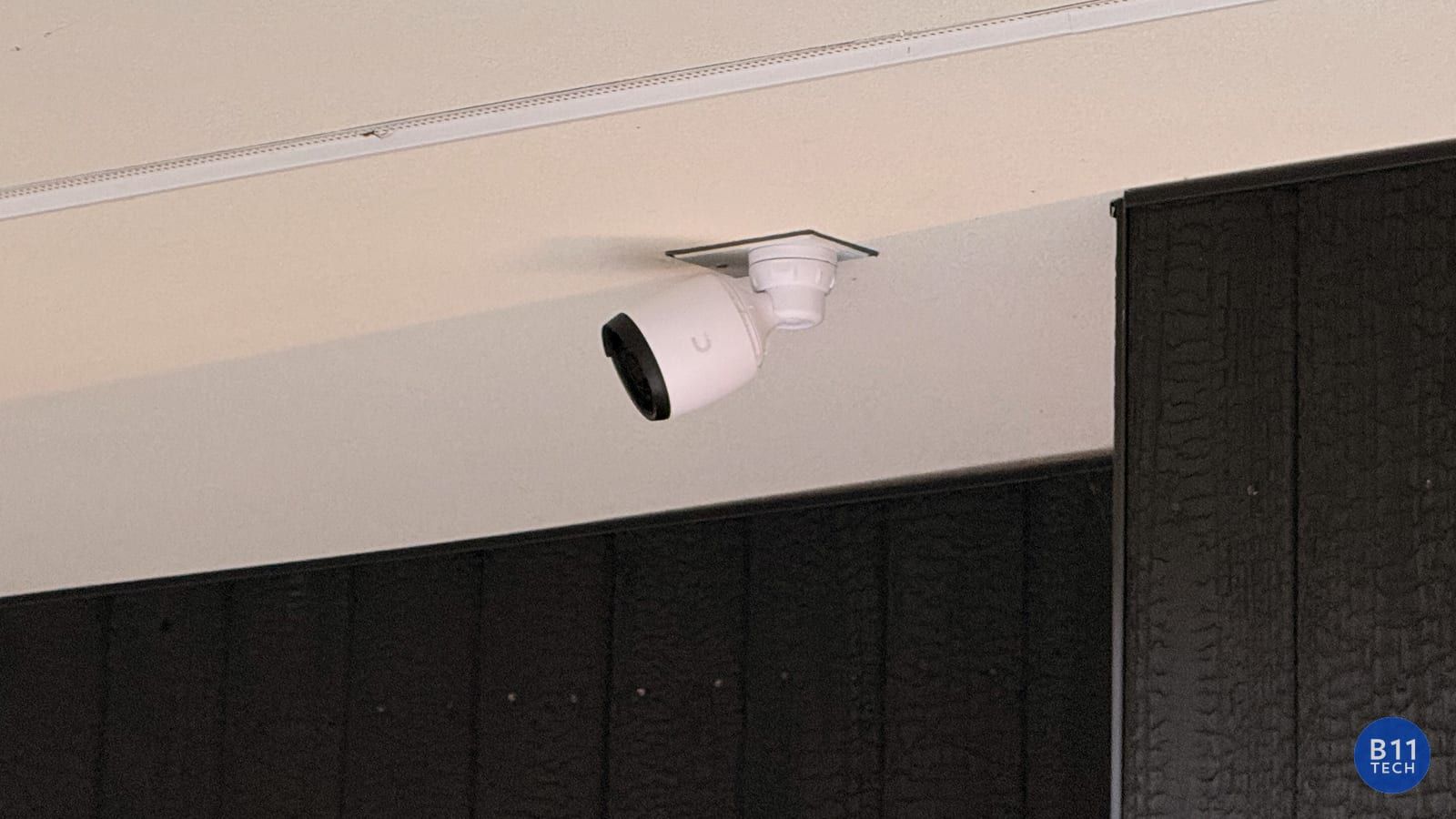
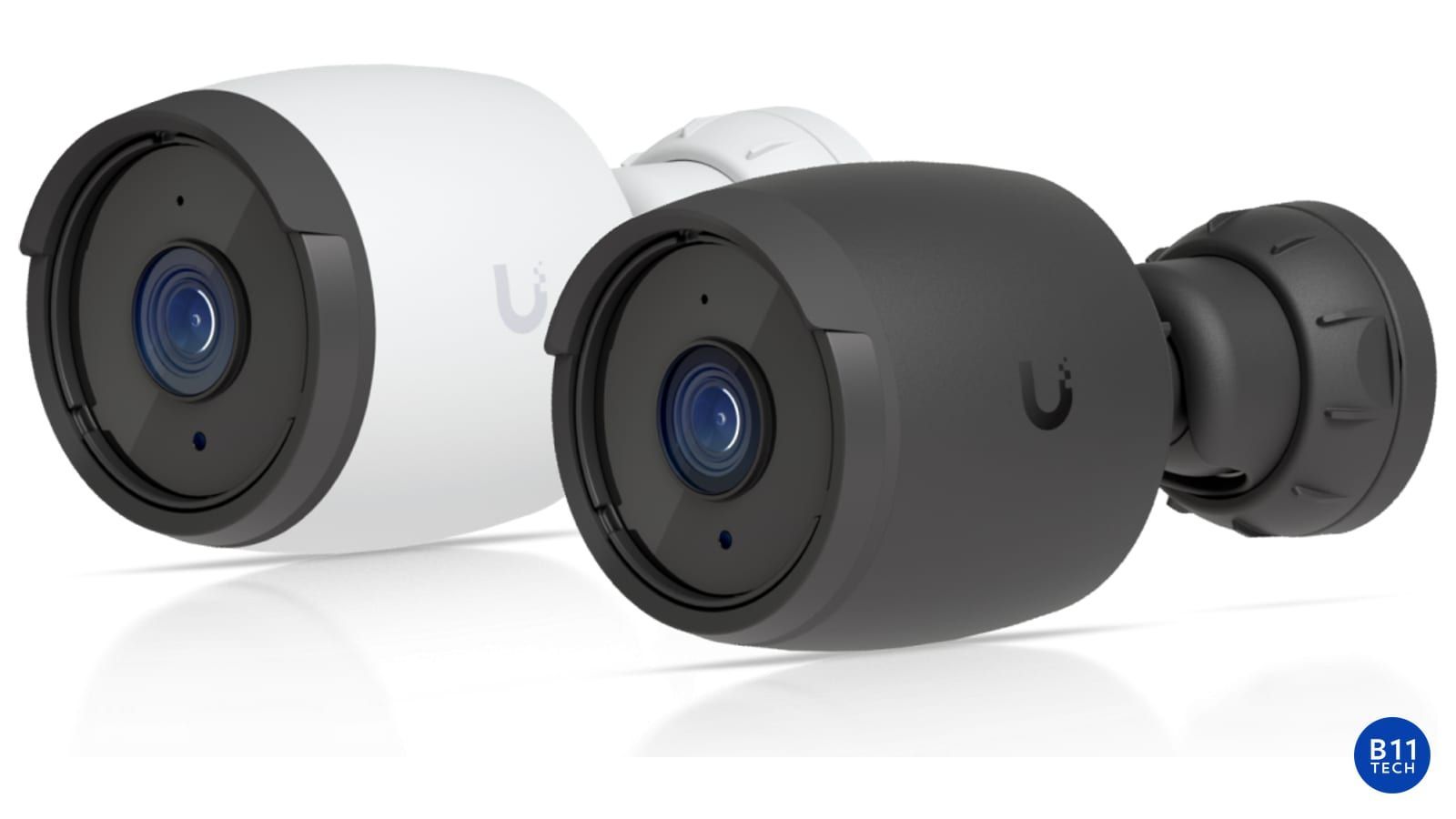
For example, Ubiquiti lists the G6 Bullet as an 8-megapixel, 3840-by-2160 PoE camera with a fixed lens. Those specifications describe one model, not every UniFi camera. Its suitability still depends on the installation and the intended view. Review the official G6 Bullet specifications.
Size recording storage around the real configuration
Higher resolution can increase storage and bandwidth requirements, but the actual amount depends on bitrate, frame rate, compression, camera count, and whether recording is continuous or event-based. Confirm the retention goal before buying a recorder or additional drives.
As a simple planning illustration, a constant 1 Mbps stream produces about 10.8 GB per day before overhead. A constant 8 Mbps stream is about 86.4 GB per day. These are arithmetic examples, not a prediction for a specific camera. Variable bitrate and event-only recording can change the result substantially.
Ubiquiti's retention guidance describes the settings that affect Protect storage. We use the actual system configuration to develop an appropriate plan rather than promising a fixed number of recording days from resolution alone. Read the official Protect storage and retention guidance.
Installation quality completes the picture
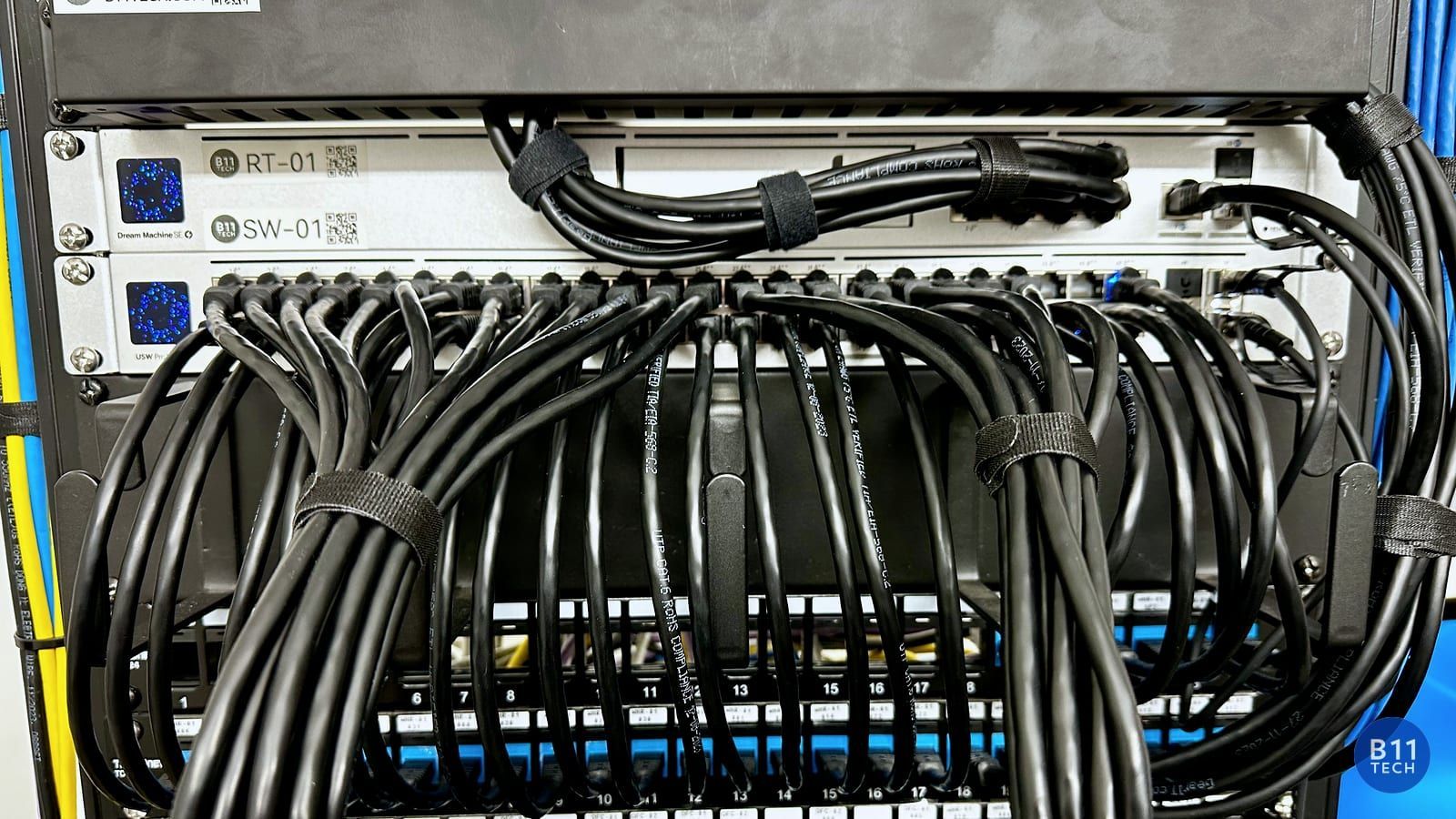
A good camera still needs dependable power, weather-appropriate cable routing, a stable network, secure access, and a tested recording path. Before handoff, verify live view, playback, notifications, timestamps, and export. If a critical view is unclear, adjust the installation instead of accepting a higher pixel count as proof of quality.
Get a camera plan for your property
B11 Tech installs UniFi, Reolink, and other supported camera systems across Greater Seattle, including Seattle, Shoreline, Kenmore, Bothell, Mill Creek, Snohomish, Everett, and Marysville. We help match cameras and recording equipment to the coverage you actually need.
See our residential camera services and commercial camera services, or schedule a free consultation.