Ubiquiti Certified Installer for Greater Seattle | B11 Tech
Professional UniFi Wi-Fi, switching, routing, Protect cameras, storage, and network support for Greater Seattle homes and businesses.
Ubiquiti UniFi can bring Wi-Fi, routing, switching, cameras, access, and management into one practical ecosystem. The platform is flexible enough for a connected home, home office, retail location, professional office, warehouse, or multi-building property, but reliable results still depend on design, cabling, configuration, and documentation. B11 Tech is a Ubiquiti Certified Installer serving the Greater Seattle area.
We design systems around the property and the people using it. That means considering coverage, device capacity, internet service, wired connections, power, security boundaries, recording needs, remote access, future expansion, and support before choosing equipment.
What a Professional UniFi Project Includes
Wi-Fi Coverage and Access-Point Planning
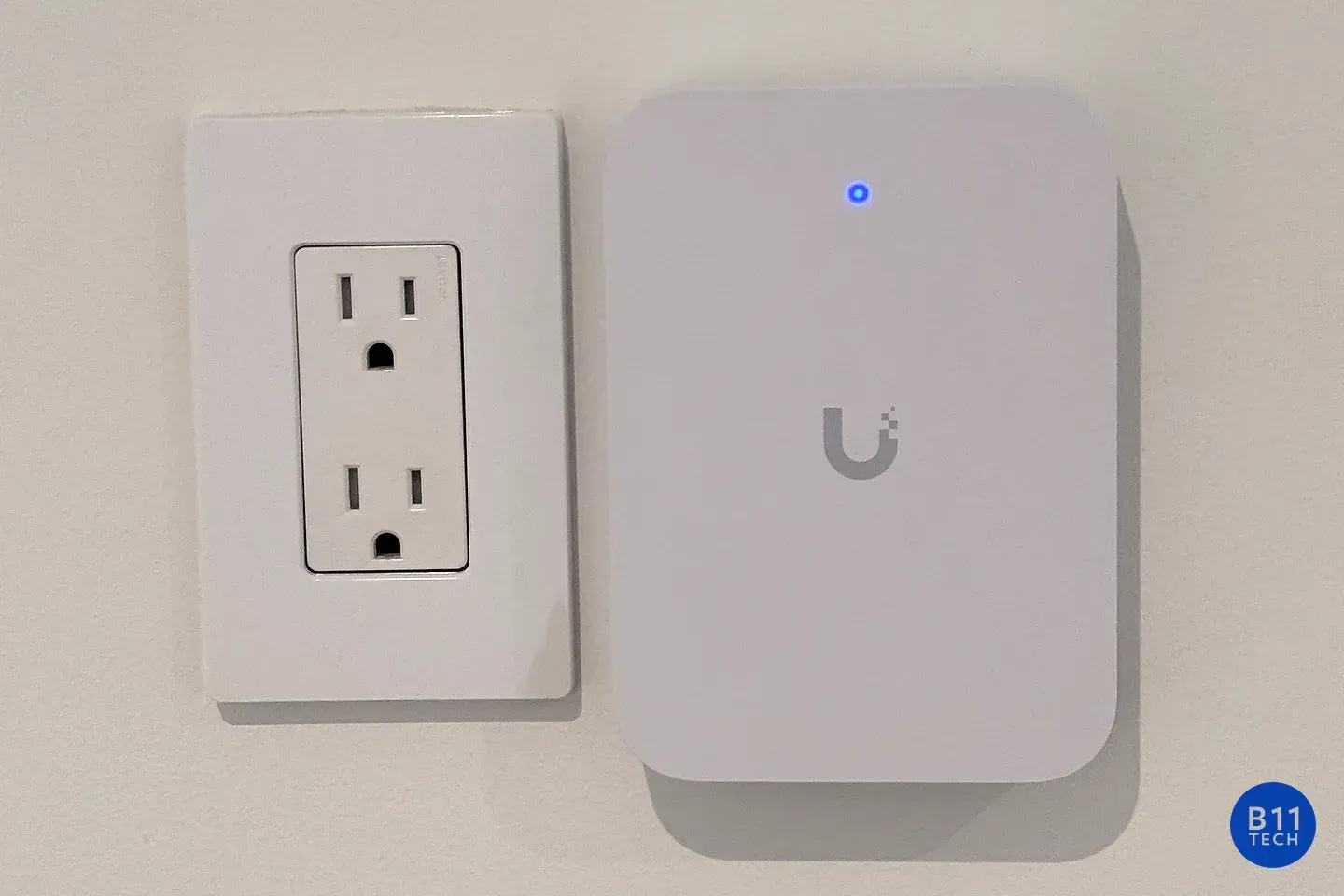
A strong signal icon does not always mean a stable network. Access points need useful locations, appropriate channel settings, sensible transmit power, and a reliable wired path back to the network. Building materials, floor plans, neighboring networks, outdoor spaces, and the number of active devices all influence the design.
Homeowners can learn more about our residential Wi-Fi installation service. Offices, retail spaces, and other organizations can use our commercial Wi-Fi and network installation service for guest access, VLANs, capacity planning, PoE switching, and structured cabling.
Gateways, Switching, and PoE
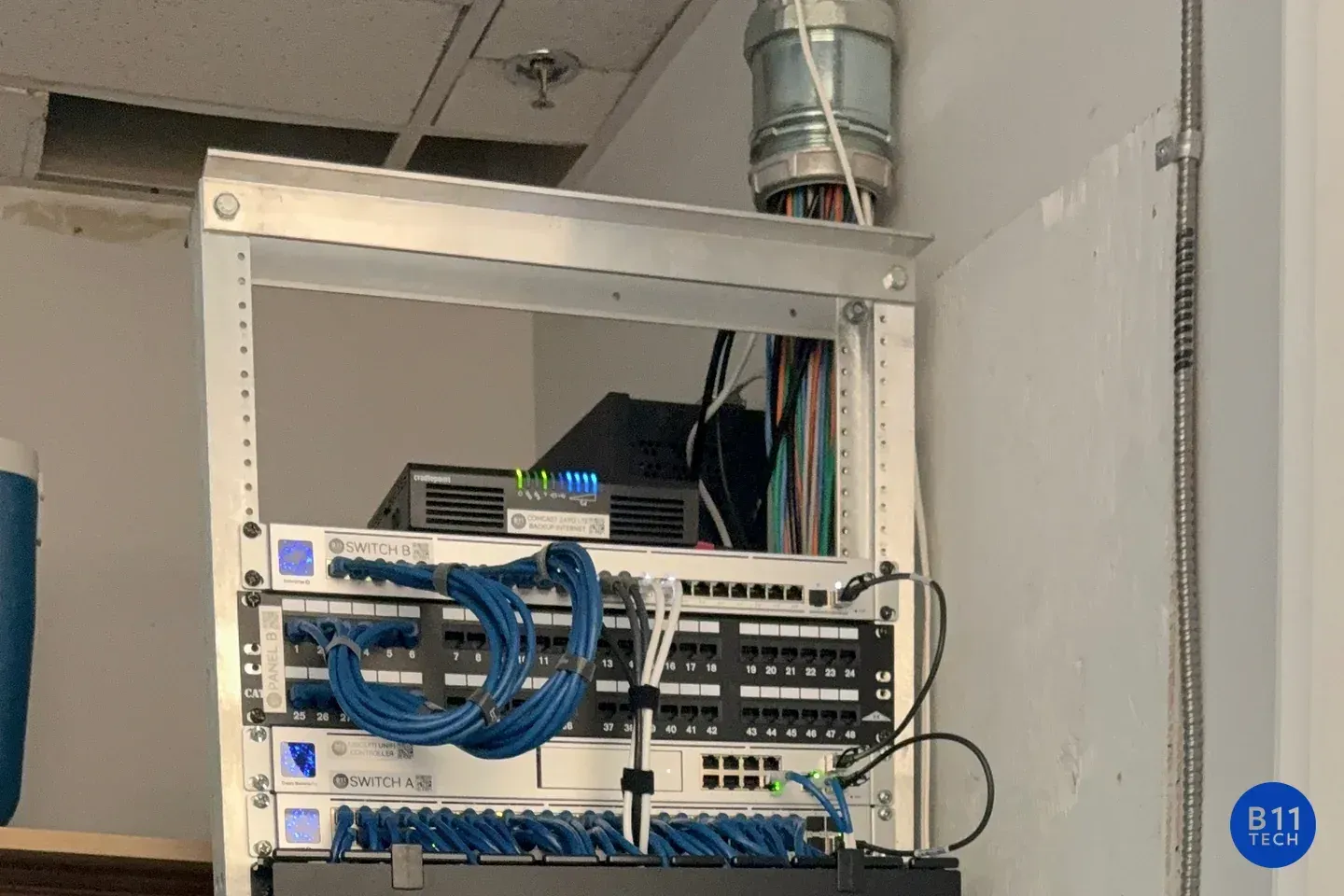
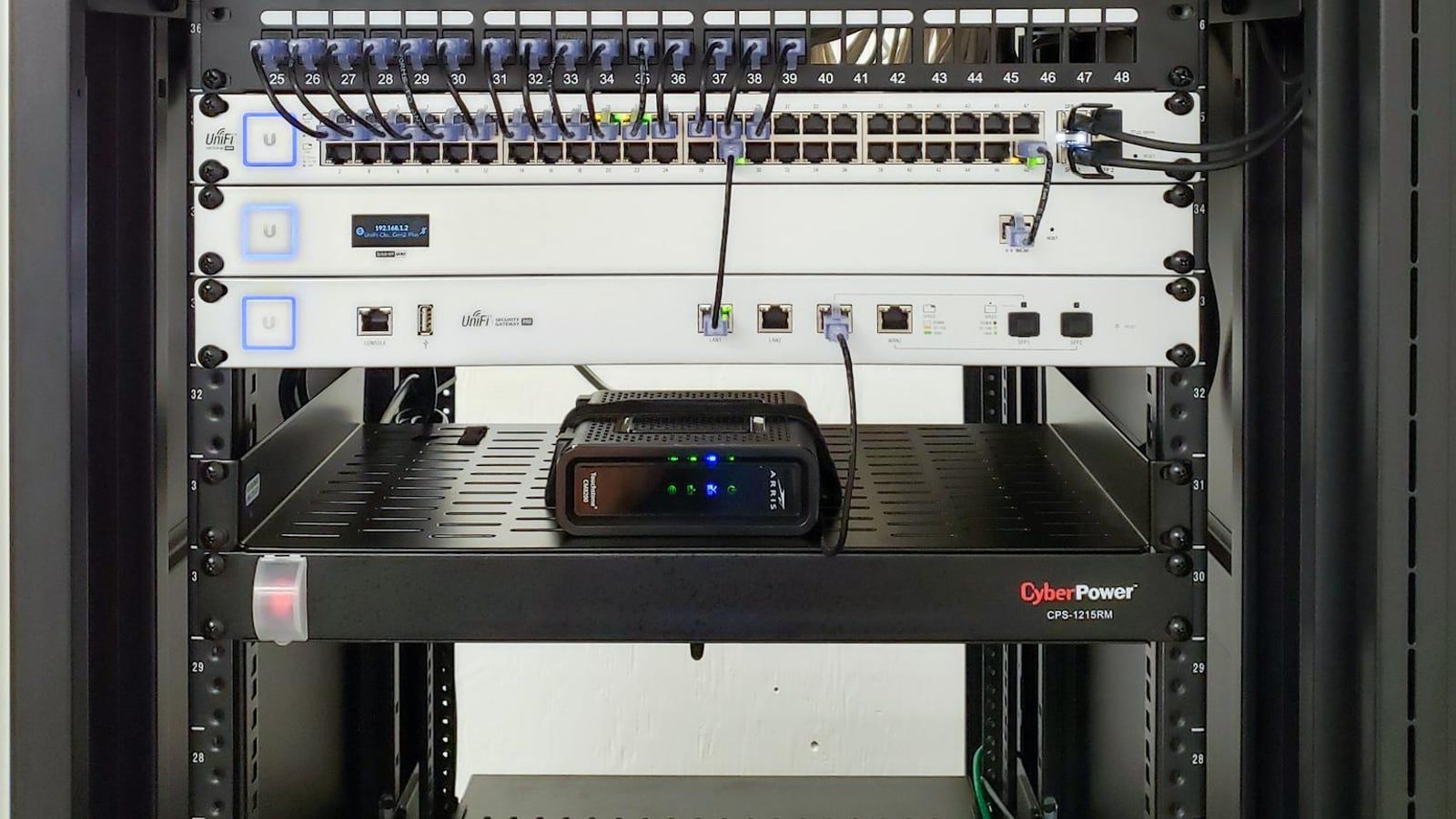
The gateway and switches form the foundation of a UniFi system. We plan port capacity, PoE budgets, uplinks, equipment location, rack layout, surge protection, and expansion room. Configuration can include separate networks for trusted devices, guests, cameras, building systems, and other approved uses.
UniFi Protect Cameras and Recording
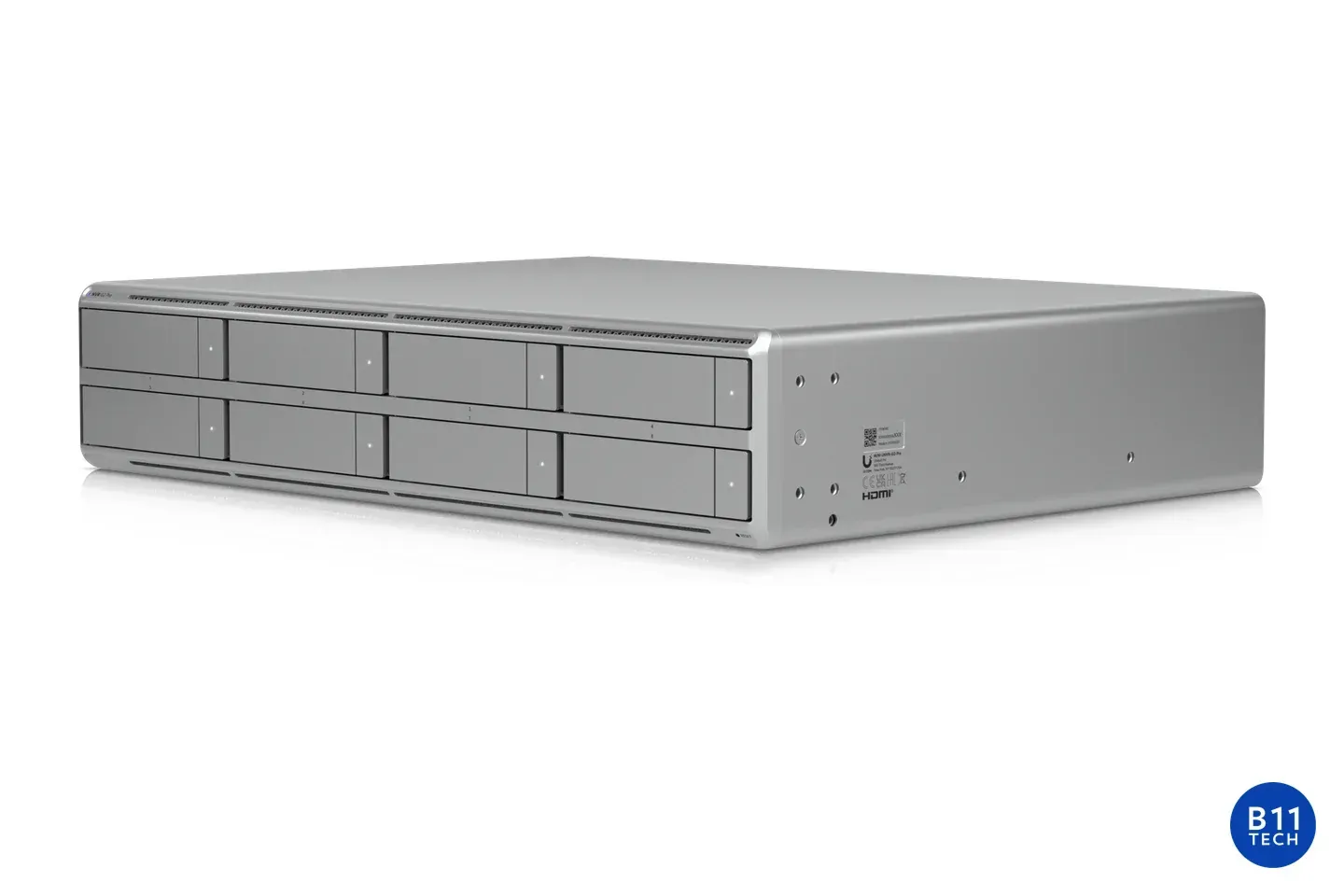
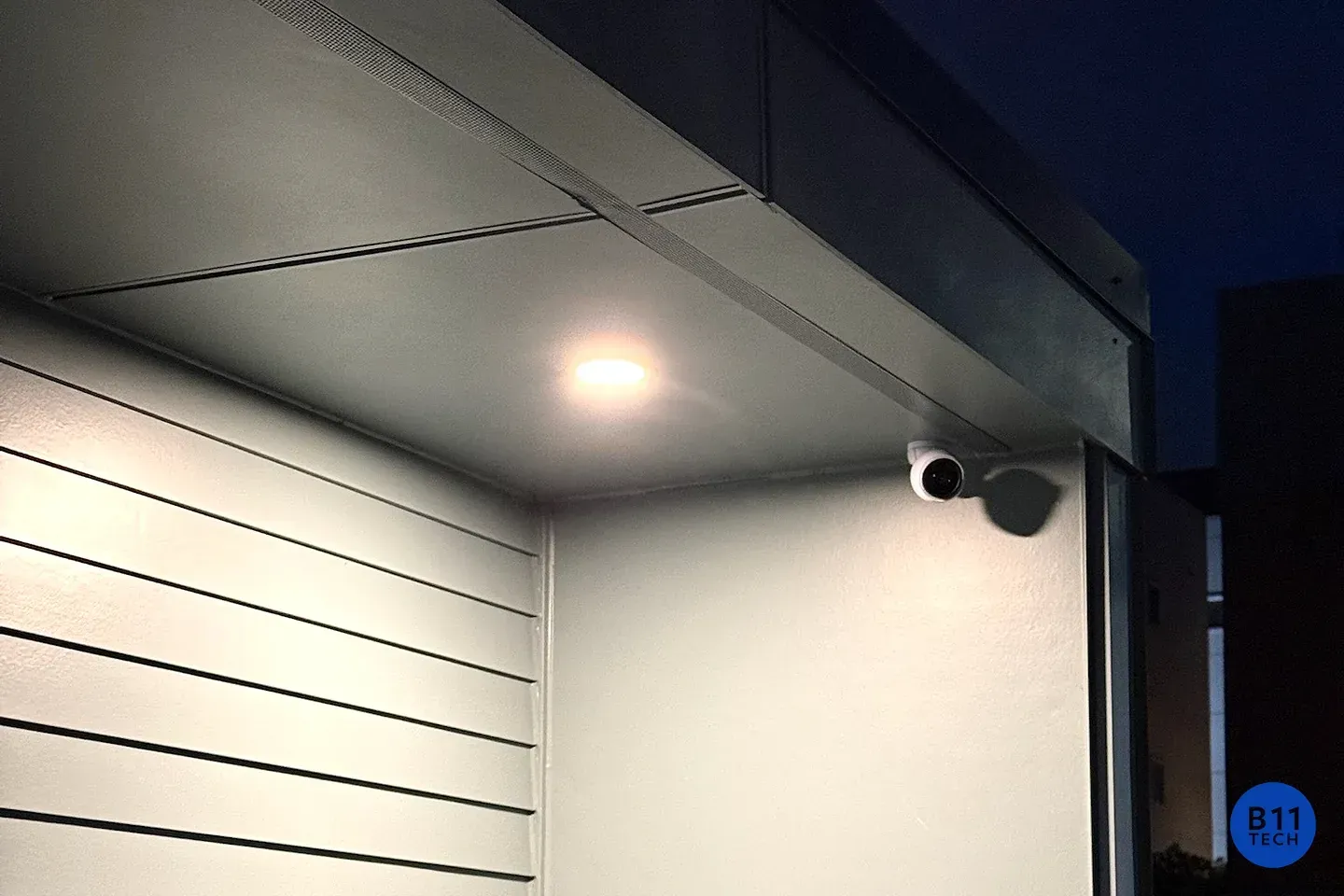
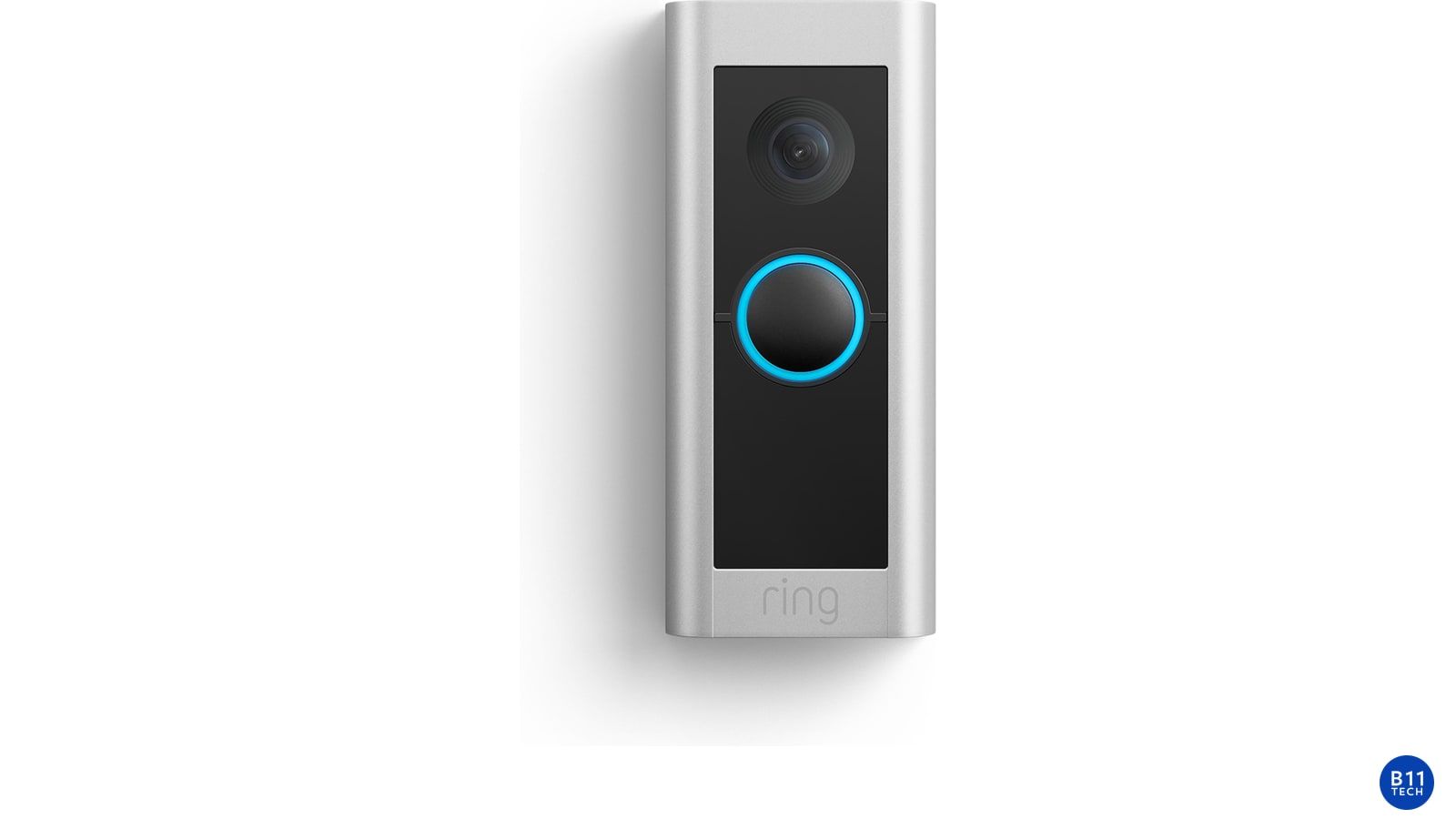
UniFi Protect combines IP cameras, local recording, remote viewing, and system management. A successful deployment requires useful camera placement, sufficient PoE capacity, appropriate storage, reliable uplinks, and realistic retention expectations. We plan residential projects through our home security camera service and larger deployments through our commercial camera installation service.
Storage, Servers, and Private Cloud
Some projects also benefit from local file storage, backups, media libraries, or private-cloud access. We can integrate a right-sized NAS or server with the network while keeping storage permissions, backups, remote access, and recovery planning clear. See our home NAS and private cloud service or business server and cloud service.
Why Design Matters More Than a Product List
UniFi equipment is modular, which makes it easy to buy components before the full system is understood. That can lead to too few switch ports, an insufficient PoE budget, access points placed for convenience instead of coverage, or storage that does not meet camera-retention goals. We begin with requirements so the final equipment list supports the intended result.
We also plan for serviceability. Clear labels, controller ownership, secure administrative access, configuration backups, diagrams, and a documented handoff make future support significantly easier. These details matter whether the system serves a family, a home office, or a growing company.
Residential and Commercial UniFi Systems
Residential UniFi projects often focus on whole-home coverage, wired connections for TVs and offices, outdoor Wi-Fi, cameras, local storage, and simple owner control. The goal is dependable technology without making the home feel like an IT department.
Commercial systems usually add more users, guest access, segmentation, managed switching, business continuity, vendor coordination, and ongoing support. Organizations that need proactive monitoring and planning can also review our managed IT services for Seattle businesses.
Our Ubiquiti Installation Process
- Discovery: We document the property, internet service, users, devices, applications, cameras, and growth expectations.
- Design: We plan access-point locations, wired connections, switching, PoE, gateway capacity, storage, and network boundaries.
- Installation: Approved equipment is mounted, cabled, labeled, adopted, updated, and configured.
- Validation: We test coverage, roaming, wired links, internet access, cameras, remote management, and the approved network policies.
- Documentation and handoff: We organize ownership, credentials, labels, configuration records, and support expectations.
Ubiquiti Service Across Greater Seattle
B11 Tech serves Seattle, Renton, Bellevue, Redmond, Kirkland, Mercer Island, Shoreline, Kenmore, Bothell, Lynnwood, Edmonds, Everett, Sammamish, Snoqualmie, Carnation, Duvall, and Monroe. Each project is scoped around the site rather than a fixed bundle of hardware.
Frequently Asked Questions
Can B11 Tech improve an existing UniFi system?
Yes. We can review an existing installation, controller access, device health, firmware, channel use, cabling, PoE capacity, network settings, and coverage symptoms before recommending changes.
Is UniFi appropriate for both homes and businesses?
It can be. The best fit depends on the property, reliability expectations, administrative needs, available cabling, and support plan. We size and configure the system differently for residential and commercial use.
Can UniFi cameras work without a monthly cloud recording subscription?
UniFi Protect is designed around compatible local recording hardware. Remote access and features depend on the approved system configuration, internet connectivity, storage capacity, and current Ubiquiti platform capabilities.
Plan Your UniFi System
Schedule a consultation with B11 Tech for a new UniFi deployment, an expansion, or a review of an existing network and Protect system.
Schedule a Free Consultation