Planning Wi-Fi and Security Upgrades Across the North Seattle Area
By B11 Tech Solutions
When Wi-Fi, cameras, doorbells, and everyday devices share the same connection, it helps to plan them together. A camera issue may be a network issue. A new access point may need cabling. A home office may need better account security as well as better coverage. Reviewing the whole setup can prevent a series of disconnected upgrades.
Begin with the problem you want solved
Make a short list of the locations and tasks that are not working reliably. Note which rooms lose connectivity, which cameras disconnect, where video calls fail, and whether the problem occurs at certain times. Include any planned additions, such as a doorbell, a conference room, or an outdoor camera.
A useful assessment distinguishes internet service, internal networking, device limitations, and configuration. Faster service does not automatically improve a poor wireless signal, and more cameras do not automatically improve the most important view.
Kenmore, Bothell, and nearby communities: plan connected spaces
For a property in Kenmore, Bothell, Lake Forest Park, Brier, or Woodinville, start by identifying the network equipment location and the areas needing coverage. Review the working spaces, connected devices, and available pathways for Ethernet. The installation plan should fit the actual building rather than assumptions based on the city name.
For home-office support, include computer care, account access, backup, and remote-work needs. For a professional property, include staff devices, guest access, shared resources, and the support process.
Mill Creek, Lynnwood, and Edmonds: coordinate Wi-Fi and security
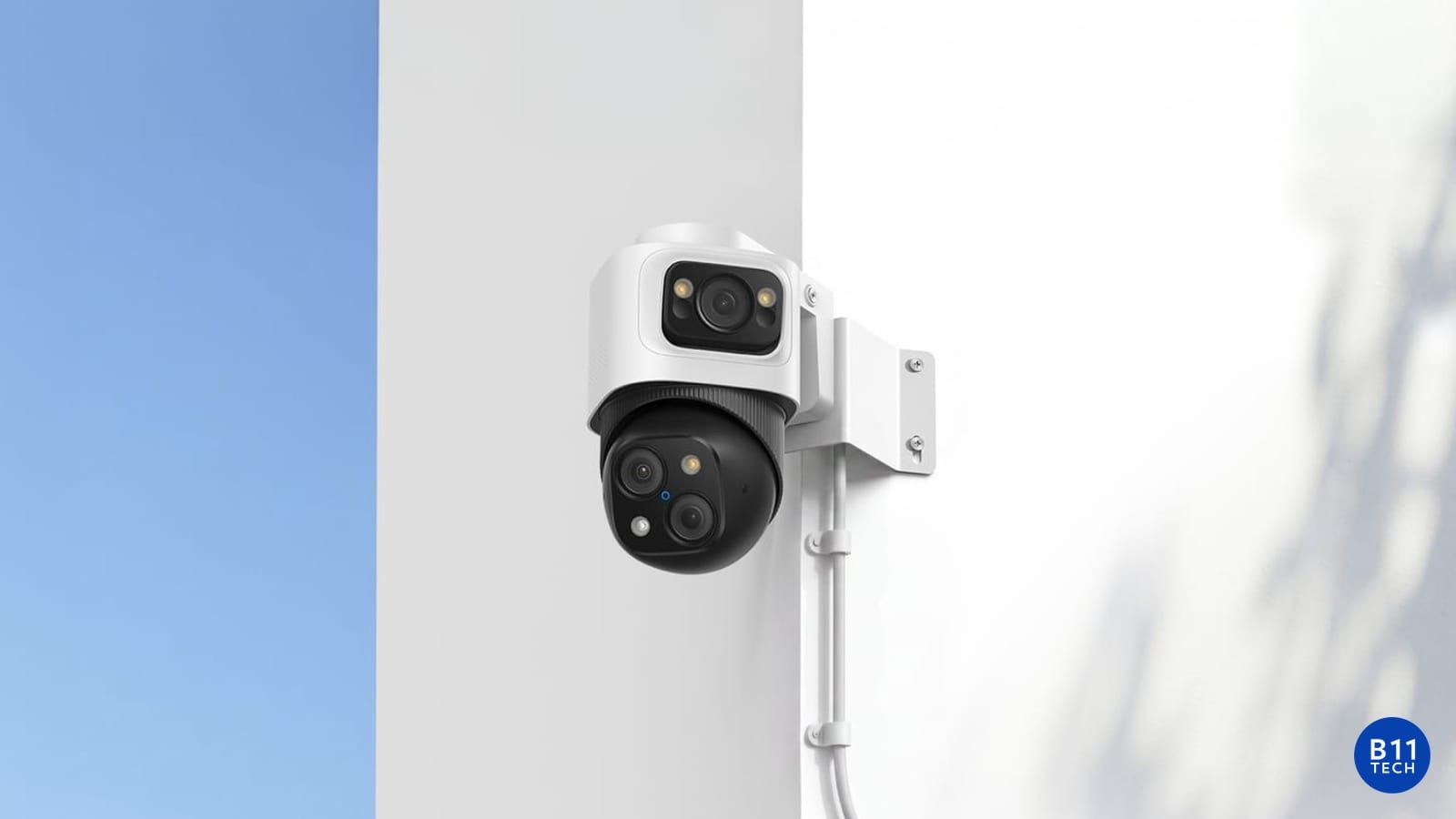
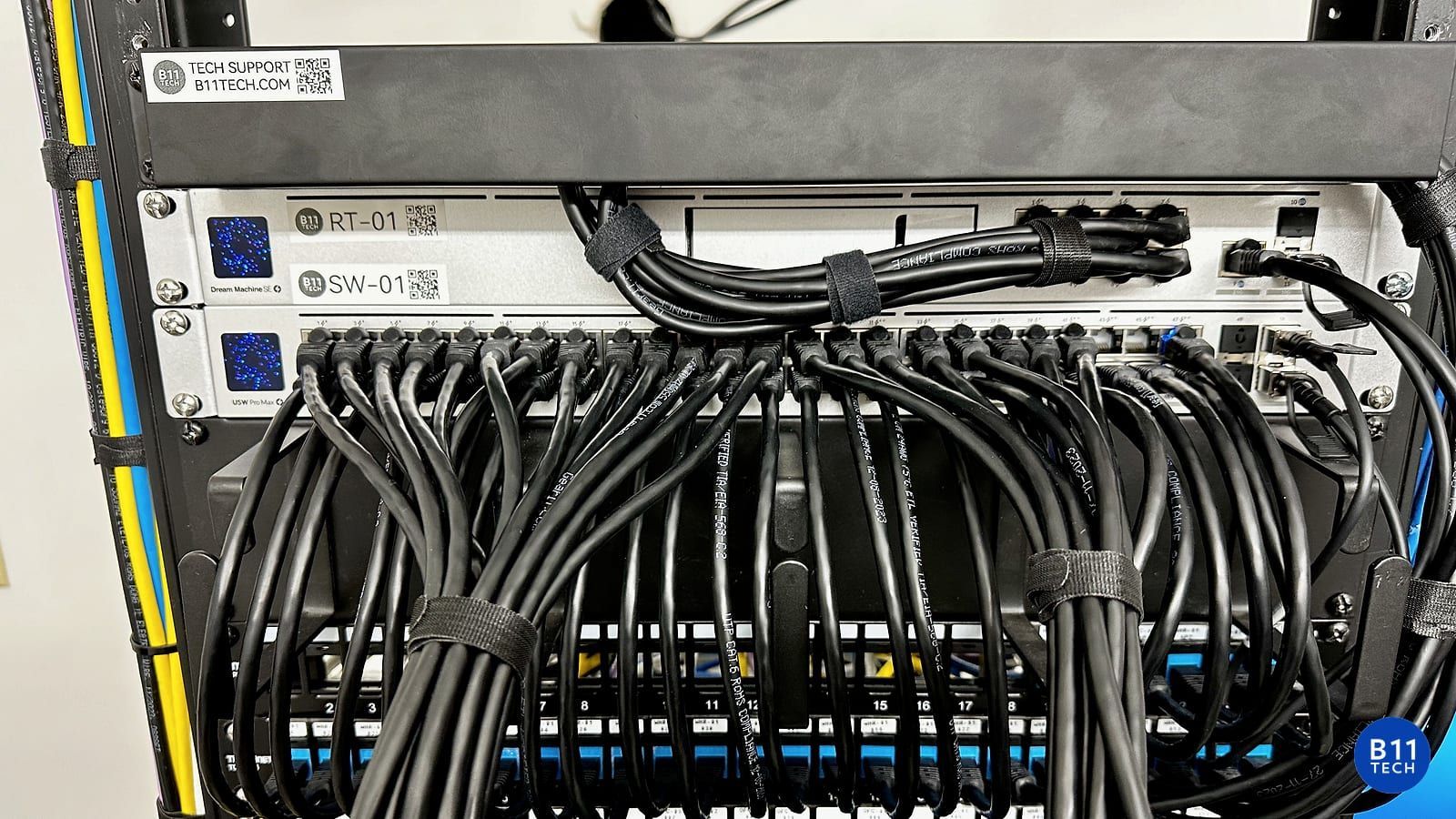
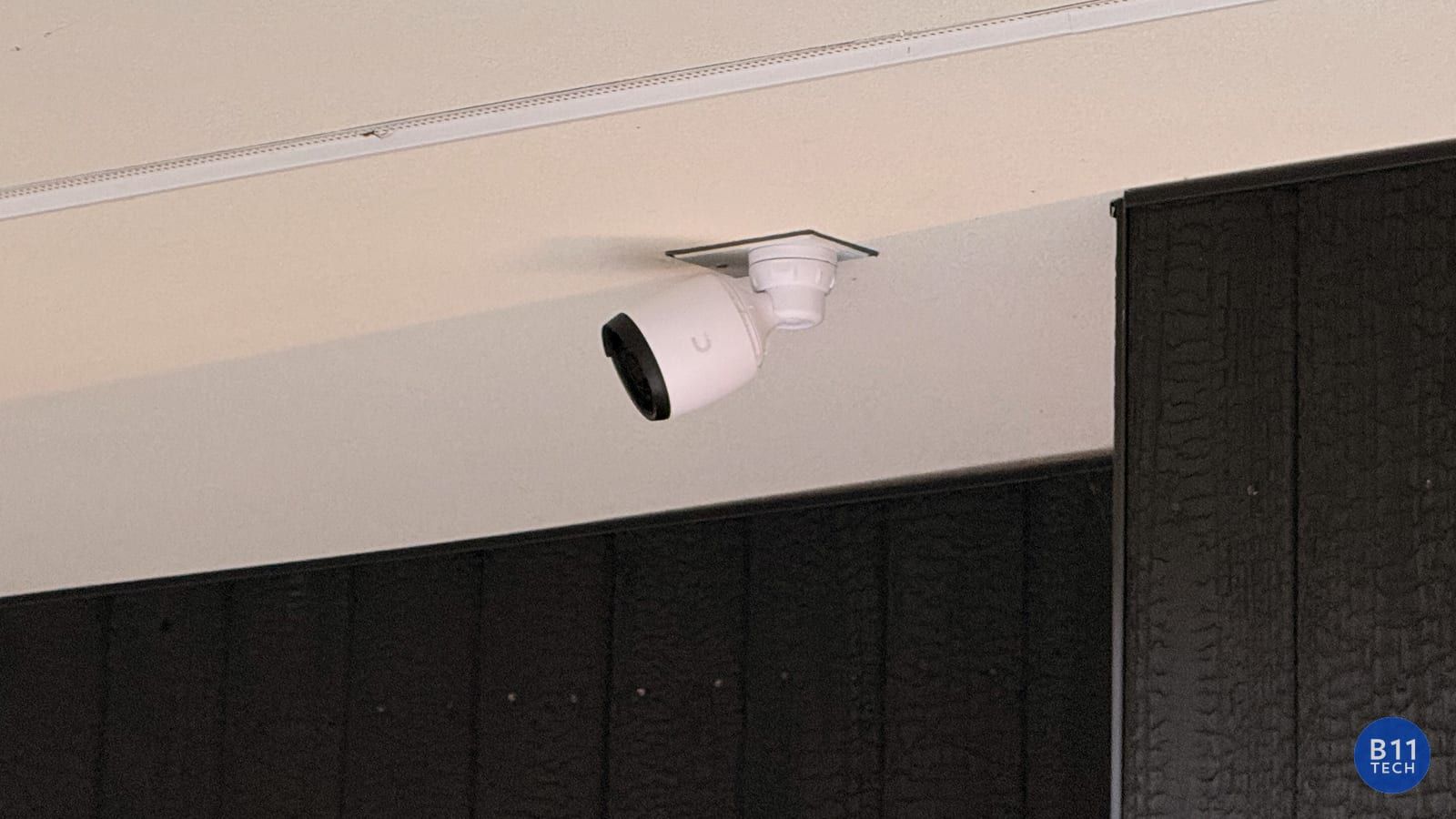
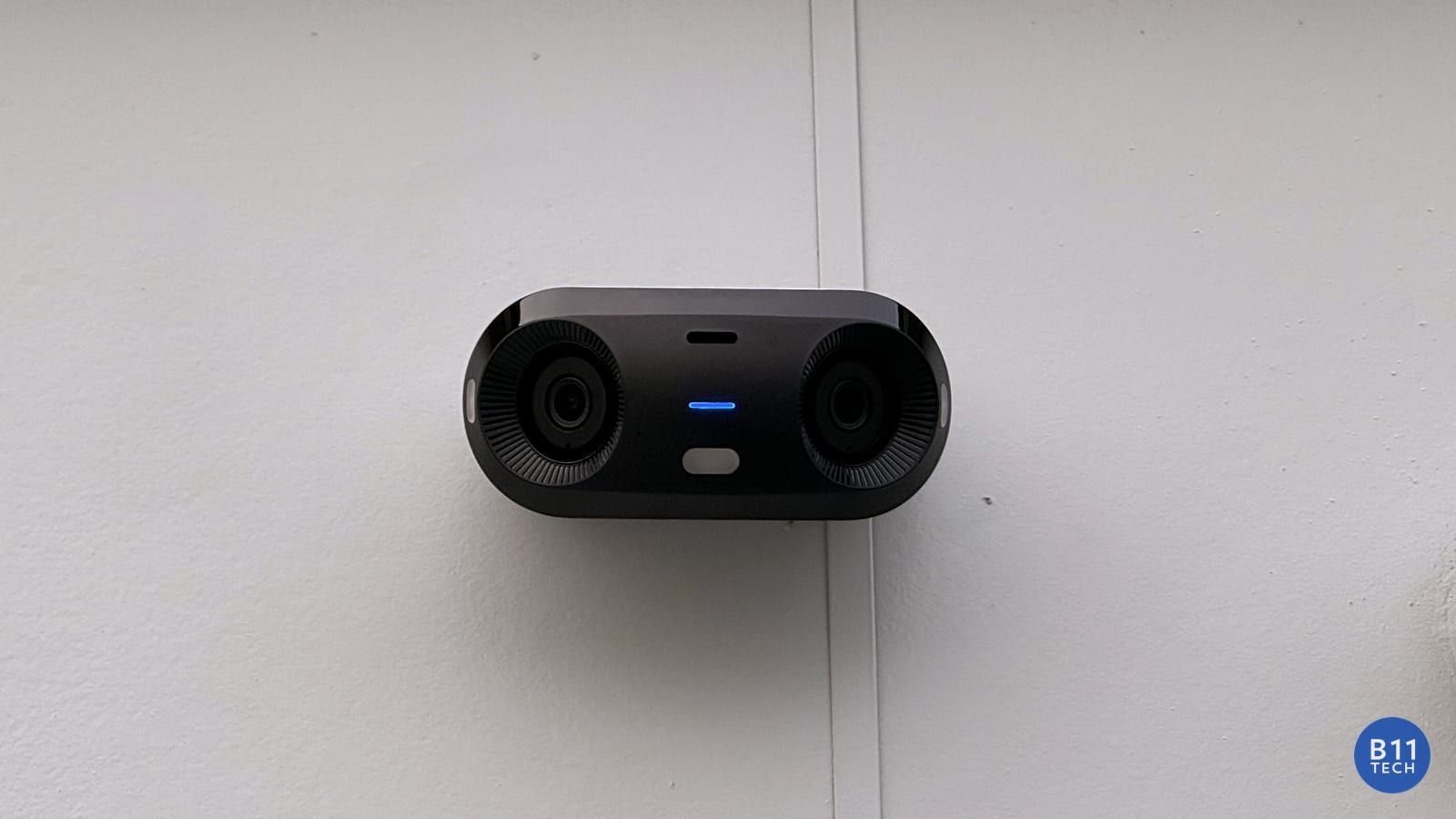
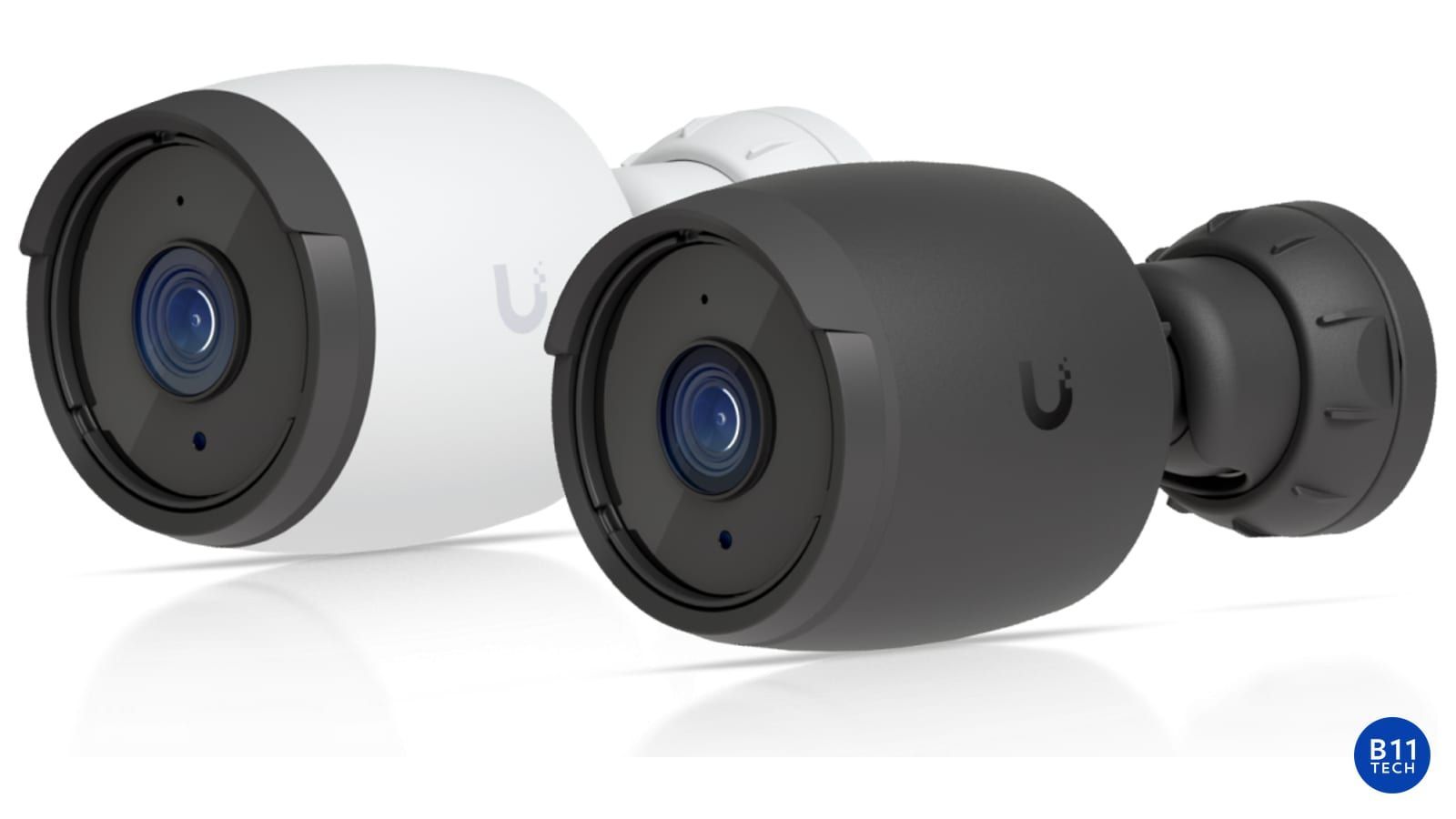
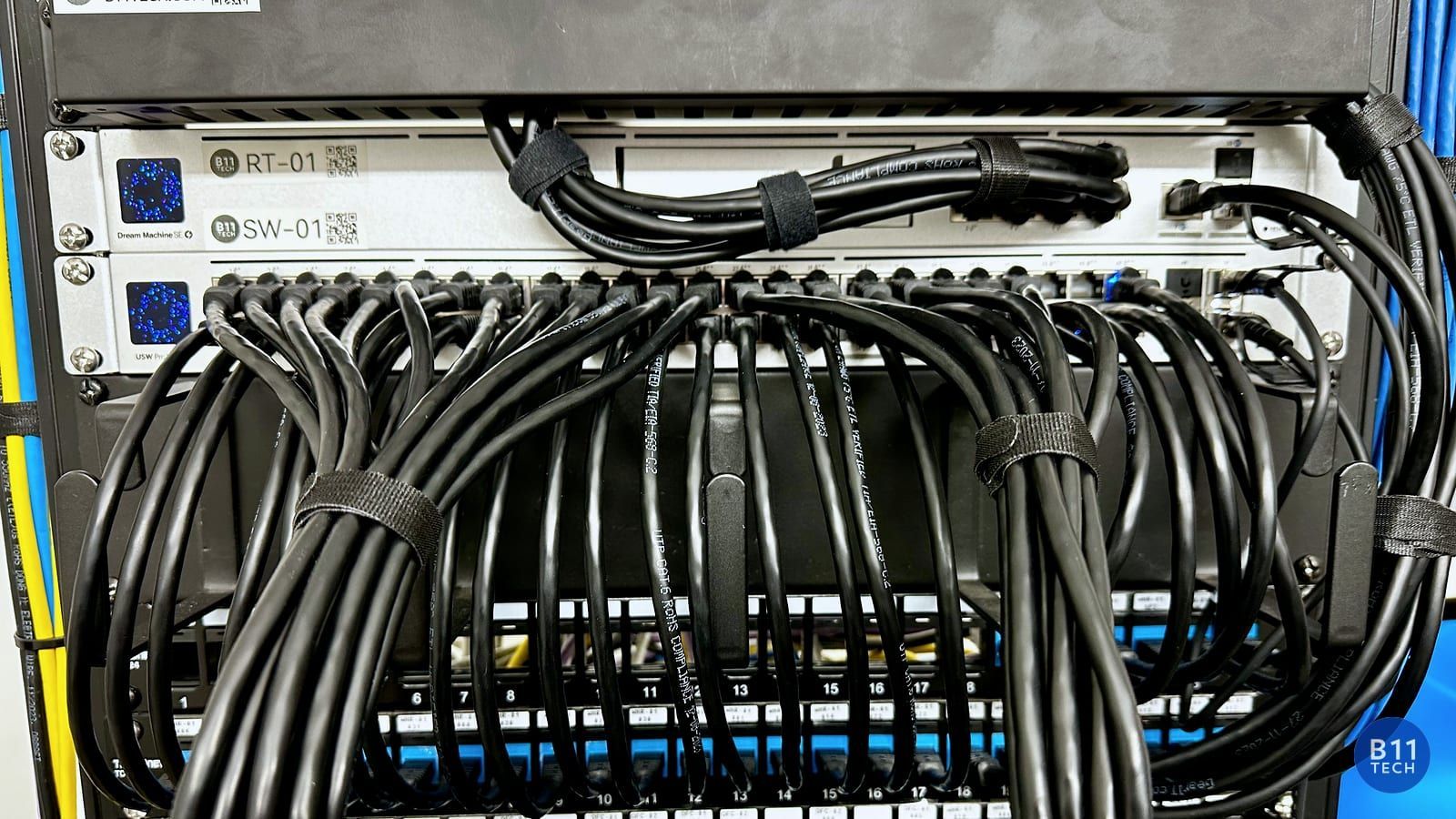
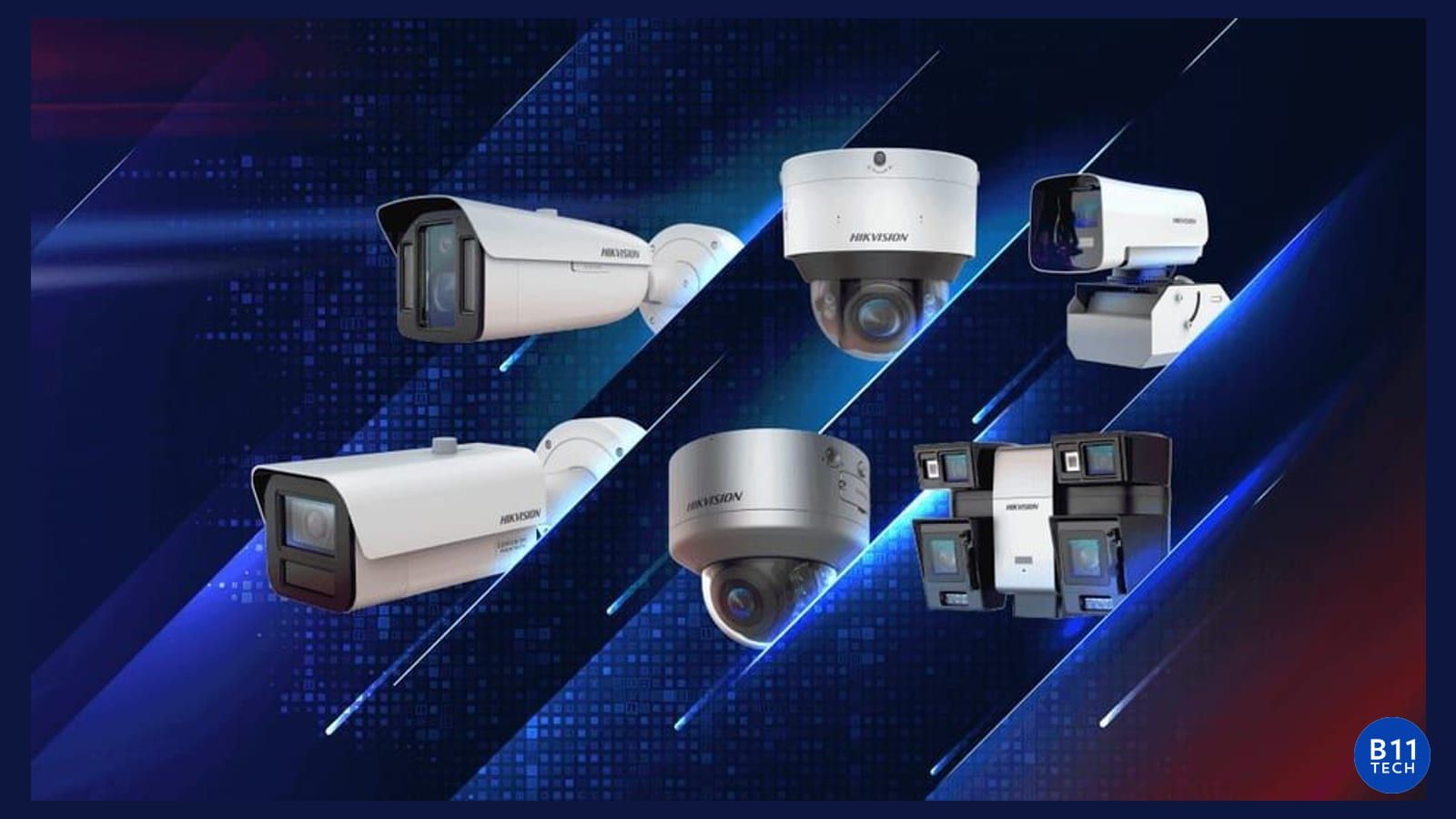
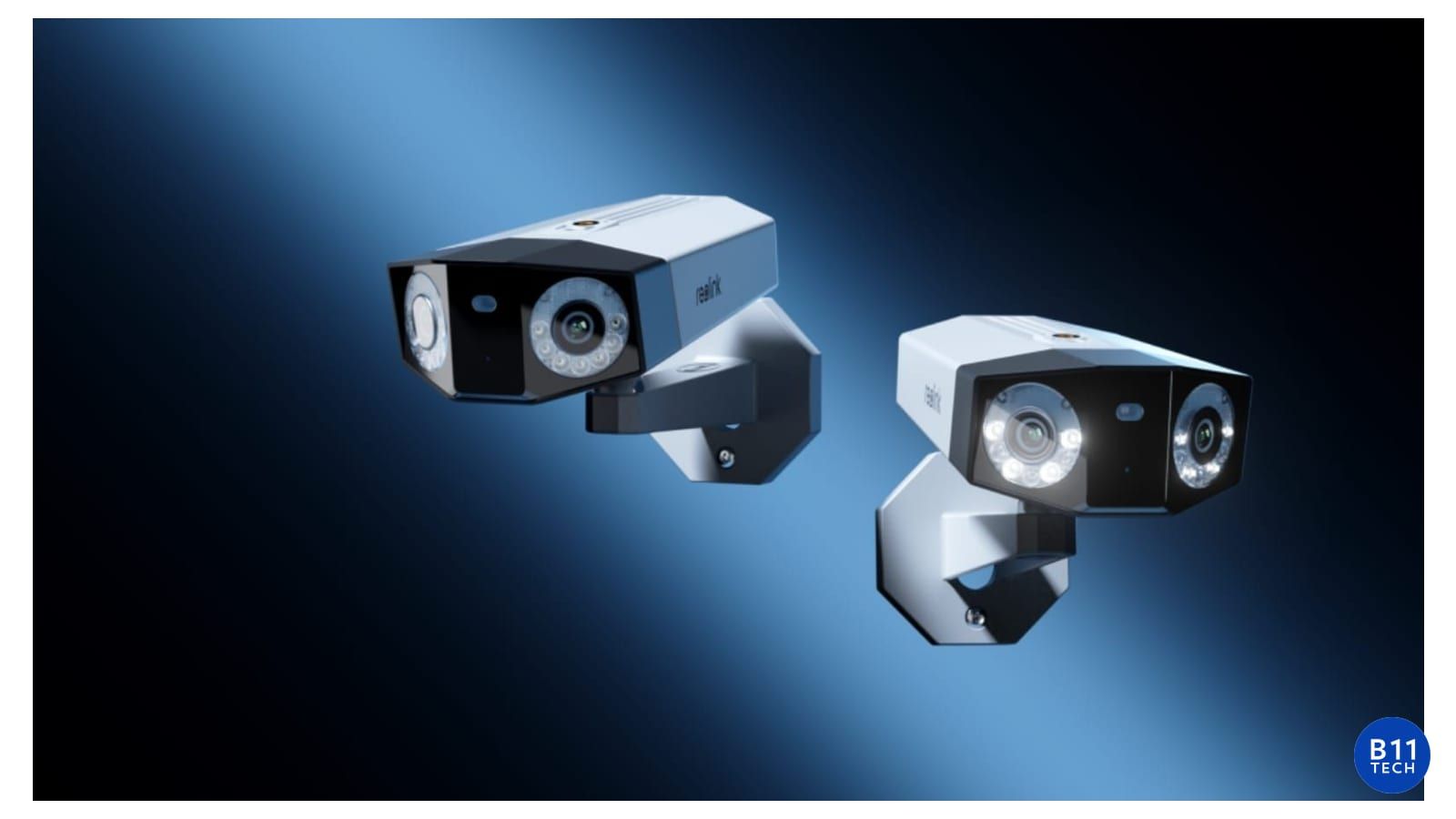
If cameras, alarms, or smart entry are part of the project, review power and connectivity before choosing devices. Doorbell placement and wireless signal should be checked together. A wired camera plan should include cable routing, switch power capacity, recording equipment, and the people who will use the system.
We also serve Mountlake Terrace, Shoreline, and nearby areas. Each project starts with the required coverage and an agreed scope, not a one-size-fits-all equipment bundle.
Everett, Snohomish, and Marysville: test the complete path
For projects in Everett, Snohomish, Marysville, Mukilteo, or Lake Stevens, map the connection from the internet service to the devices that matter. Detached work areas, exterior camera locations, and distant rooms may require a different design from the main equipment area.
Depending on the property, the plan may include Ethernet, access points, camera power, appropriate outdoor equipment, or another supported connection method. We verify the route and equipment requirements before recommending an approach.
Prepare useful information for a consultation
Bring a floor plan if available, photos of the current equipment, a list of problem locations, and the model names of devices you want to keep. Do not send passwords in ordinary email. Tell us about installation access, timing, and the outcome you want so we can define the next assessment step.
Choose a system that can be maintained
Ask how the installation will be documented, who controls the accounts, how recordings or backups are checked, and what support is available after handoff. Clear ownership and a simple operating guide can be as important as the equipment specification.
Greater Seattle technology installation and support
B11 Tech provides Wi-Fi, security cameras, alarms, smart entry, cabling, audio, and IT support across Greater Seattle. Our team has served the region since 2011, with relevant certified expertise matched to the systems being installed.
Find the right service: residential Wi-Fi, commercial networks, security cameras, alarms and doorbells, or home-office IT support. Schedule a free consultation to discuss your project.