Office IT Relocation: A Practical Plan from Survey to Move-In
By B11 Tech Solutions
An office move is a technology project, not just an equipment delivery. Internet service, cabling, Wi-Fi, phones, access control, cameras, cloud accounts, and conference rooms need to be ready when the team arrives. A clear plan connects those dependencies and reduces avoidable surprises during the move.
1. Inventory the current environment
List network equipment, computers, printers, phones, servers, storage, cameras, and meeting-room devices. Record who owns each service and who has administrator access. Identify equipment that will move, equipment that needs replacement, and systems that must remain available during the transition.
Review how staff actually work. A team that relies on cloud applications, video calls, and shared files may need a different plan from one with local servers, specialized software, or a customer-facing phone system. Document the requirements before selecting new equipment.
2. Survey the destination and confirm internet service
Review the new floor plan, equipment location, cable pathways, power, mounting options, and building access. Confirm the internet provider's installation requirements and timing directly with the provider. Do not assume that an available service address means the connection is installed and ready to use.
Coordinate landlord, construction, internet-provider, and technology schedules. Where continuity is important, discuss a temporary or backup connection and its limitations before the move date.
3. Prepare cabling, Wi-Fi, and shared systems
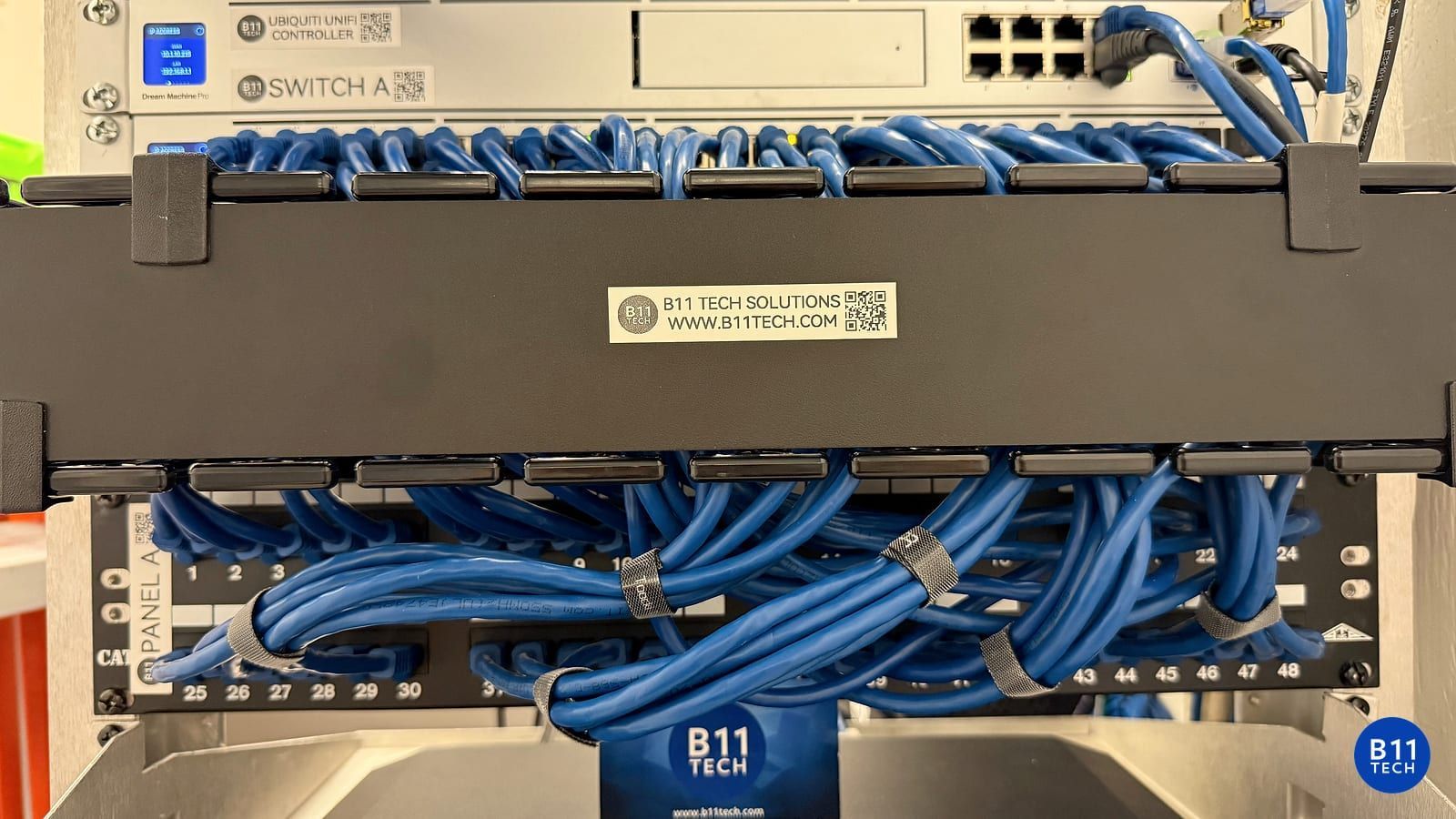
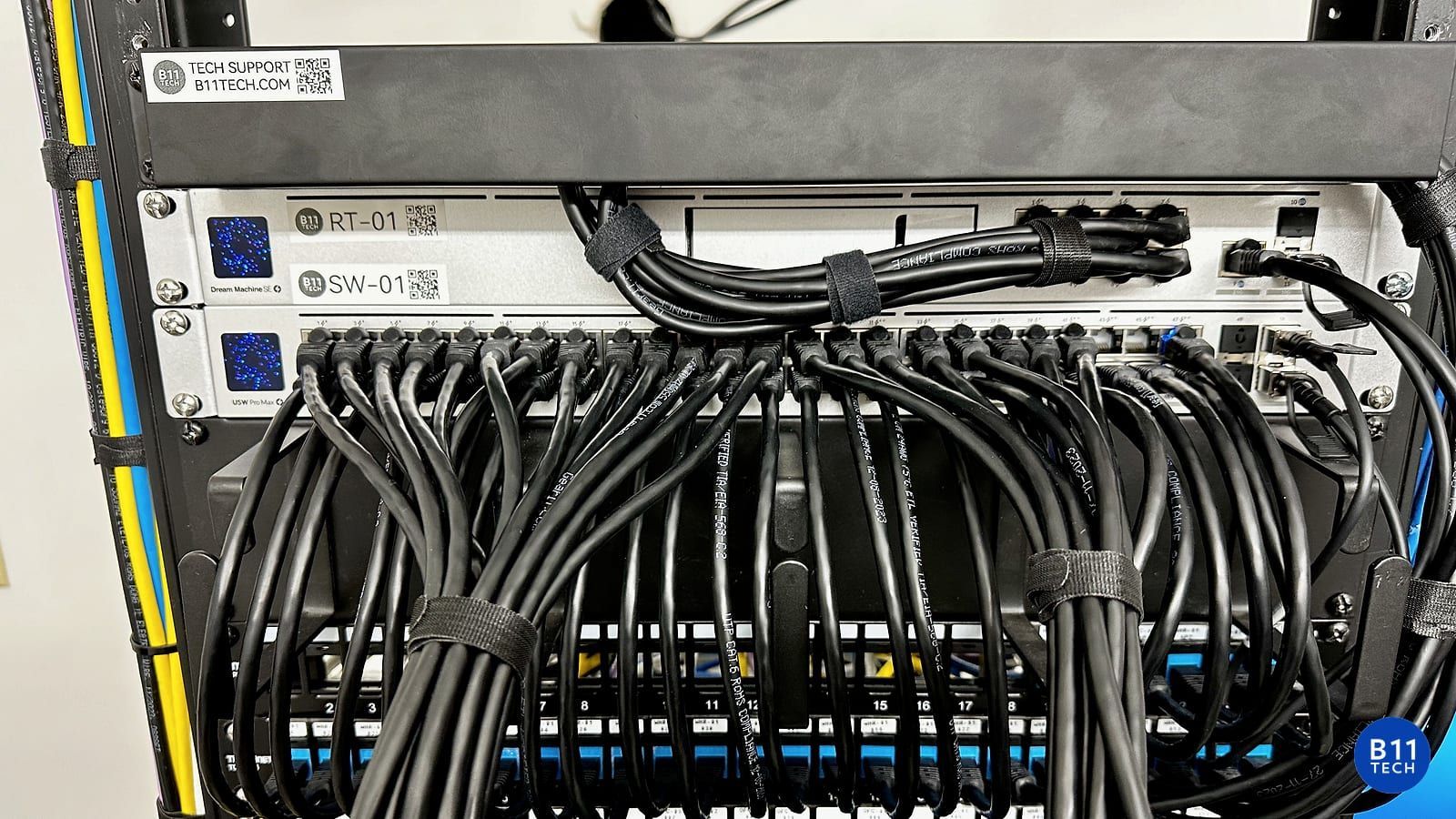
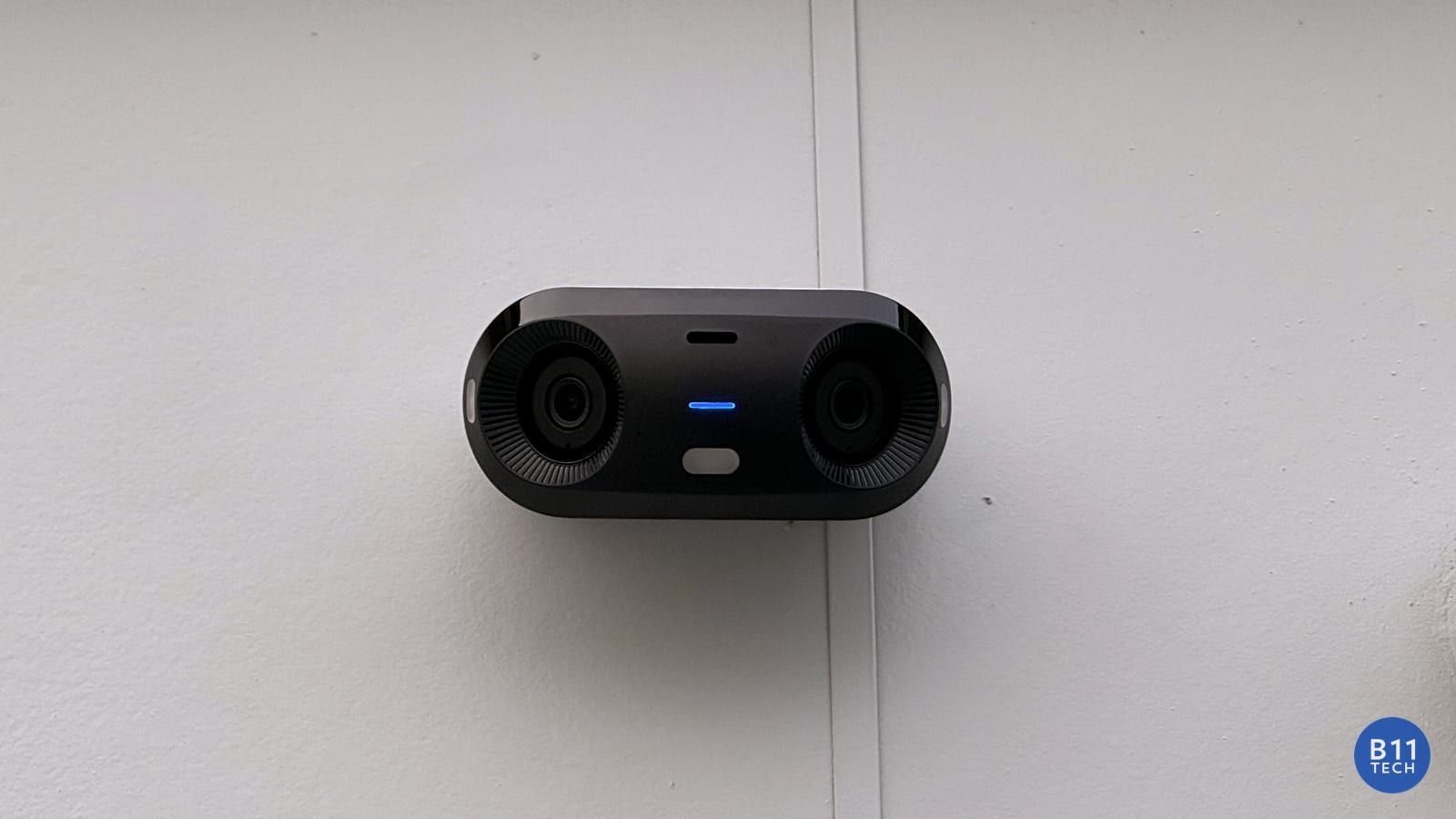
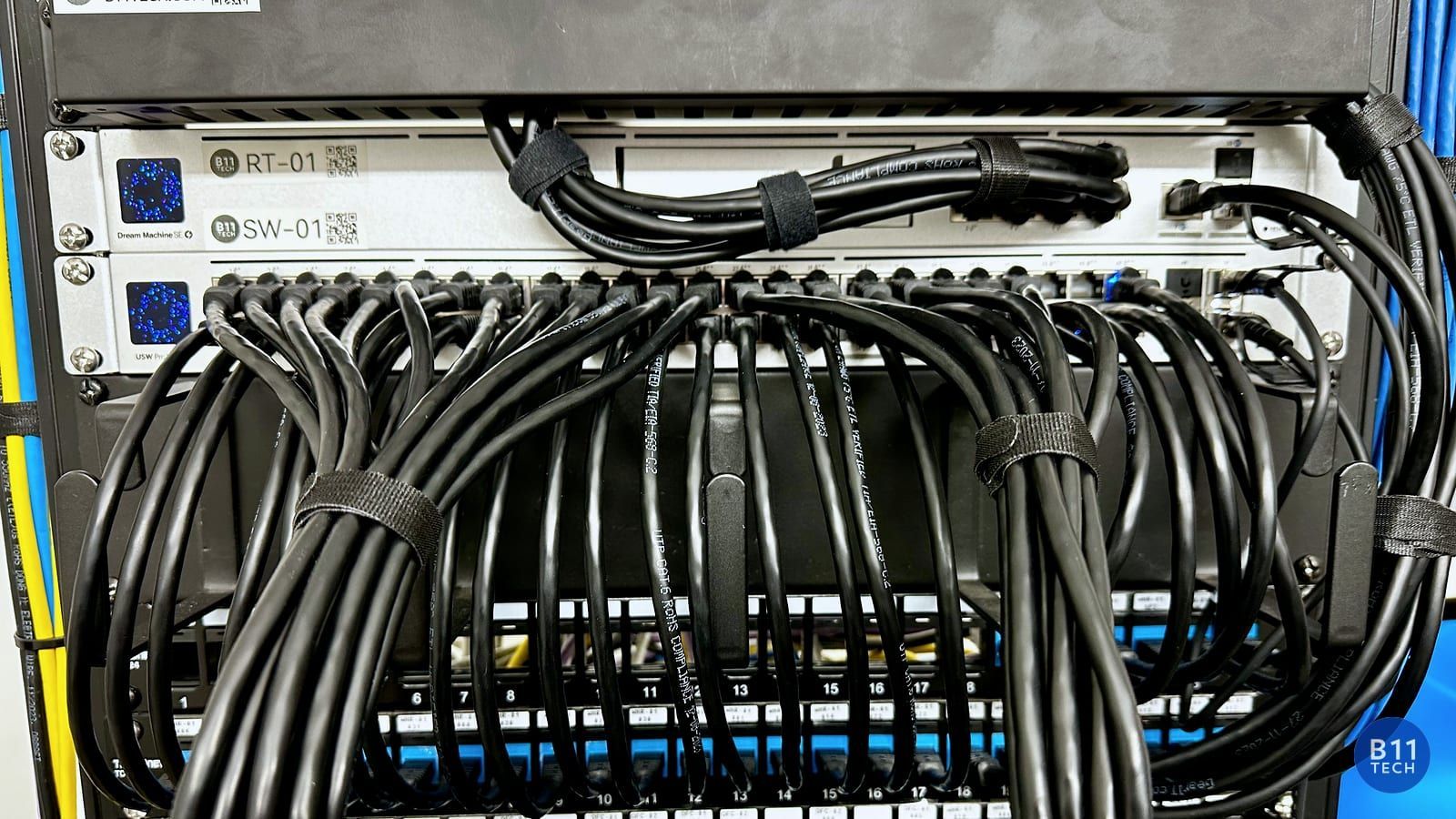
Plan desk connections, access point coverage, printers, cameras, entry devices, and conference-room connections. Install and label the approved cabling before furniture makes access difficult. Check switch capacity and PoE requirements for the devices that will be connected.
Guest access and staff access may need different policies. Meeting-room equipment should be tested with the collaboration platform the team uses, not only powered on. Document the agreed configuration and support contacts.
4. Keep a location move separate from an account migration
Moving to a new office does not necessarily require changing email platforms. If Microsoft 365 or Google Workspace migration is part of the scope, treat it as a separate workstream with source-system review, account mapping, permissions, mail routing, user communication, and validation. What can be moved depends on the source and migration tool. Microsoft's migration guidance and Google's migration planning guide explain those dependencies.
5. Agree on the cutover and recovery plan
Choose a transition window, name the decision-makers, and define what must be tested before staff return. Back up relevant data and configuration, confirm that recovery is practical, and decide what to do if a critical dependency is not ready. Avoid cancelling the old connection before the new environment has been validated.
A staged move may be more appropriate than changing every system at once. The plan should reflect the team's downtime tolerance and the services that matter most.
6. Validate the first working day
Check internet access, Wi-Fi coverage, calling, printing, shared files, cloud sign-in, meeting rooms, camera playback, and entry permissions as applicable. Provide a short handoff guide and a clear escalation path. An installation is not complete just because the rack looks finished.
One coordinated technology plan
B11 Tech has served Greater Seattle since 2011. We coordinate office technology projects in Seattle, Bellevue, Redmond, Kirkland, Bothell, Woodinville, Everett, and surrounding communities. This article describes our planning approach, not a claim about a specific customer's results.
Explore Managed IT Services, commercial networking, cloud migration, and conference rooms. Schedule a free consultation before setting the technology move date.