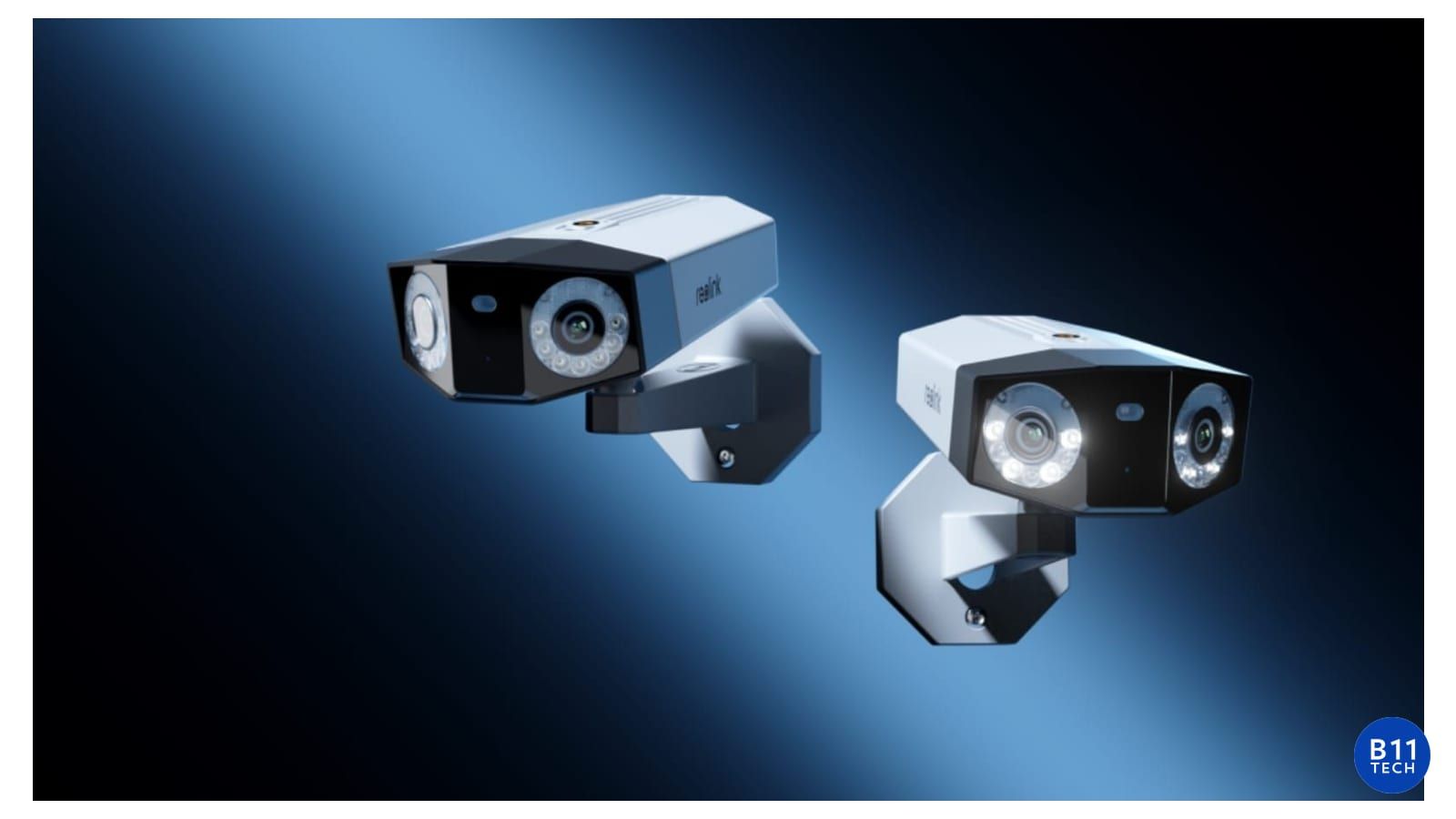
UniFi Protect AI Cameras: What to Know Before You Upgrade
AI security cameras can make recorded footage easier to review, but the right upgrade starts with a clear question: what do you need to see, and what should happen when the system detects it? A useful installation connects camera selection, placement, networking, recording, and alert settings. Buying a newer camera without reviewing that foundation can leave the same blind spots in place.
Detection is not the same as identification
A person or vehicle alert identifies a type of activity. Face or license-plate recognition is a different capability, with additional hardware, positioning, and privacy considerations. Do not assume every UniFi camera supports every AI feature. Ubiquiti documents different capabilities across camera families and supported AI accessories. Check the exact model and current compatibility before ordering equipment. See Ubiquiti's official AI detection guide.
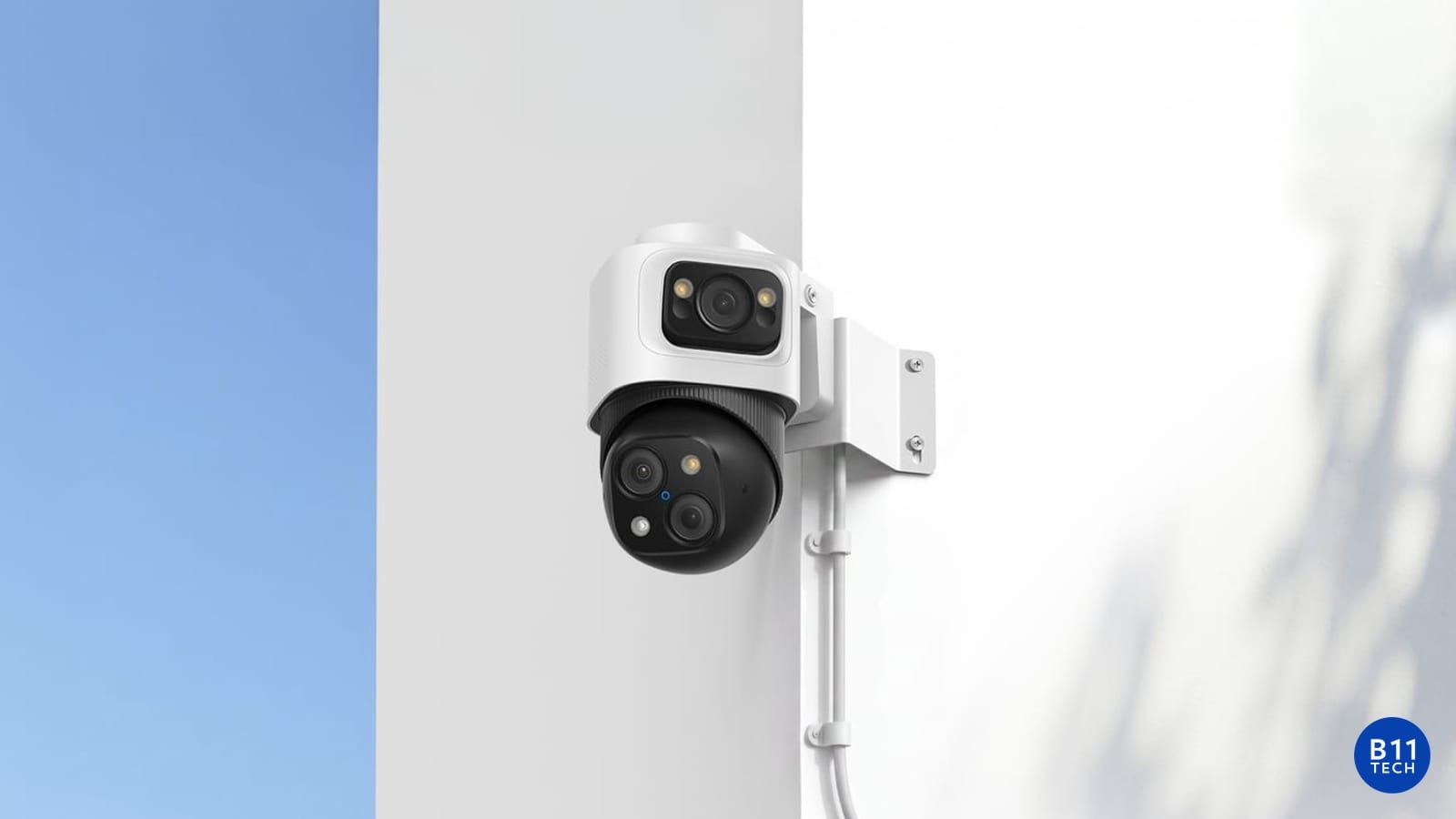
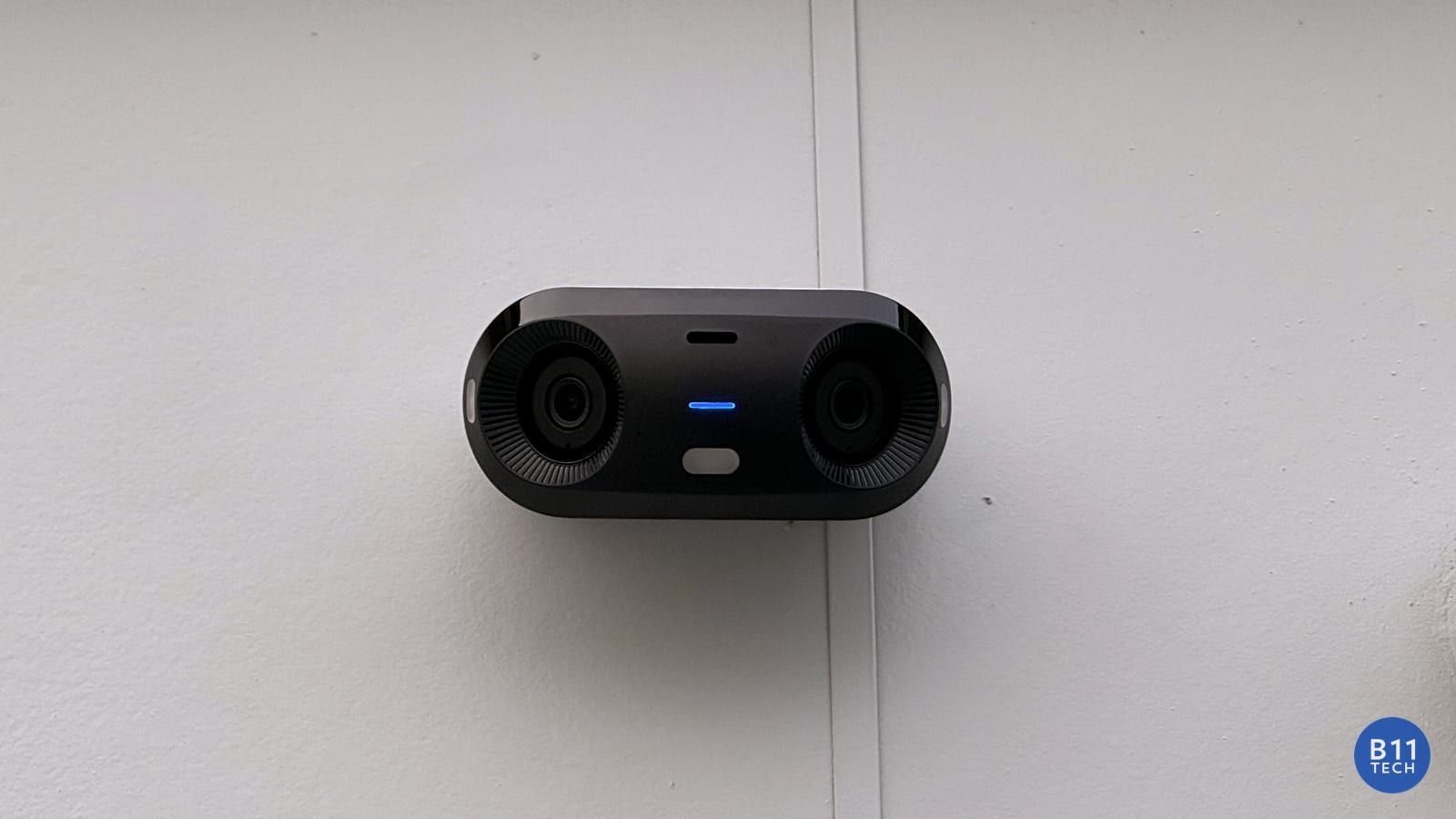
For a typical entrance, useful questions include whether the camera needs to show a face, a package, a vehicle, or a wider overview. One wide-angle camera may not do all four jobs well. We plan views around the purpose of each location rather than filling a property with identical cameras.
Start with camera placement and lighting
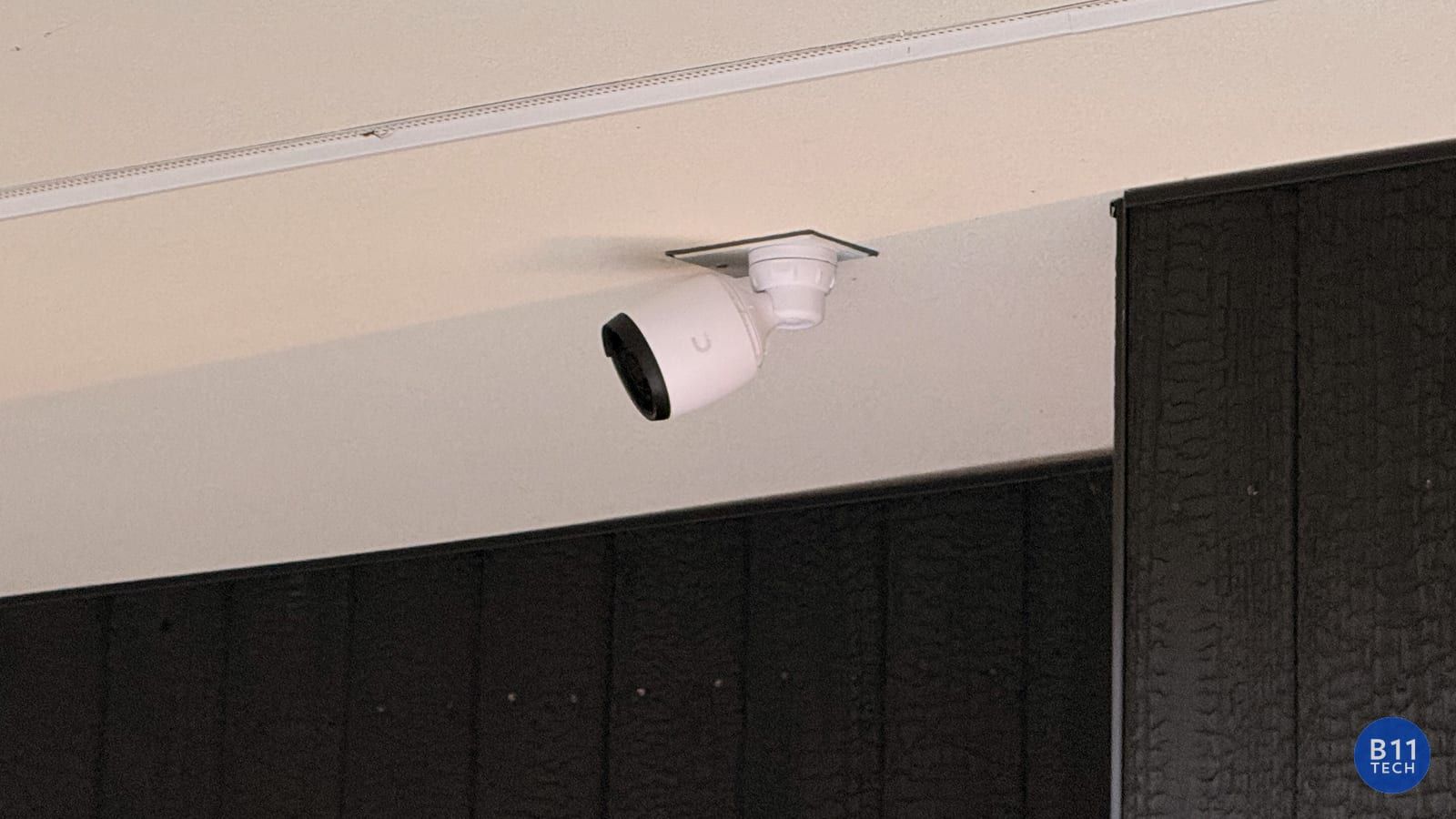
Mounting height, viewing angle, glare, changing daylight, and nearby lights affect usable footage. A camera pointing into a bright doorway may produce an attractive overview but miss the detail you actually need. Nighttime verification matters too: an image that looks clear at noon is not a complete acceptance test.
We review coverage at entrances, parking areas, common spaces, and other agreed locations. Where appropriate, separate overview and detail views can be more practical than relying on digital zoom. The design should also avoid unnecessary recording of neighboring private spaces.
Review the existing Protect system before replacing cameras
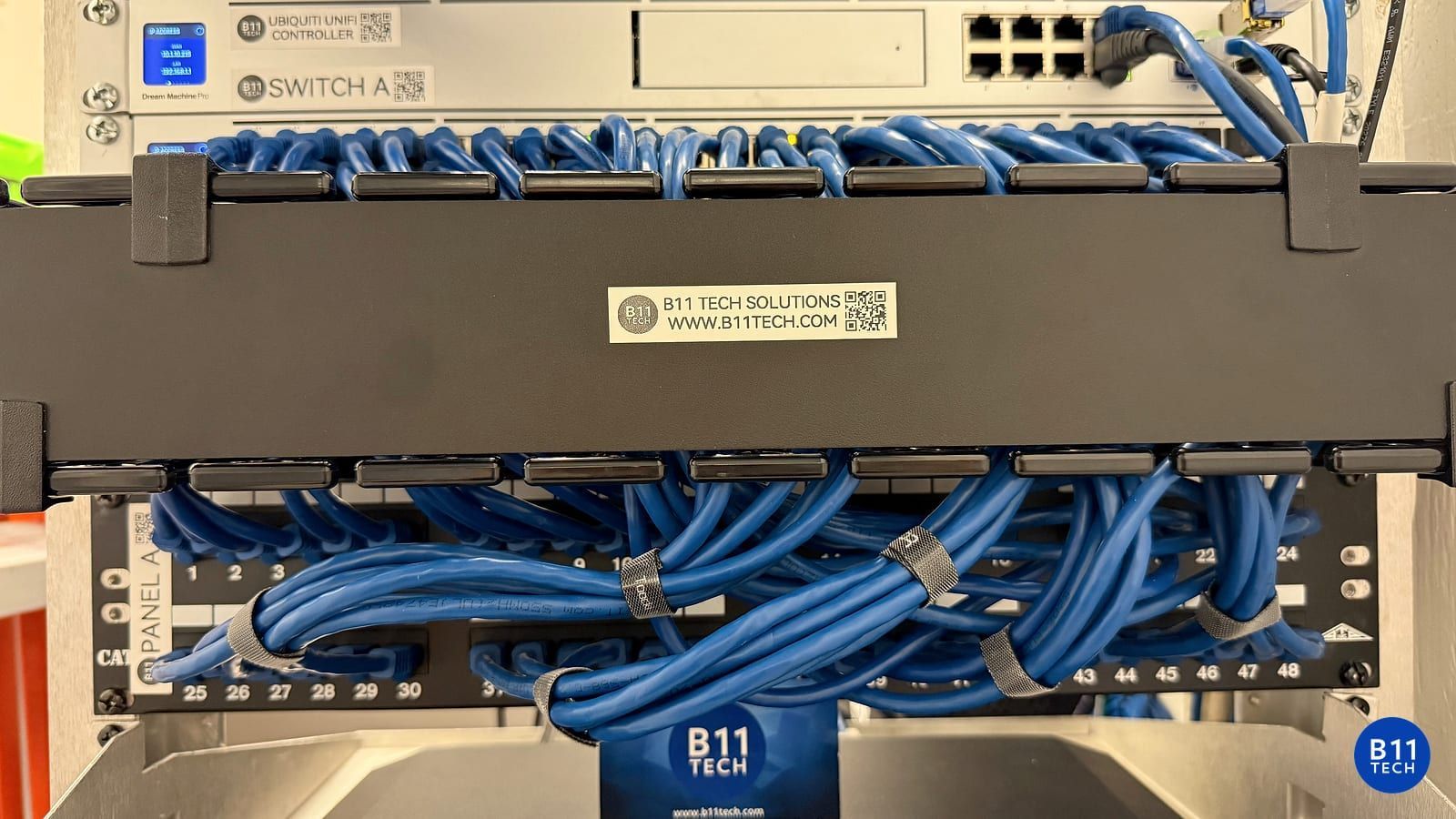
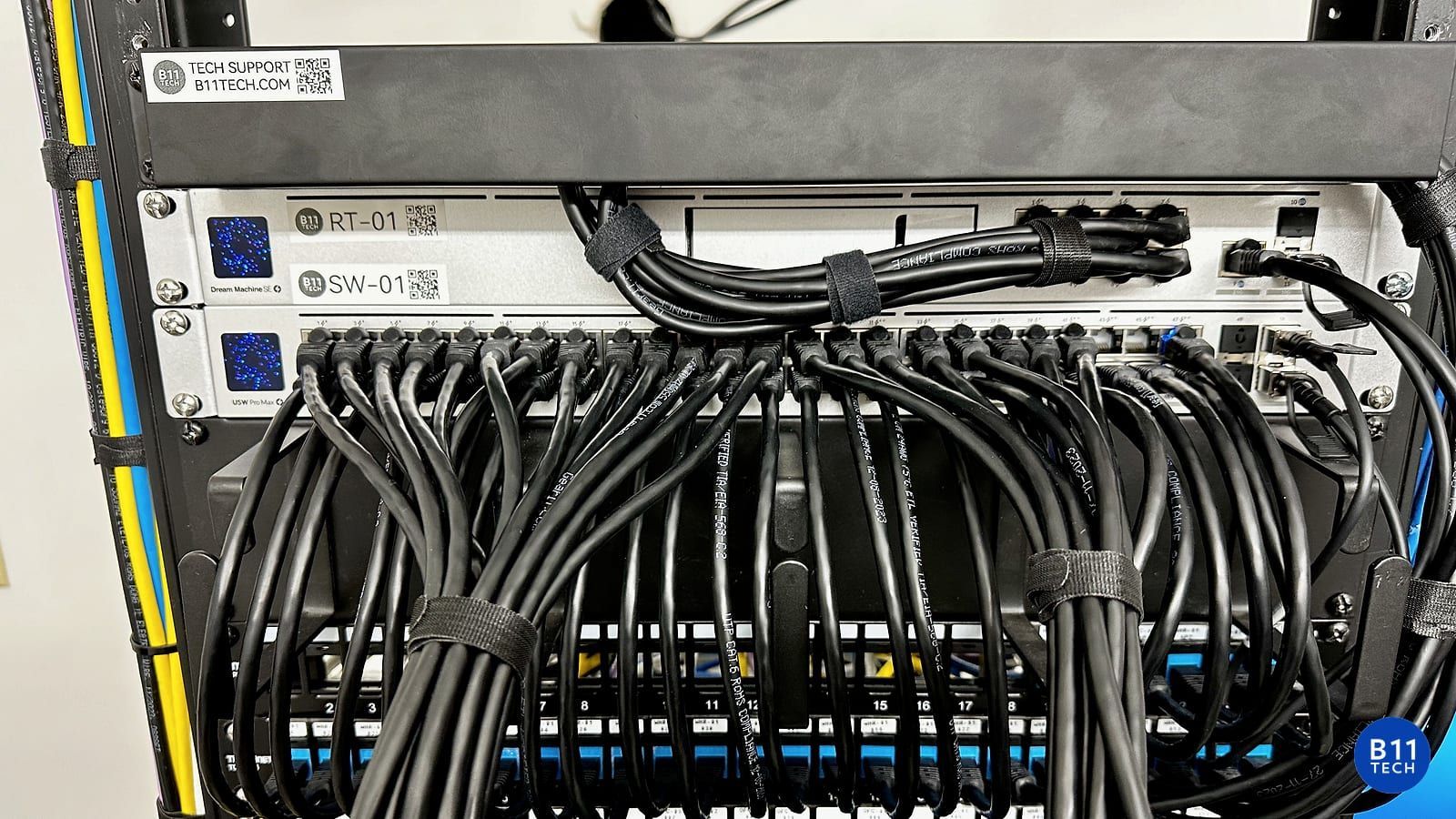
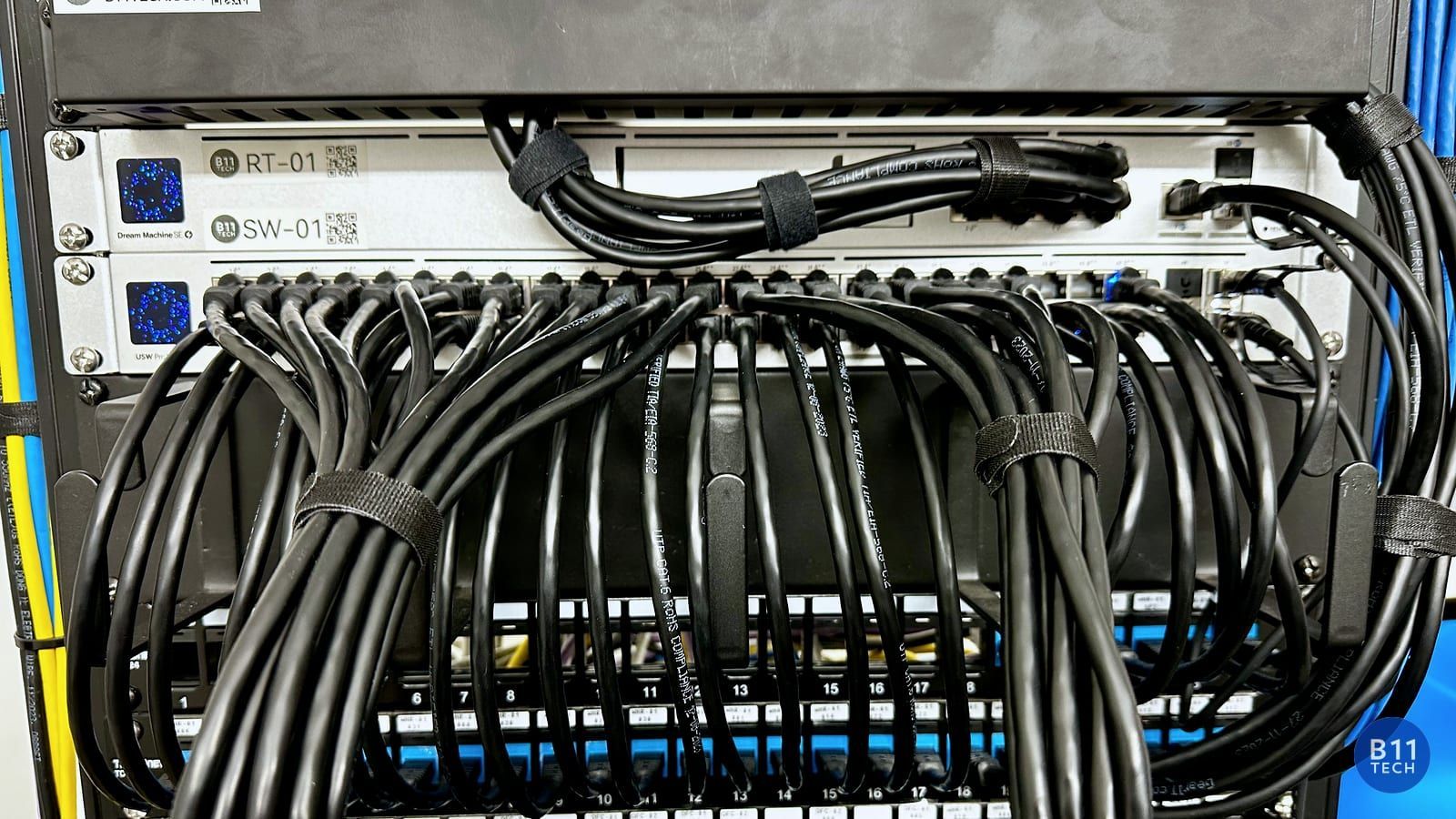
An upgrade assessment should identify the recorder or console, available storage, switch capacity, PoE power, cabling, software versions, and administrator access. Existing cameras may still be useful. AI accessories can add capabilities to certain supported cameras, but they are not universal adapters. Ubiquiti's AI Port FAQ explains compatibility and capacity limits.
We recommend a staged upgrade when it makes sense: improve the most important view first, confirm recording and alerts, then expand. This makes the investment easier to evaluate and reduces unnecessary equipment replacement.
Make alerts useful, not overwhelming
Configure detection zones around relevant activity, review notification schedules, and test the system with normal movement through the property. A busy sidewalk should not necessarily trigger the same response as a restricted doorway. Too many notifications can train people to ignore the system.
Also decide who can view recordings, administer the system, and receive alerts. Keep access limited to the people who need it. AI-assisted search is a convenience, not a substitute for reviewing footage or a guarantee that every event will be recognized.
Plan recording, retention, and handoff
Specify the recording mode and retention goal before finalizing storage. Confirm that footage can be played back and exported, that time settings are correct, and that authorized users can access the system. Our handoff covers everyday viewing, notifications, and basic troubleshooting.
UniFi camera installation in Greater Seattle
B11 Tech is a Certified UniFi Installer serving the region since 2011. We plan and install camera systems in Seattle, Bellevue, Kirkland, Redmond, Bothell, Kenmore, Mill Creek, Everett, and nearby communities. Recommendations depend on the property and the coverage you need.
Explore residential security camera installation or commercial camera systems, then schedule a free consultation to review your existing setup.