PoE vs. Wi-Fi Security Cameras: Power, Reliability, and Recording
By B11 Tech Solutions
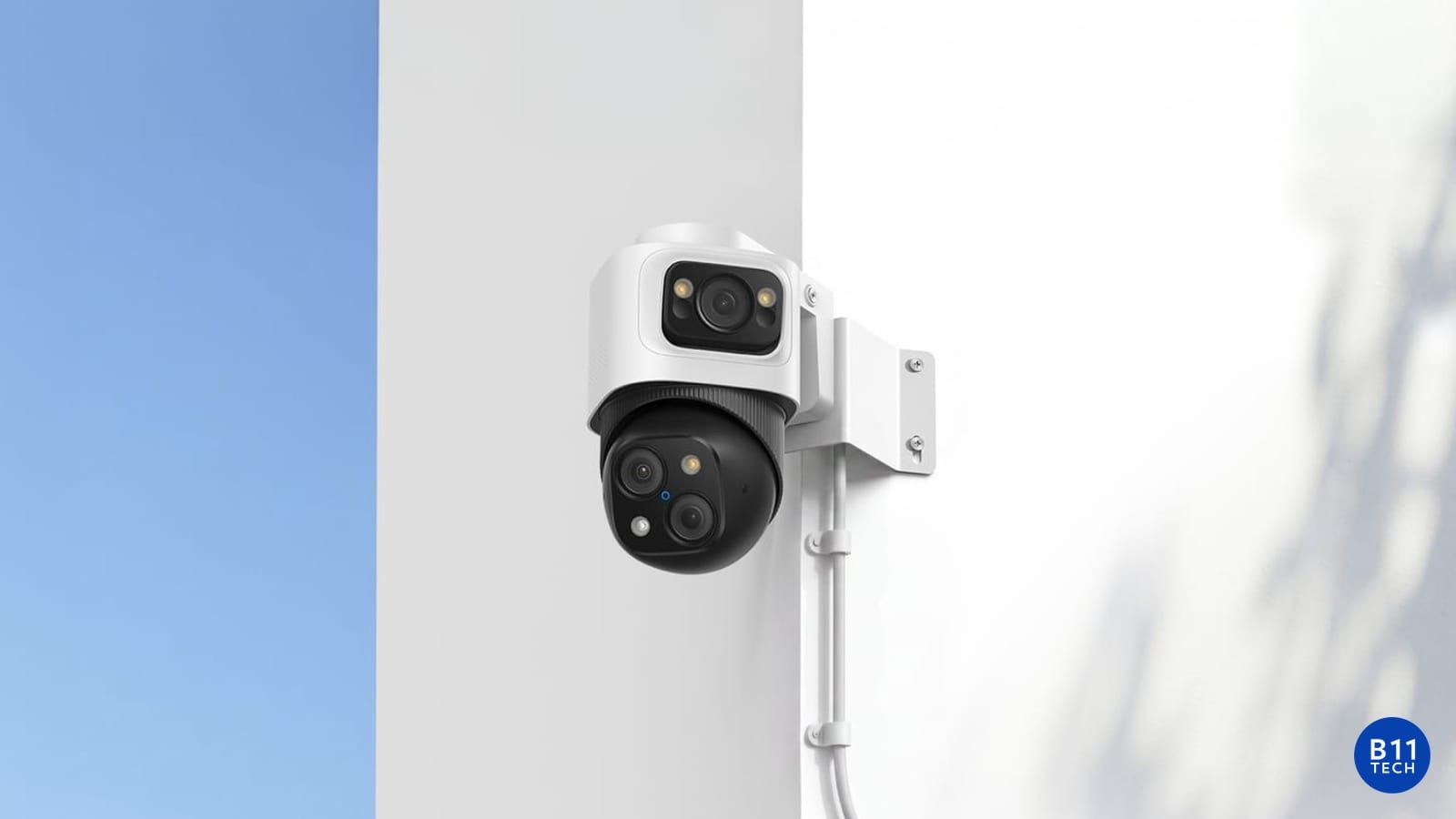
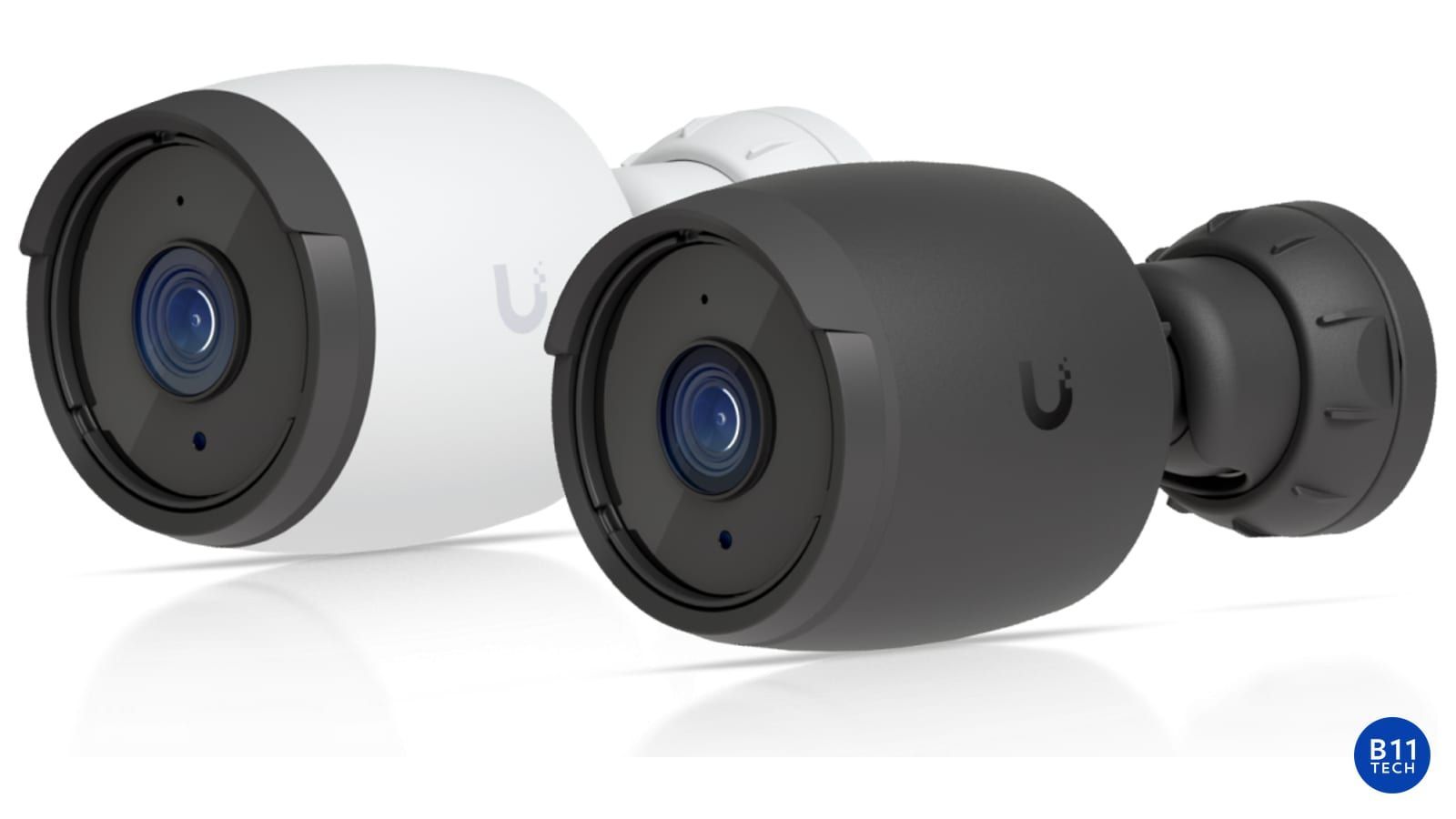
PoE and Wi-Fi cameras solve different installation challenges. Power over Ethernet uses a network cable for data and power on supported equipment. A Wi-Fi camera uses wireless networking, but it still needs a power source, such as a plug-in supply or battery. The right choice depends on coverage, recording expectations, cable access, and ongoing maintenance.
Why PoE is often a strong foundation
A wired camera does not depend on wireless signal quality at its mounting location. This can make PoE practical for a multi-camera installation, a parking area, or a system intended for consistent recording. The design still needs a suitable switch or injector, adequate PoE capacity, correct cable routing, and a compatible recorder.
Before planning a cable route, review attic or crawlspace access, wall construction, exterior penetrations, and the location of the network equipment. We explain the proposed route and finish details before installation. Cable accessibility can affect the project scope as much as the camera itself.
When plug-in Wi-Fi cameras make sense
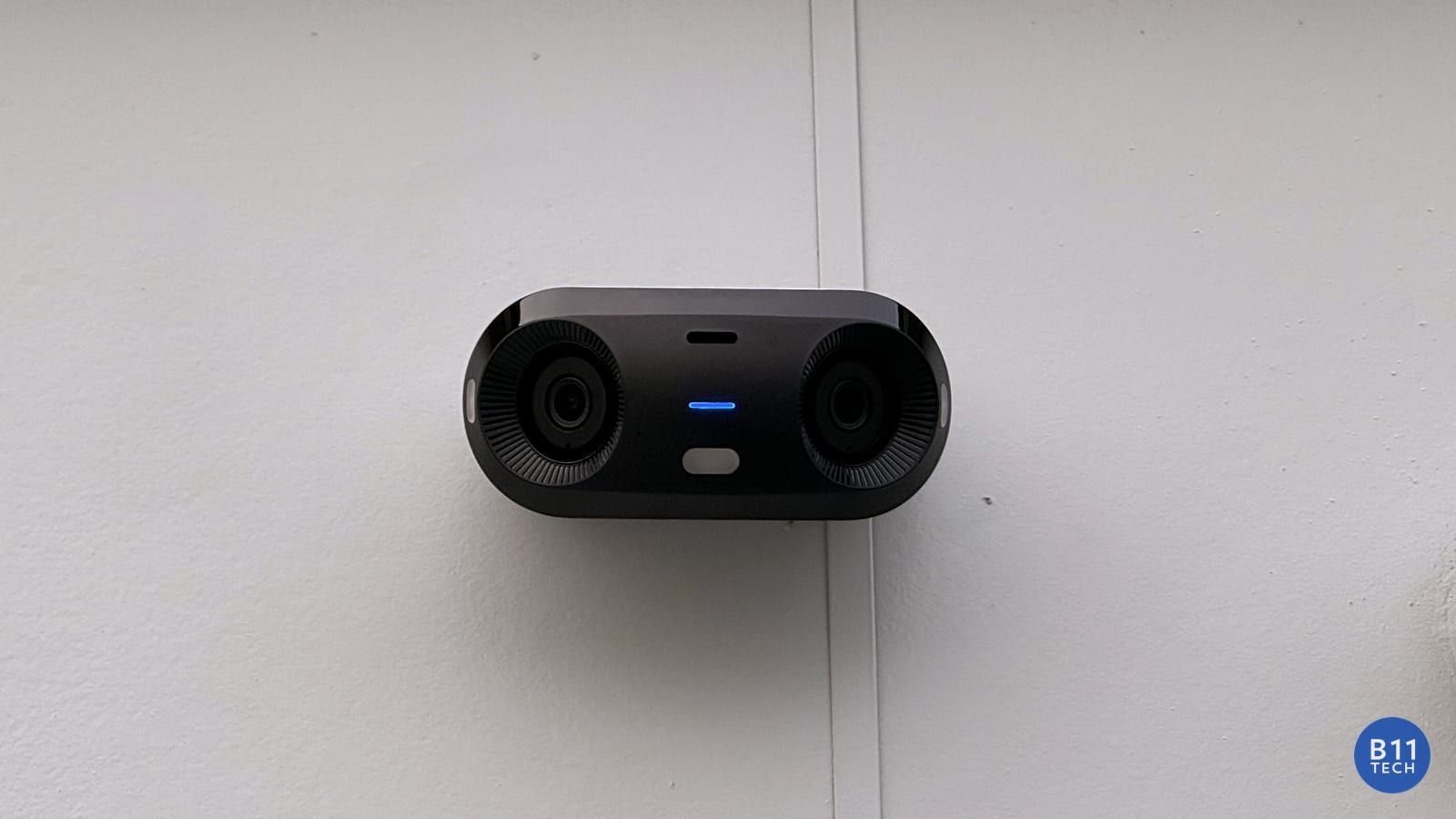
Wi-Fi can be useful where a network cable route is difficult but reliable power is available. Test the wireless connection at the actual camera location, not just beside the router. Exterior walls, distance, neighboring networks, and other wireless devices may affect performance.
If the camera disconnects, a new camera may not fix the underlying network problem. We review access point placement and coverage first. A targeted Wi-Fi improvement can support cameras, doorbells, and other connected devices without replacing everything.
Battery cameras require a different maintenance plan
Battery cameras can simplify placement, but recording capabilities and battery maintenance vary by model. Many use event-based recording. Some current Reolink battery models support continuous recording under specified conditions, so it is inaccurate to treat all battery cameras as identical. Check the exact camera, power arrangement, and supported recording destination. Review Reolink's continuous-recording compatibility guide.
Discuss how often the system will see activity, who will recharge or service batteries, and what should happen if power or connectivity is interrupted. A convenient installation is only useful if its maintenance expectations are realistic.
Recording and remote viewing are separate decisions
Confirm where recordings are stored, whether continuous or event recording is supported, how playback works, and which features depend on a subscription. A live view on a phone does not automatically mean the system has retained the footage you need.
Do not assume every camera from one brand works with every recorder. Third-party camera integration also has model-specific limitations. We verify compatibility before promising reuse of existing equipment.
What we test before handoff
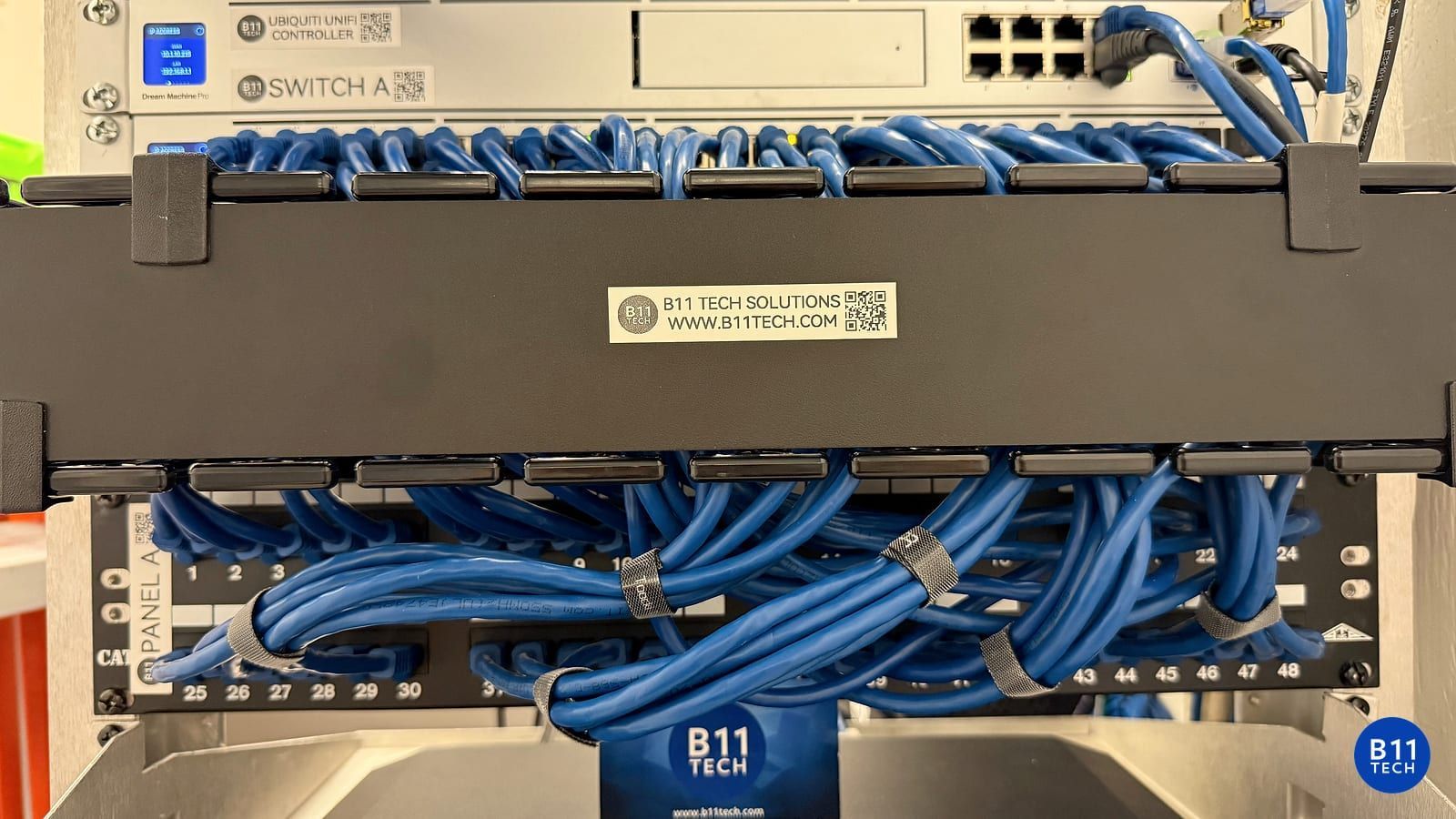
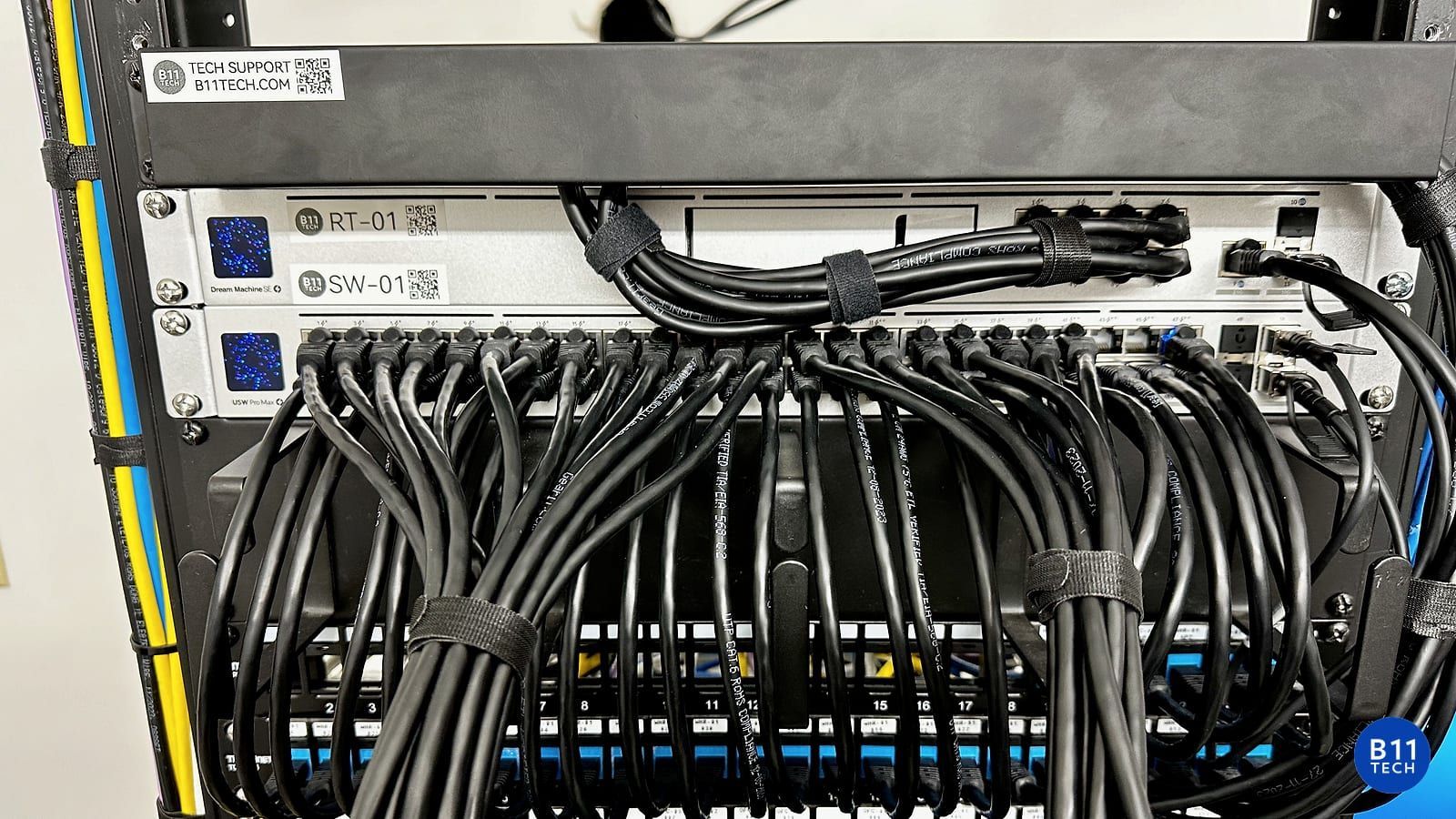
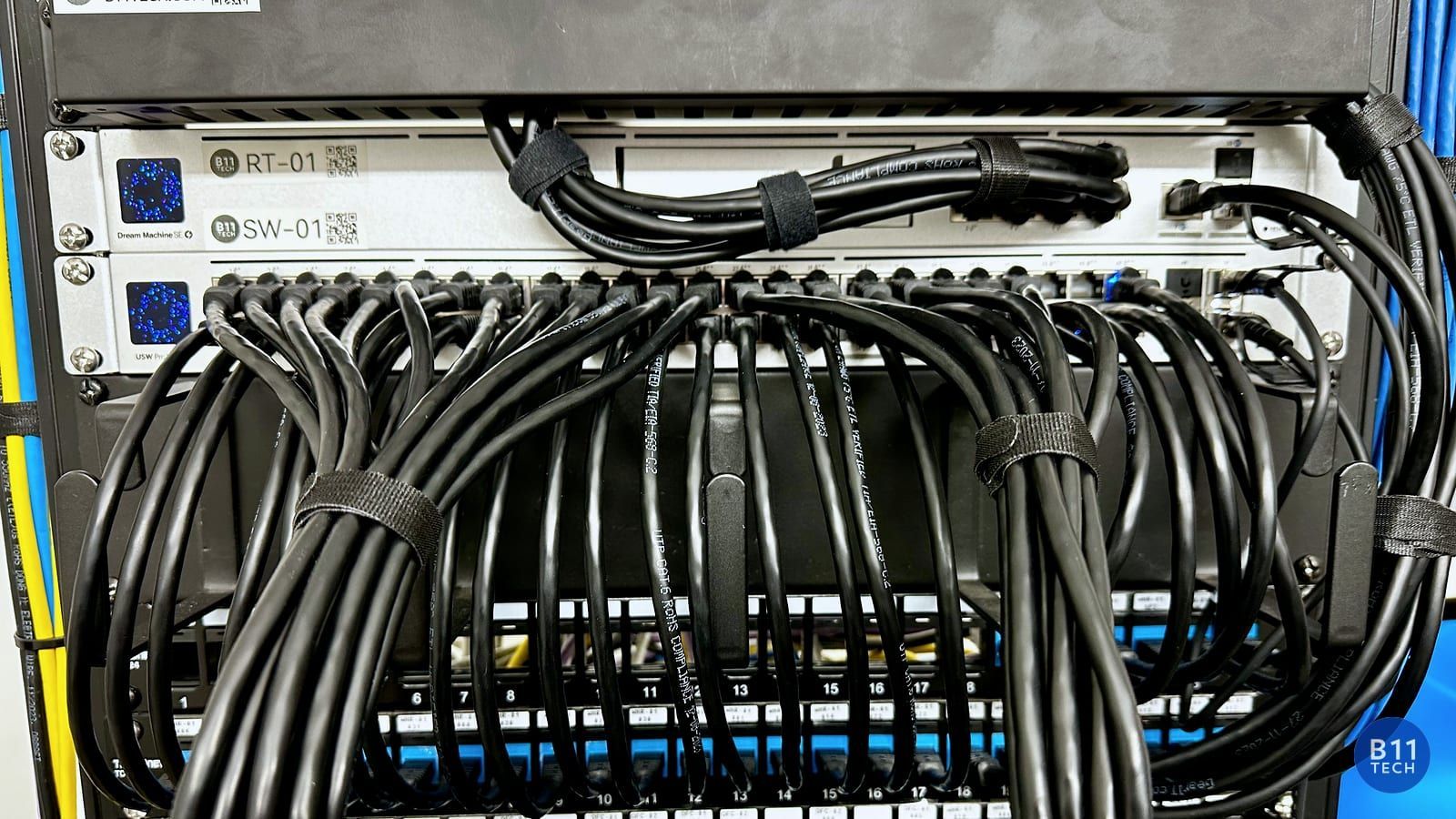
Our installation review covers camera views, power, network stability, recording, playback, alerts, and authorized remote access. For Wi-Fi systems, we also check the connection where each device is installed. For wired systems, we review cable labeling and the equipment that powers each camera.
Camera and Wi-Fi support across Greater Seattle
B11 Tech serves Seattle, Bothell, Kenmore, Mill Creek, Snohomish, Everett, Marysville, and nearby communities. We can review an existing system or plan a new installation around the property instead of forcing every project into a single technology.
Explore camera installation, commercial security cameras, and Wi-Fi network improvements. Schedule a free consultation to compare your options.